

Store information
Block settings
Image: Choose an image to display.
Image width: Adjust the width of the image to fit the visual layout and content requirements of your webpage or presentation.
Use the provided text fields to add a suitable heading/description. Leave any of them blank if you do not want to display them.
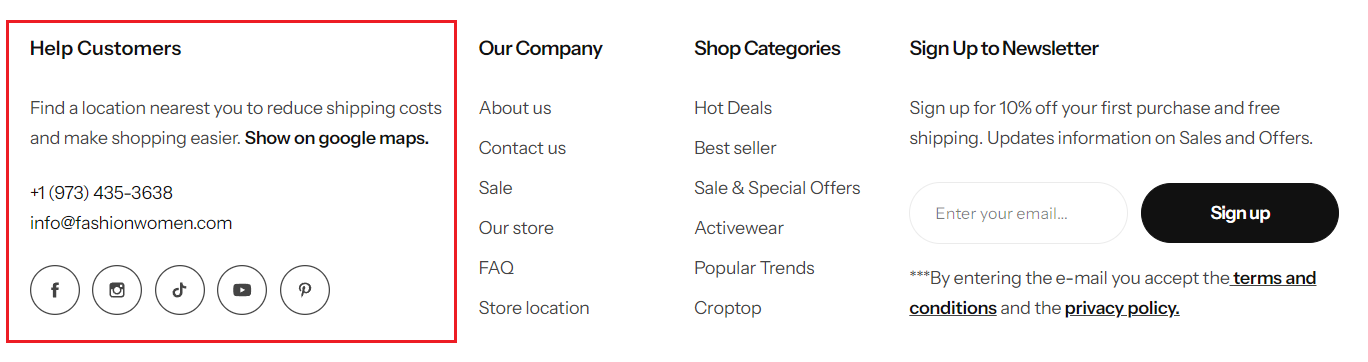
Show address, phone, email: Enable to display the store's address, phone number, and email.
Width: Set the width of the element to 25%, 33%, 50%, 66%, or 75% for precise layout control.
.png)
.png)
No comments yet