
Contact Us

Contact NextSky if you need further assistance.

Setup product group

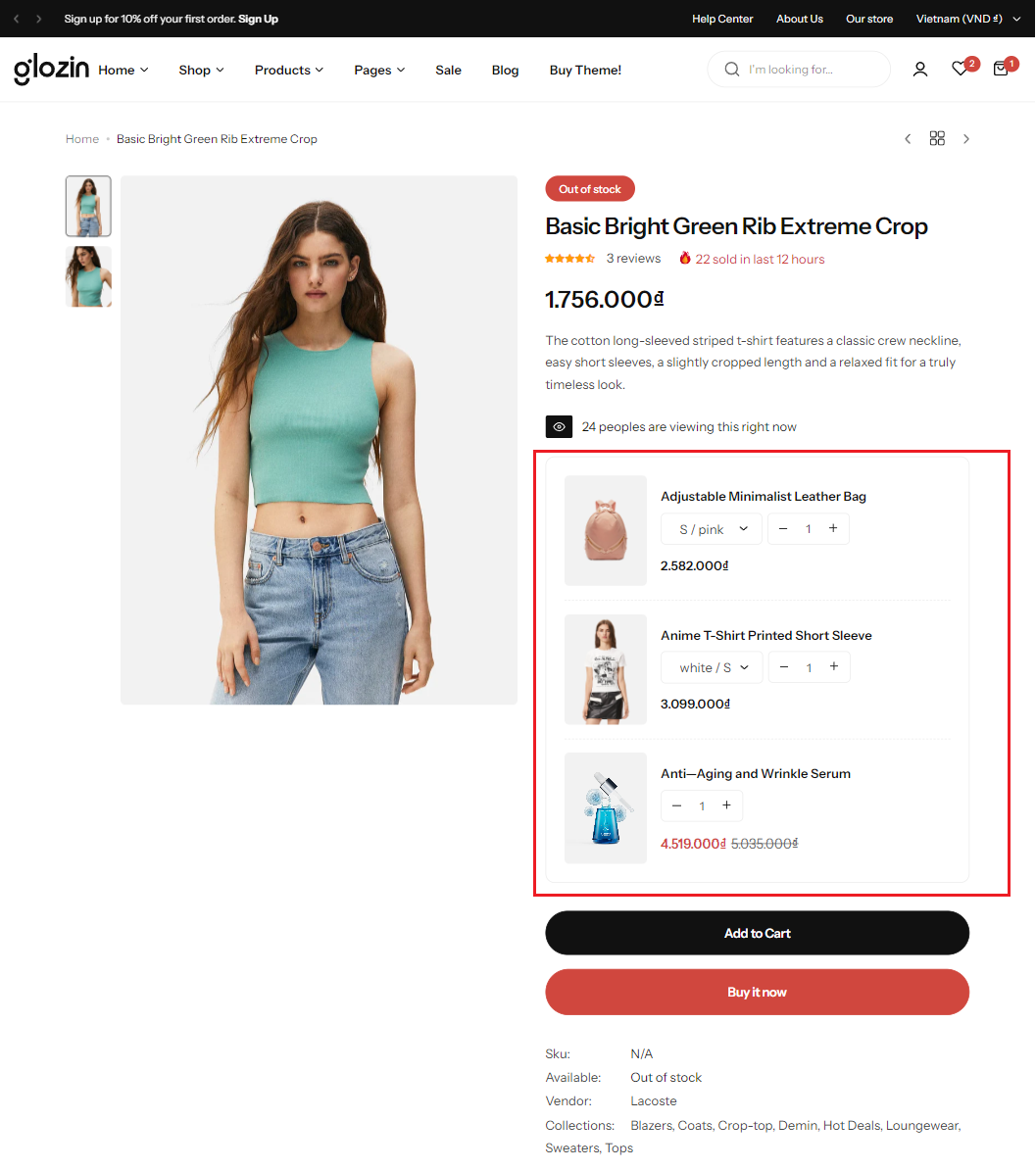
Grouping products and selling them as a set can help boost your sales. And the best part is that you’re not just increasing sales. You are also keeping your shoppers happy and engaged, and making it easy for them to find exactly what they’re looking for. To set up a Product group, please follow these steps:

Step 1: Create metafields

  1. Login to your Shopify store, click to Settings
  2. Click to Custom data and select Products
  3. Add metafields as bellow:
    • Name: Product grouped
    • Namespace and key: custom.product_grouped
    • Content type: Product - List of products
  4. Click Save

Step 2: Setup product

  1. From your admin, go to Products and select the products to setup
  2. Scroll down to Metafields and click to Product grouped
  3. Click to Select Products and select the products you want to group
  4. Save this change and you can see the result

Comments

No comments yet

Looking for Help?
Get support from our team

If you can't find the answer you're looking for, our support team is here to help.