

Edit theme code
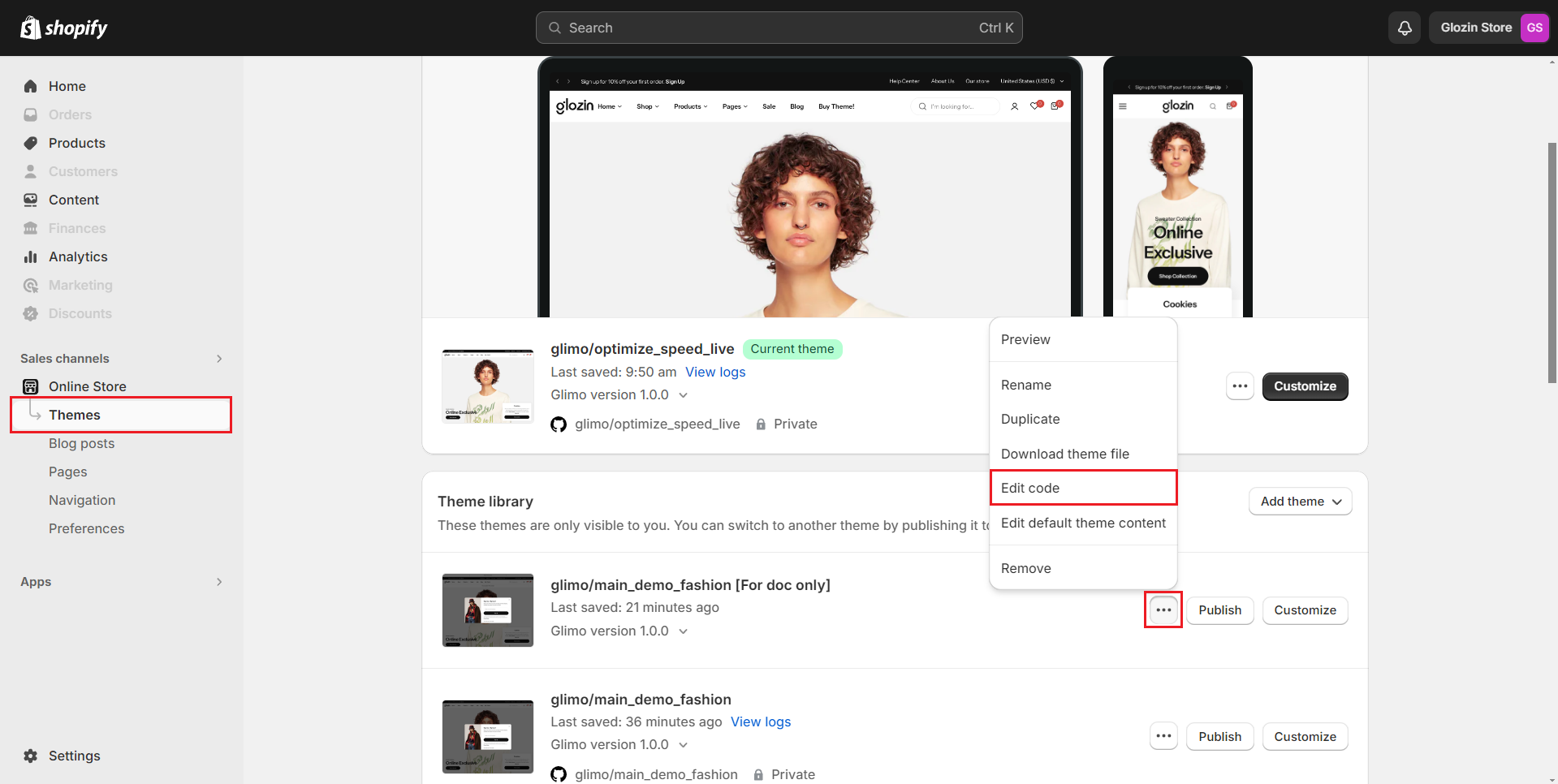
Editing your theme's code provides an opportunity for in-depth customization of your Shopify store. Themes are constructed primarily using Liquid, Shopify’s proprietary templating language, but they also incorporate HTML, CSS, JSON, and JavaScript. It’s advisable to edit the code only if you are familiar with these languages and a basic understanding of Liquid.
Before making any modifications, it's recommended to duplicate your theme to create a backup. This precaution provides a safety net, allowing you to revert to the original settings if needed.
No comments yet