

Featured product
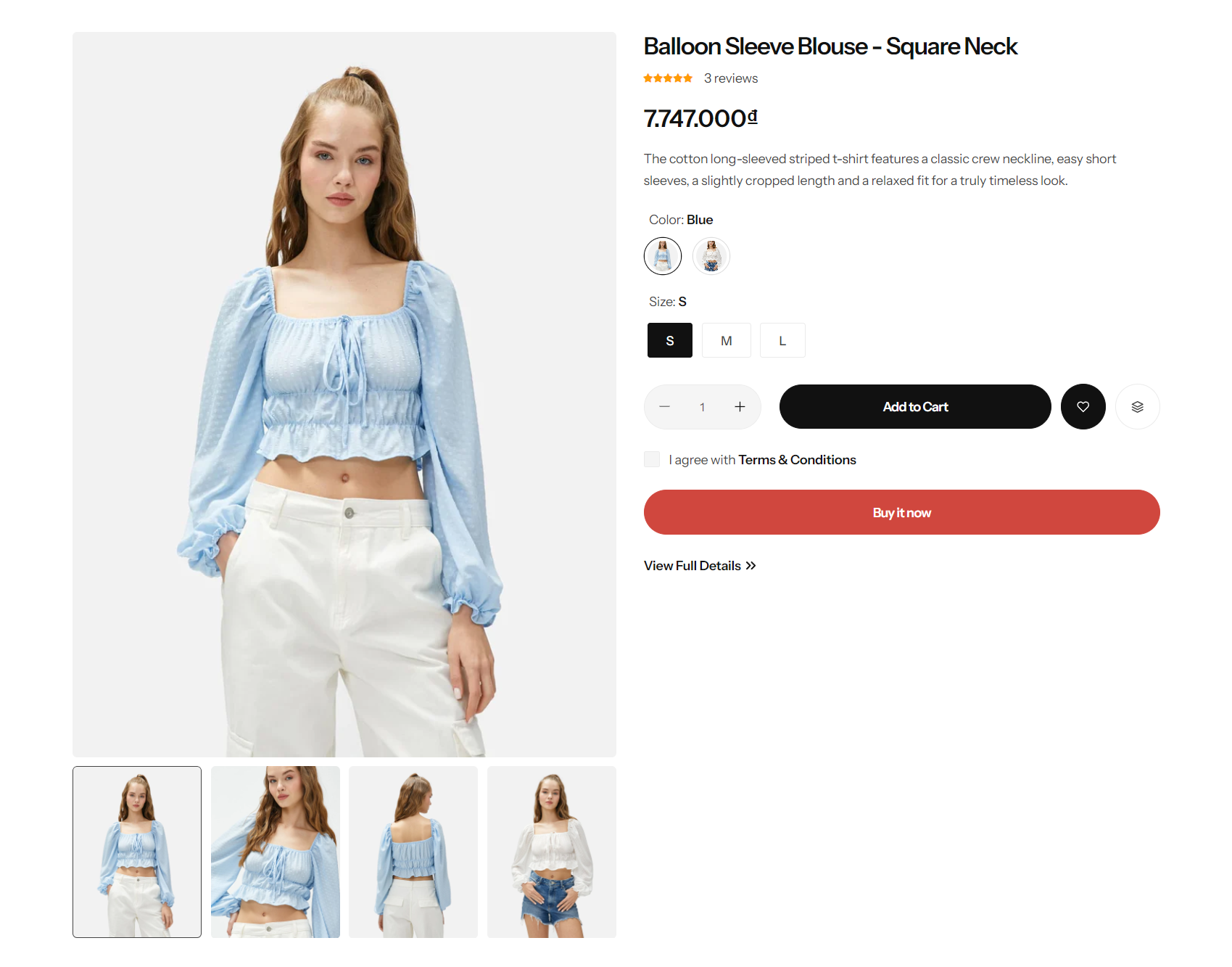
Product: Select the product you wish to display.
Section width: You can choose among Fluid Container, Stretch width, Full width for the layout or just leave it with the default layout of the video.
Color scheme: You are allowed to change text color, background color, etc. with preset color.
.png)
Desktop media width: Configure the media width for desktop displays.
Desktop main image position: Determine the position of the main image on desktop.
Desktop thumbnails position: Set the position of thumbnails on desktop.
Enable video autoplay: Configure the video to autoplay on desktop.
Enable video looping: Set the video to loop continuously after finishing.
.png)
Section padding
Section padding allows you to specify the space between this section and the preceding or following sections, or both.
.png)
Block settings
With each block added, you will have the option to relocate them and access more detailed settings.
.png)
No comments yet