

Help center
.png)
Section settings:
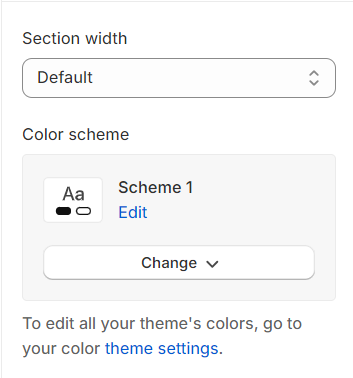
Section width: You can choose among Container, Wrapped container, Full width for the banner layout.
Color scheme: Set text color and background color with preset scheme.
Faq message:
Image: Choose image for section.
Use the provided text fields to add a suitable heading/subheading/description. Leave any of them blank if you do not want to display them.
.png)
Button label: Customize the text label on the button to match your site's tone and call-to-action.
Button type: Determine the visual importance of the button by selecting its type (e.g., primary, secondary), guiding users' interactions with your site's hierarchy of actions.
Image Size: Set a custom width for the image here.
.png)
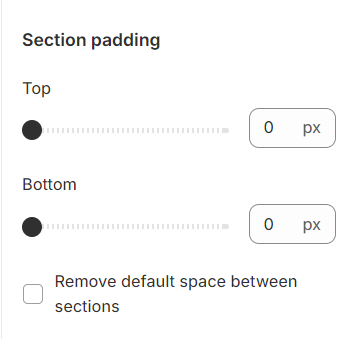
Section padding:
Section padding allows you to specify the space between this section and the preceding or following sections, or both.
Block settings:
These blocks are designed to display FAQs, providing a structured format for presenting frequently asked questions and their answers in an organized and accessible manner.
.png)
No comments yet