

Collection List Page
Collections list
.png)
Setting collections list
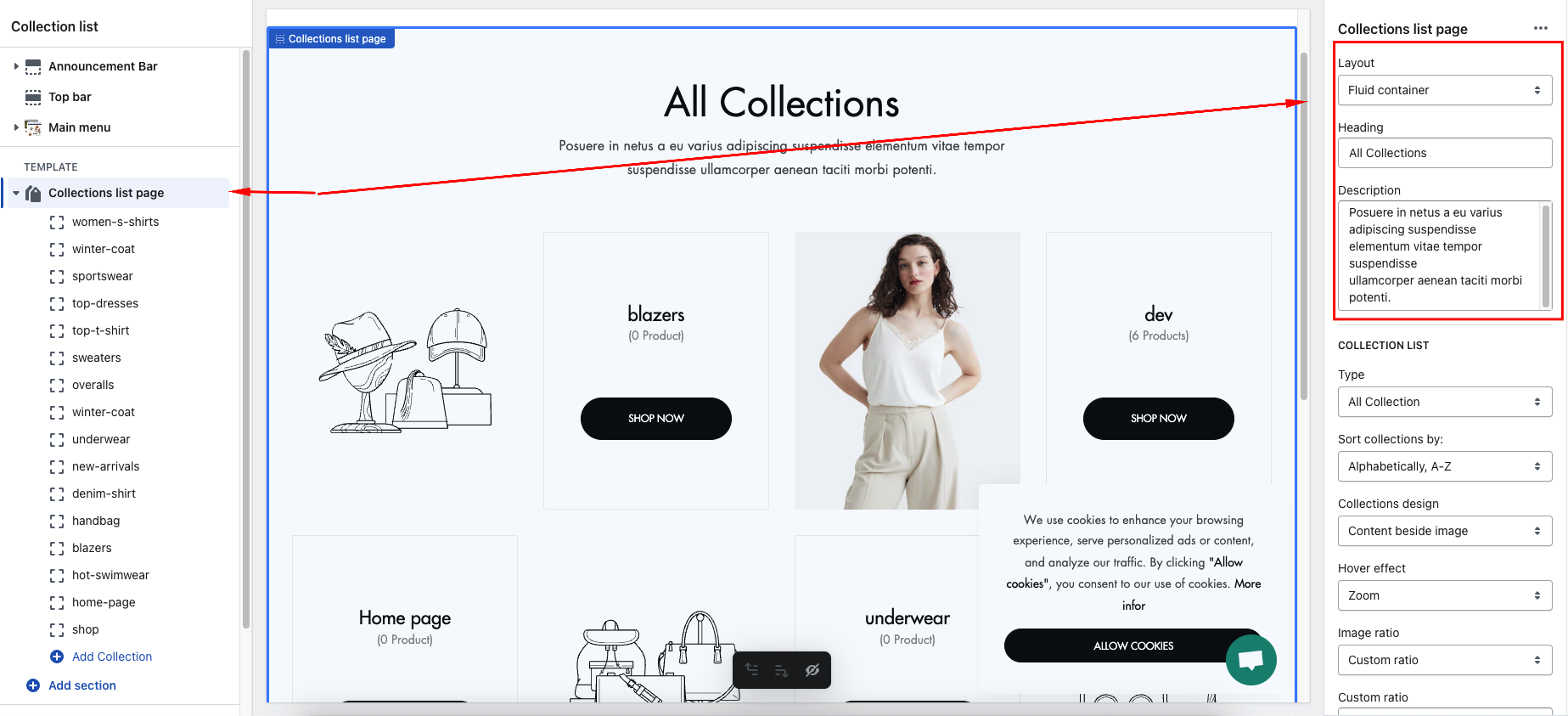
- Layout , header and description
- Collection list setting
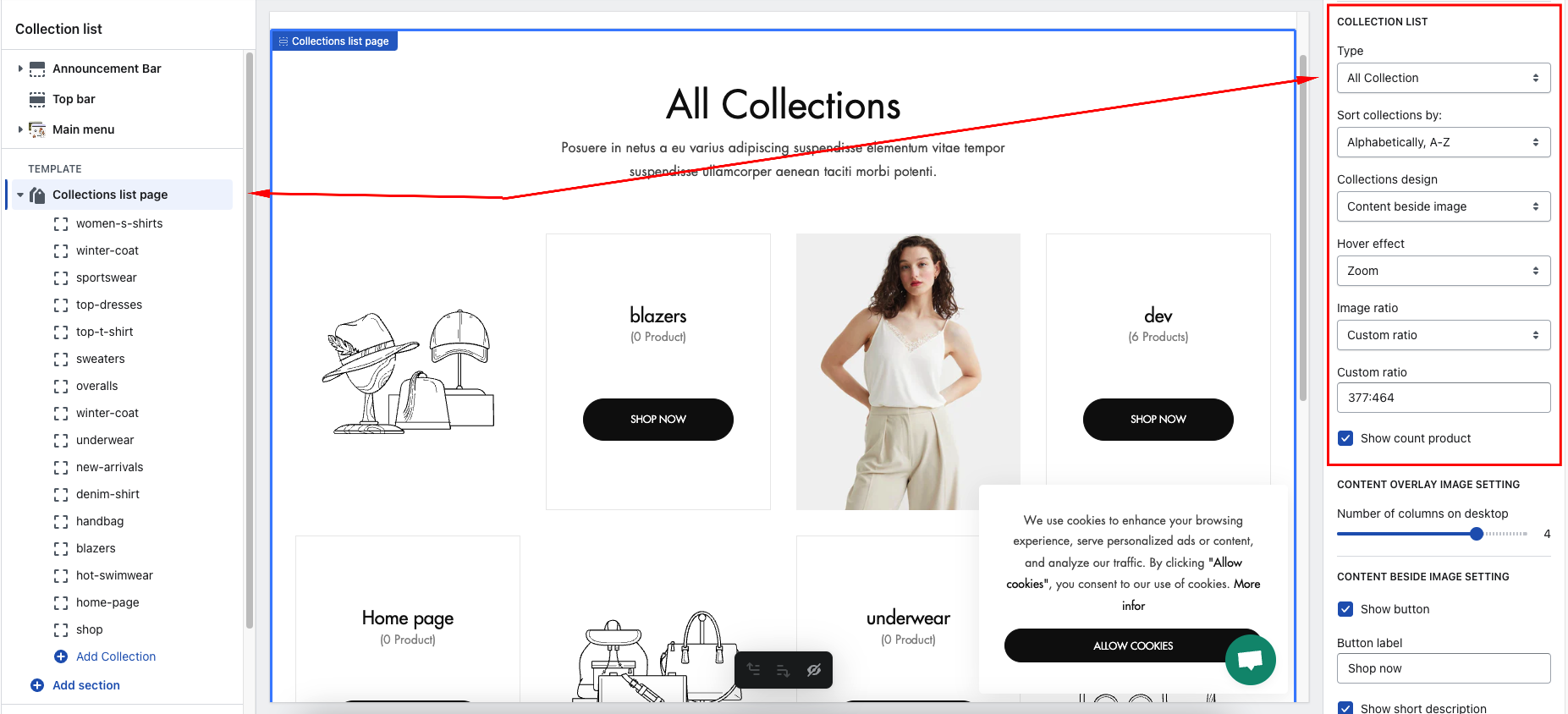
2.1. Type
- All Collection: Show the number of collections created
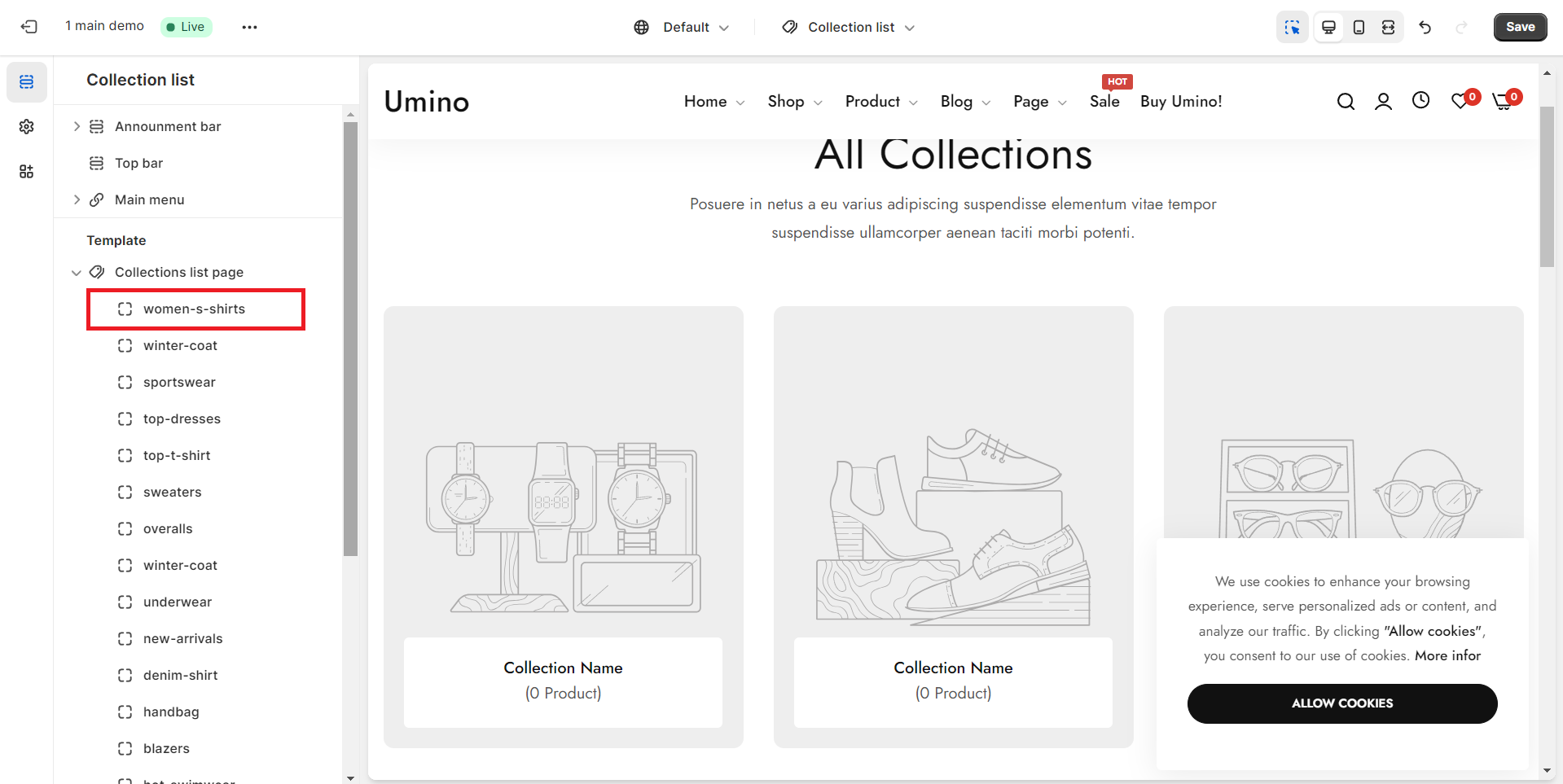
- Custom Collection: Show collection by adding block
.png)
2.2. Sort collections by:
- Alphabetically, A-Z
- Alphabetically, Z-A
- Date: new to old
- Date: old to new
- Product count: high to low
- Product count: low to high
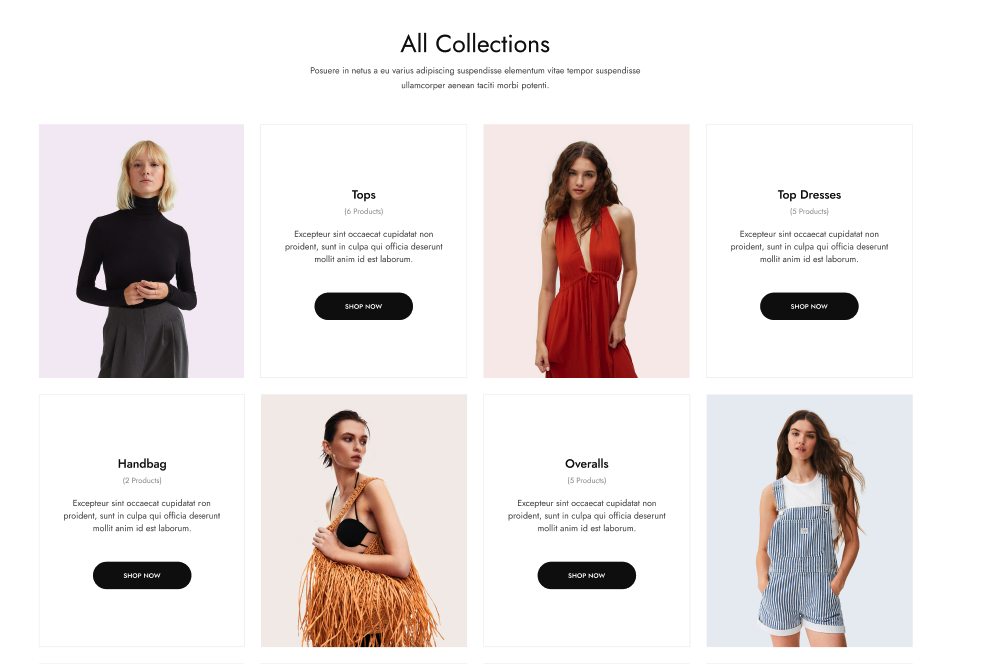
2.3. Collections design
- Content overlay image
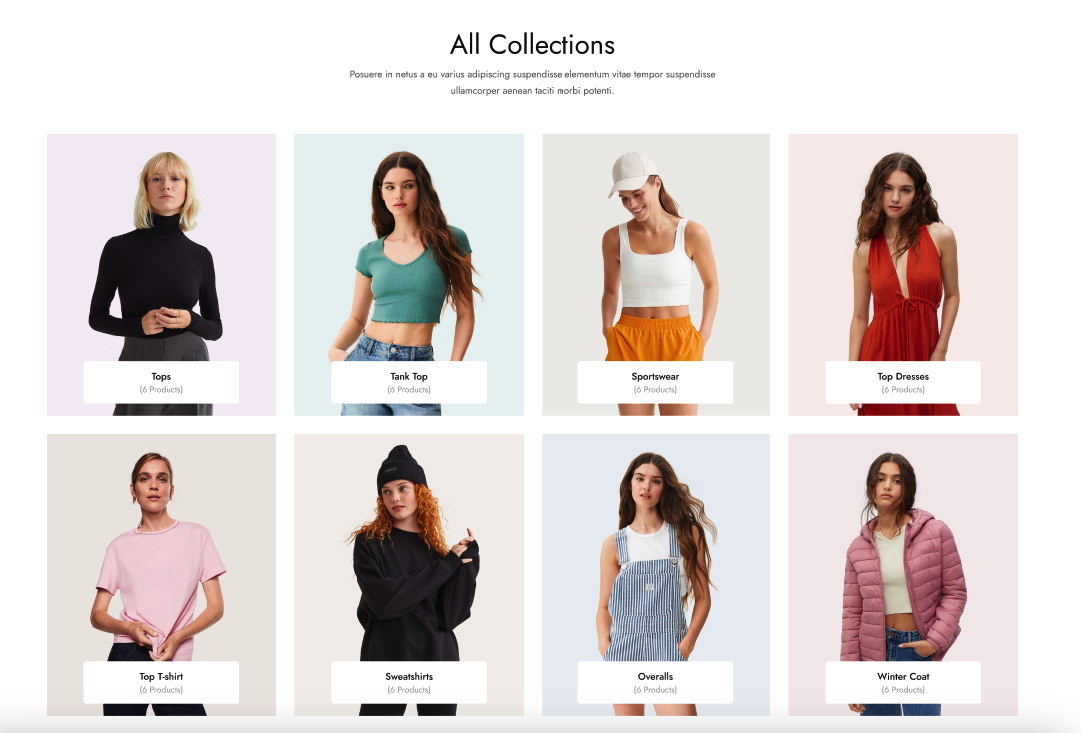
- Content beside image
2.4. Hover effect
- Zoom
- Border inset
- Show shadow
- None
2.5. Image ratio
- Original aspect ratio
- 1:1
- 3:4
- 4:3
- Custom ratio
2.6. Custom ratio
2.7. Show count product
- Show the number of products in the collection
- Content beside image setting
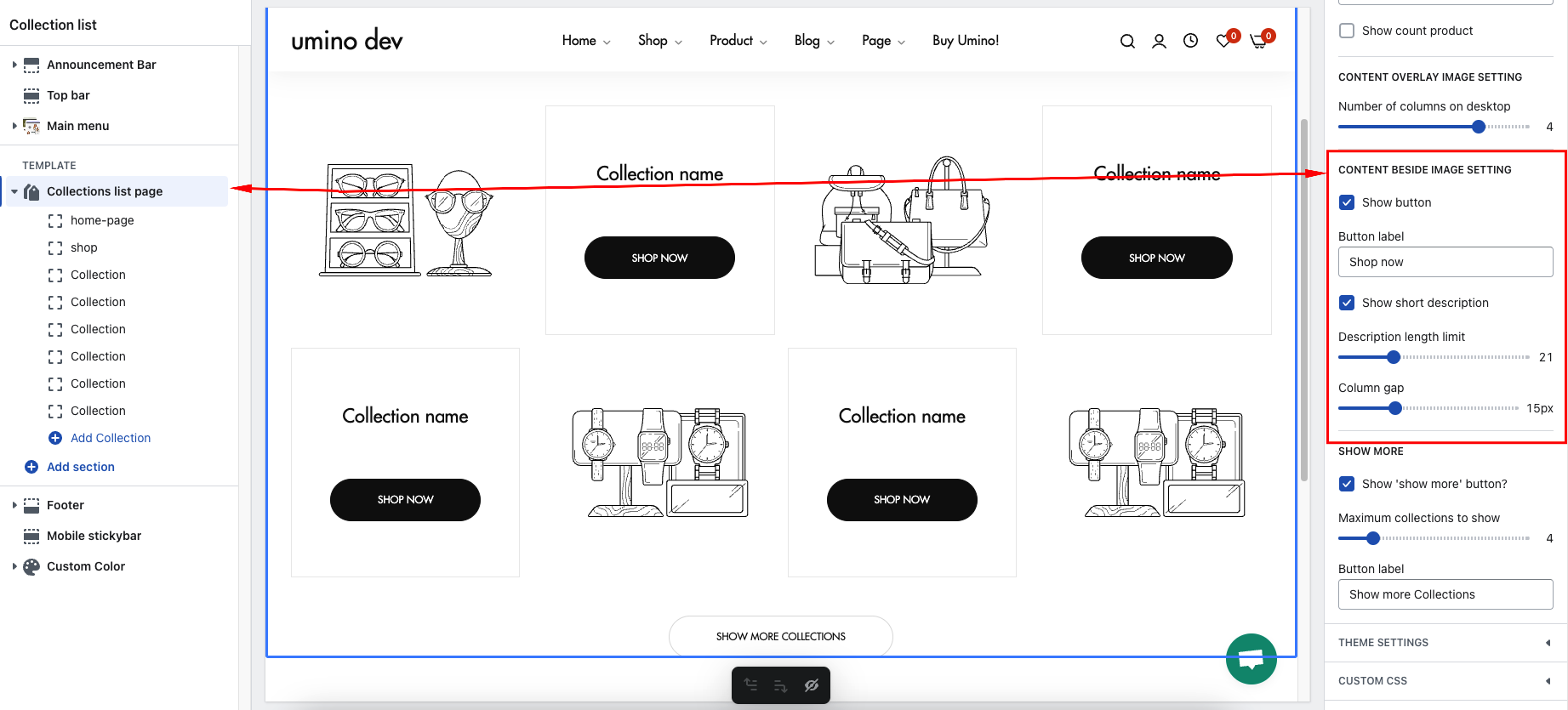
- Show button
- Button label
- Show short description
- Description length limit
- Column gap
- Show more
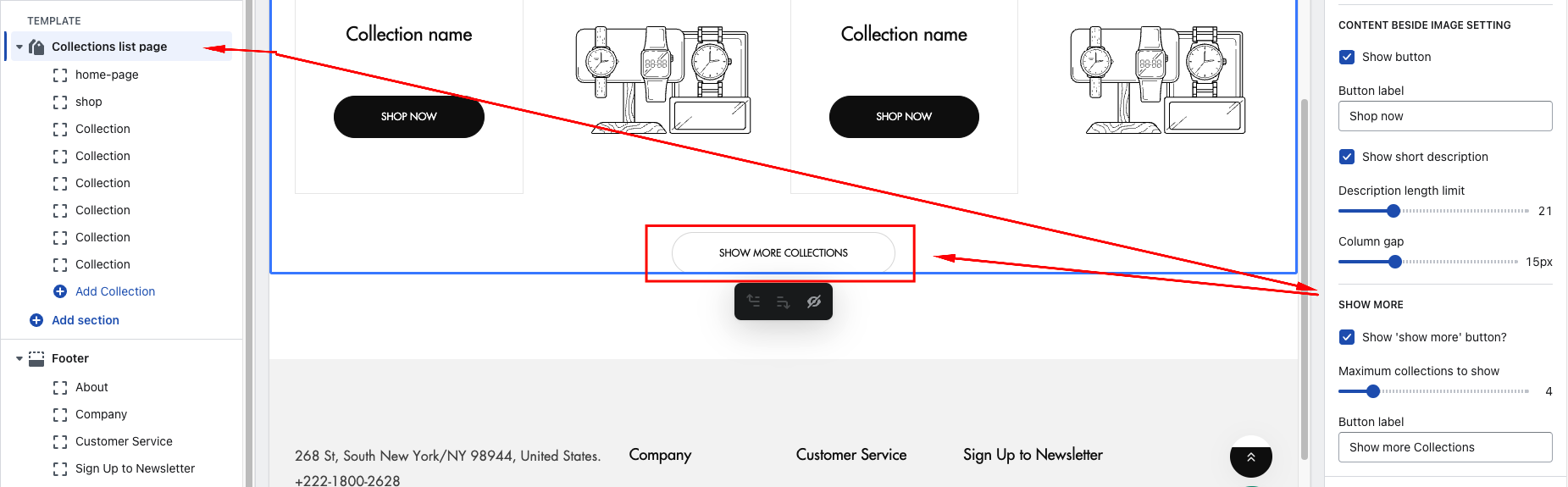
- Show 'show more' button?
- Maximum collections to show
- Button label
No comments yet