

Type image
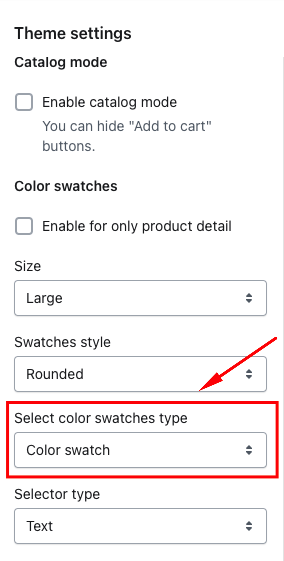
- Setting: From your admin, click to Online Store -> Themes -> Product -> Color swatches
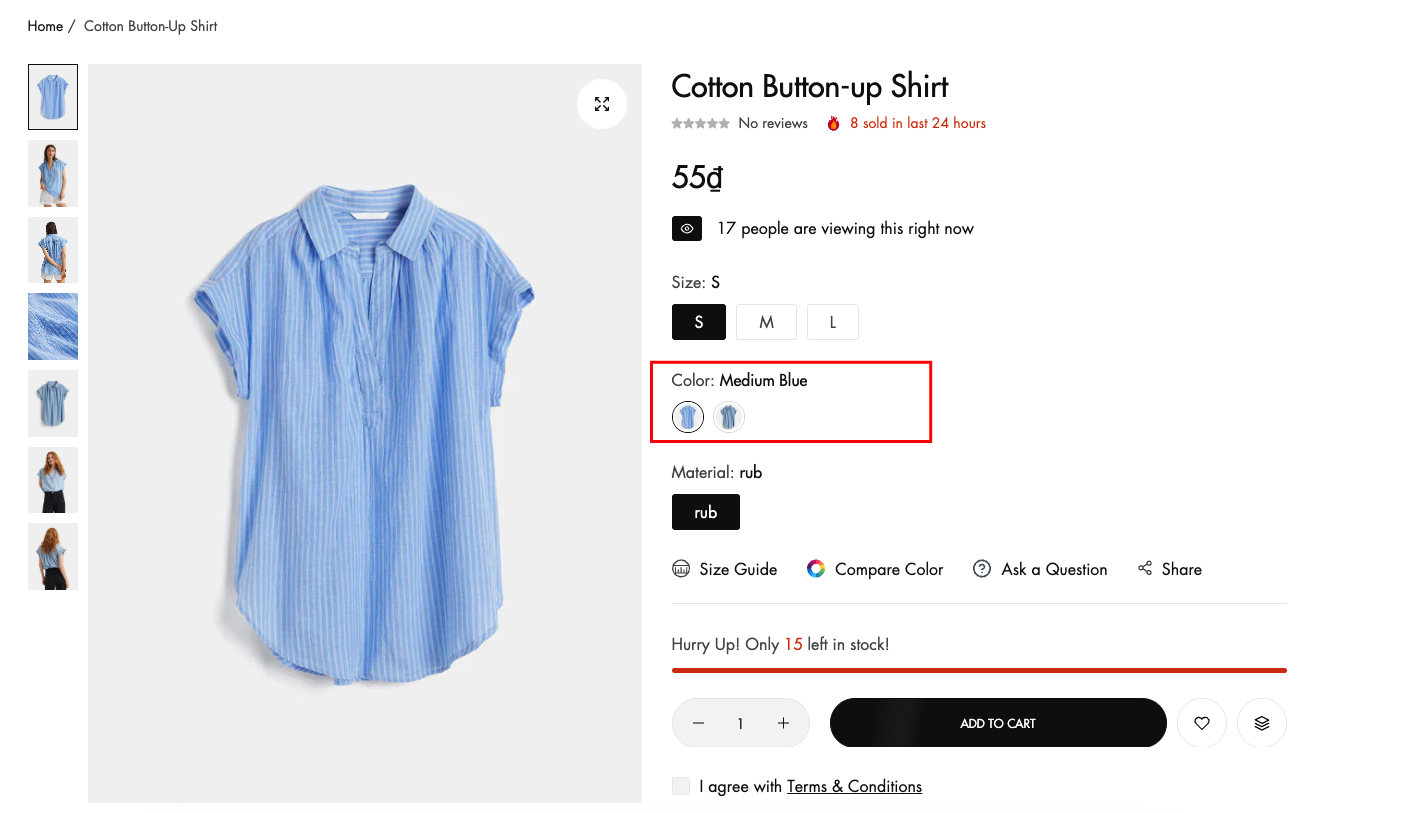
- Select color swatches type : color
If you can't find the answer you're looking for, our support team is here to help.
Contact Us
Contact NextSky if you need further assistance.
No comments yet