

Product Review & Sold
Product Review & Sold:
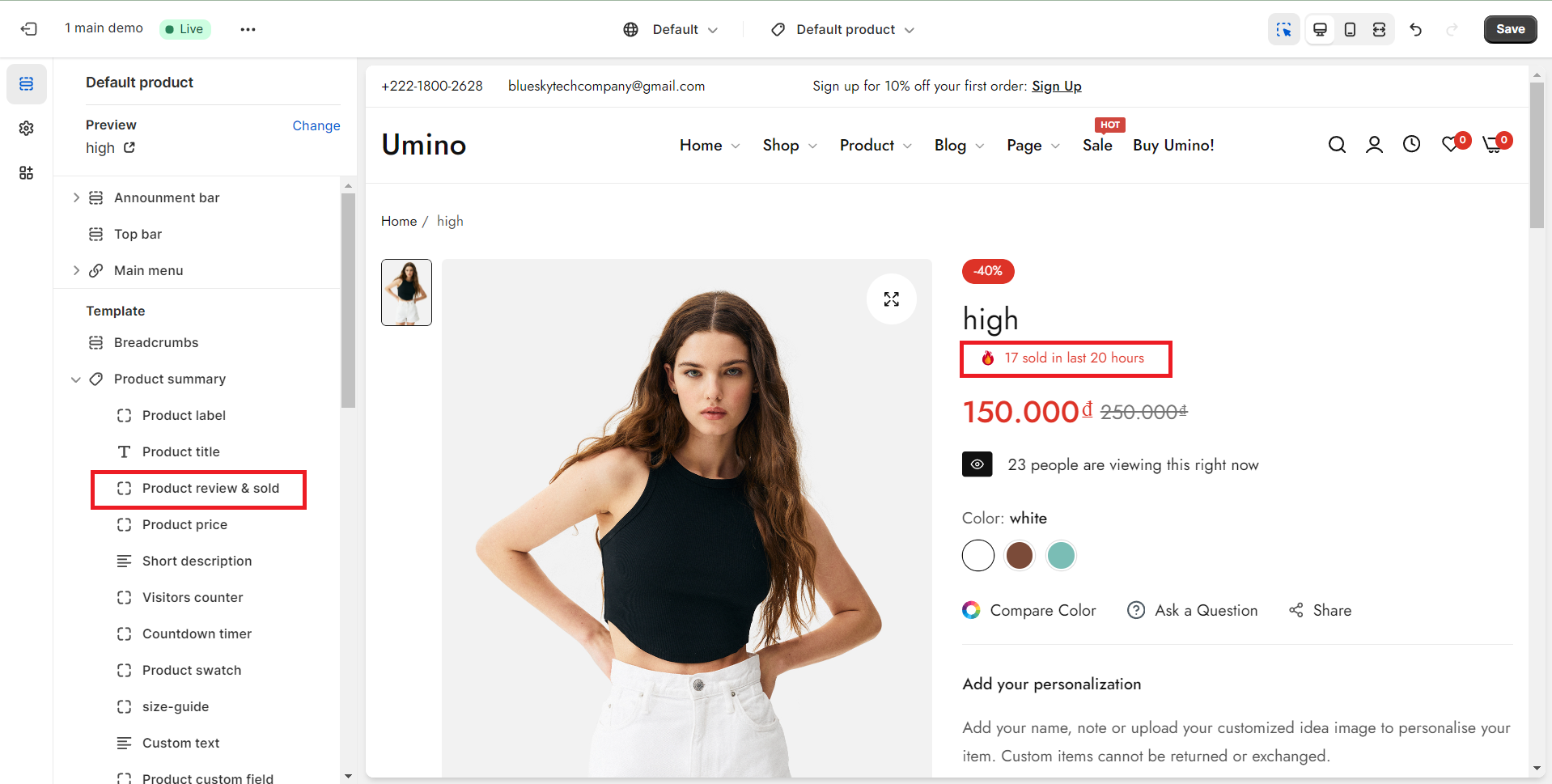
.png)
- Show Review checkbox: Tick on this checkbox to show the review.
- Show Fake Sold Product checkbox: Tick on this checkbox to show the sold Product.
- Sold: The product quantity will be shown randomly. However, you can adjust the product quantity that was sold on Sold Flash option here.
- Hours: You can configure the number of the time that will show on the Total sold flash option.
No comments yet