

Image comparison slider
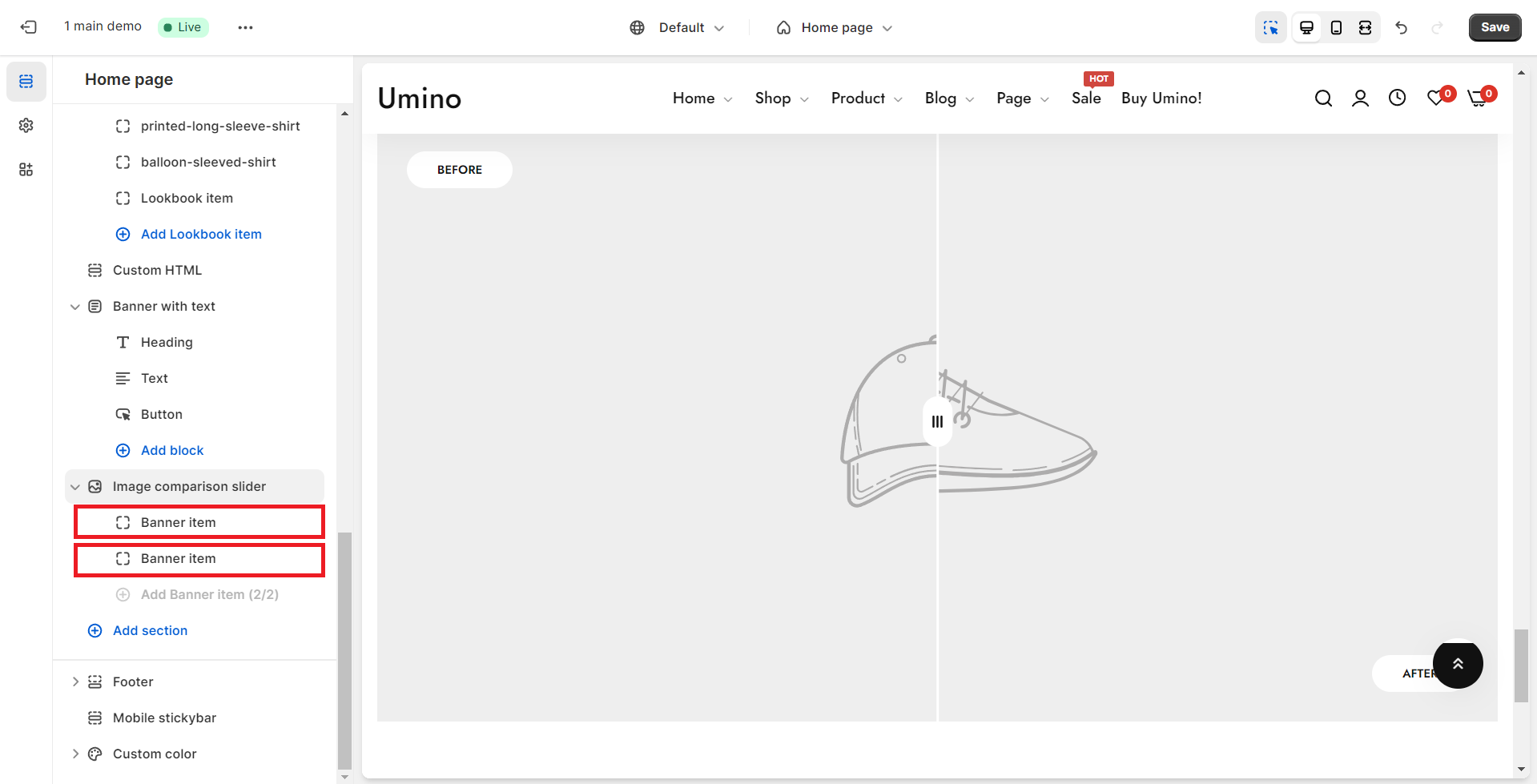
Image comparison slider shows 2 images next to each other which let customers see the differences between them.
.png)
.png)
.png)
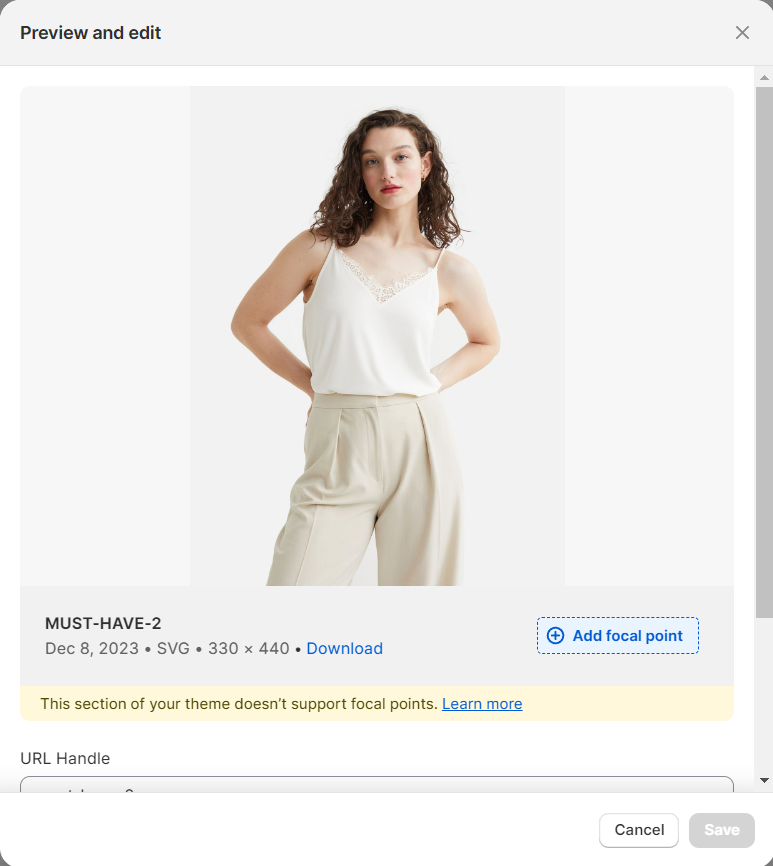
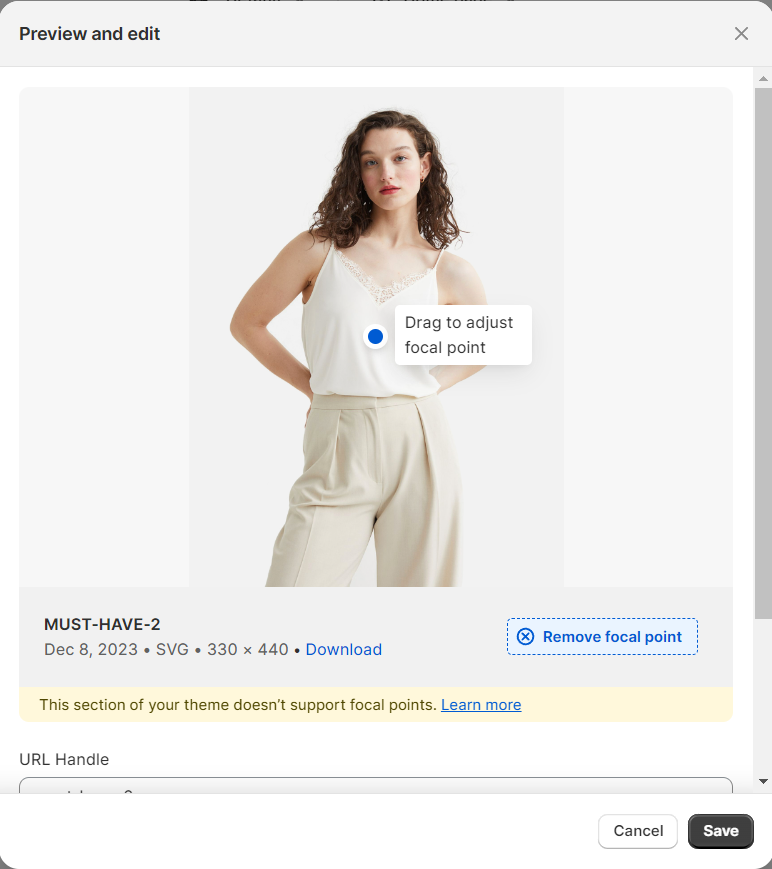
Add focal point: This feature helps you select the most important part of an image for your store. It ensures that the focal points of the image always remain visible, even if a section crops the image to fit the layout.
No comments yet