

Instagram shop
Instagram shop
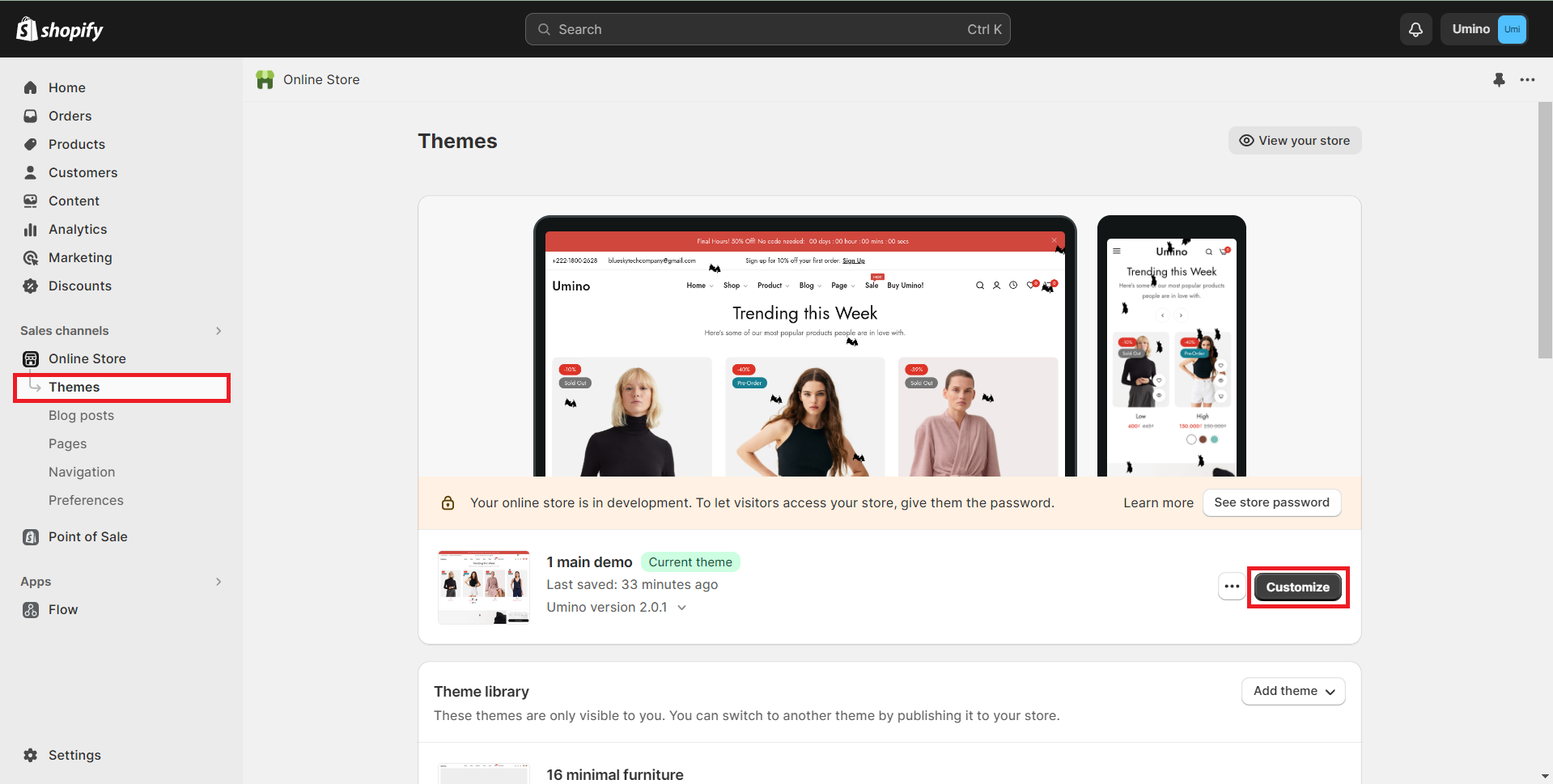
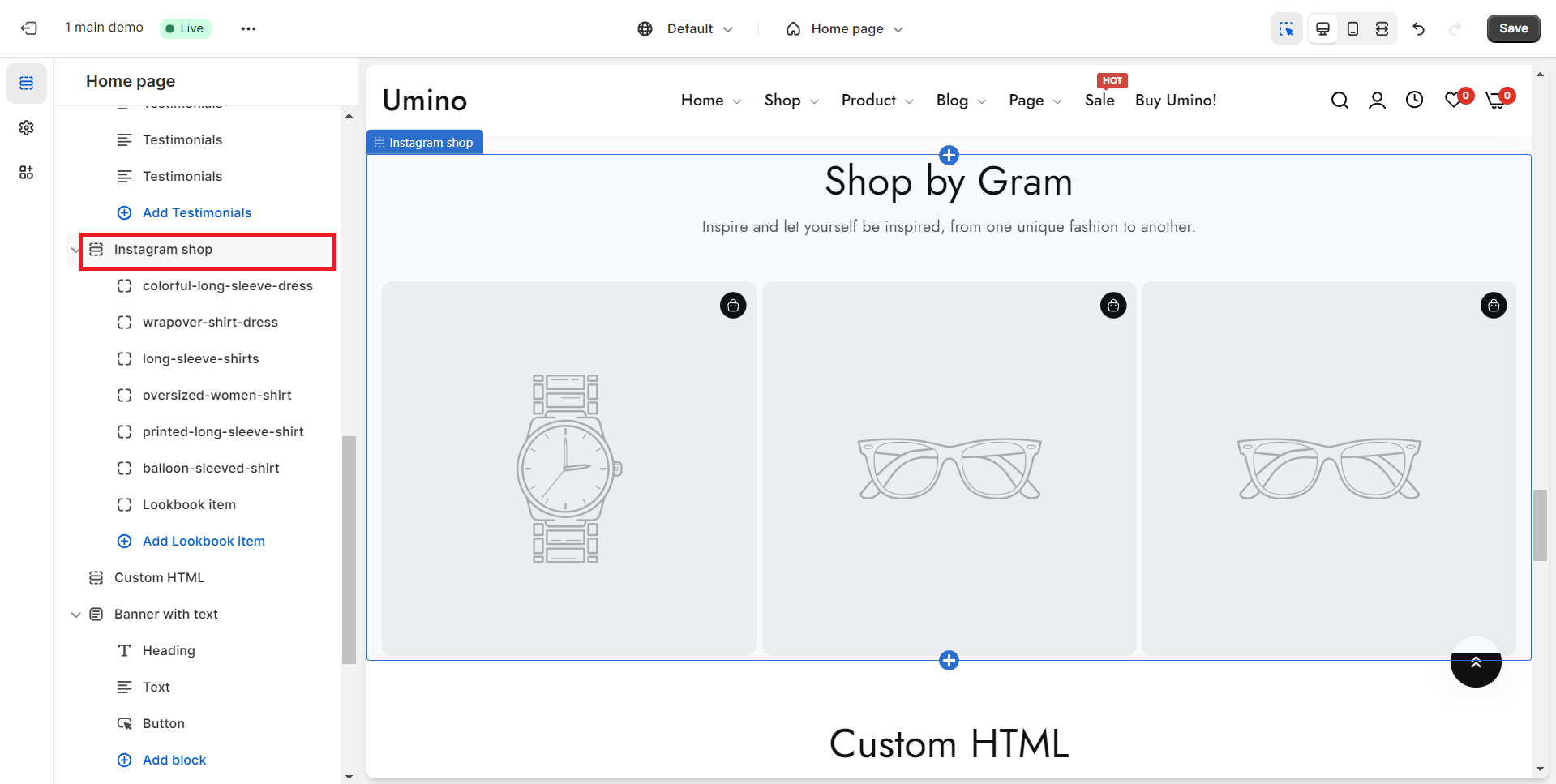
1. Header settings
Use the provided fields to add a heading/description for the section. Leave any of the fields blank if you do not want to display them.
.png)
2. General and Lookbook settings
.png)
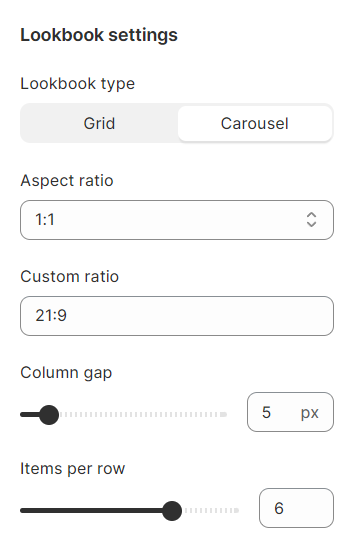
3. Carousel and Section padding
Padding in the section allows you to specify the space between the slideshow and the preceding or following sections, or both.
.png)
Instagram lookbook
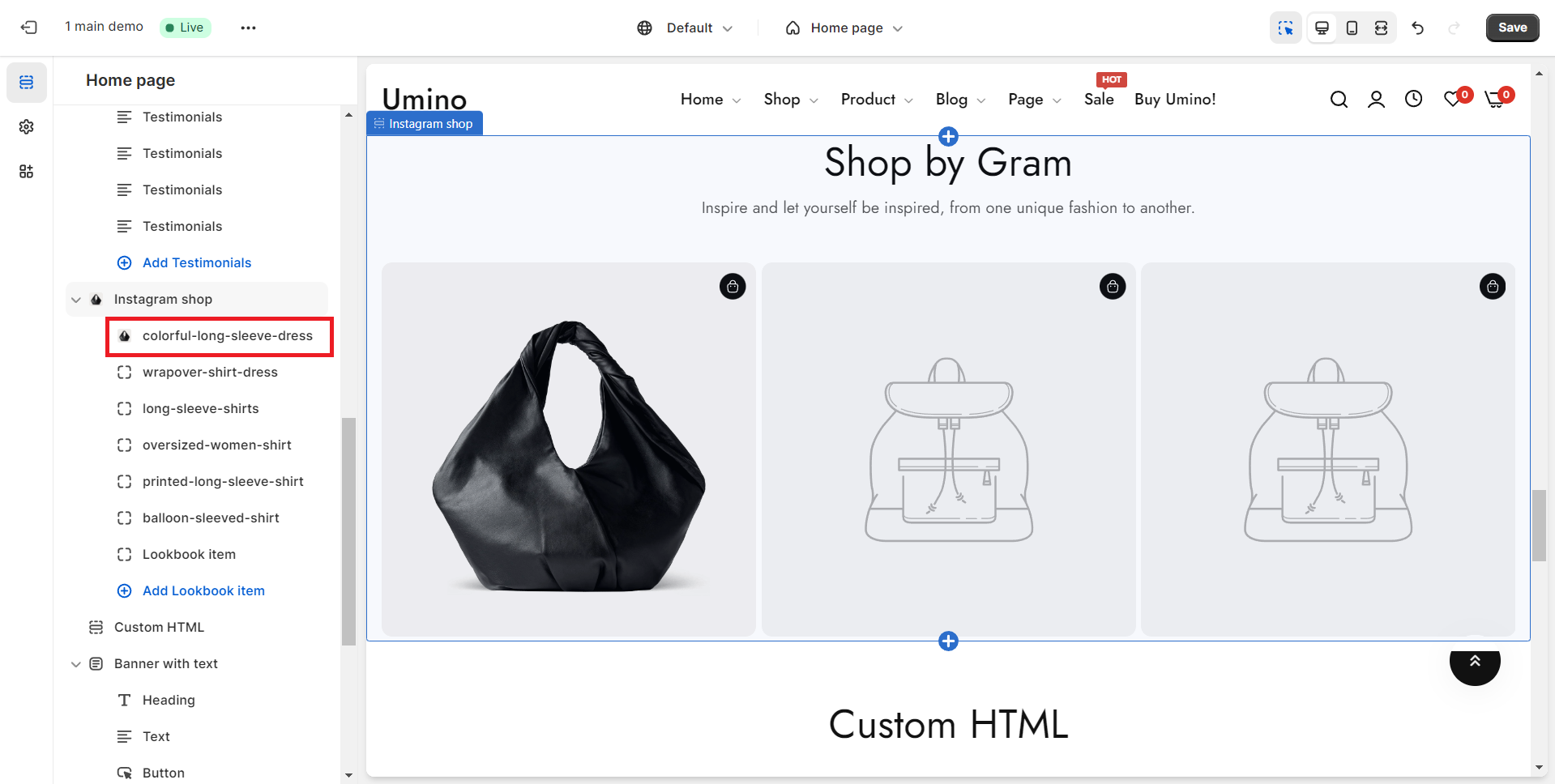
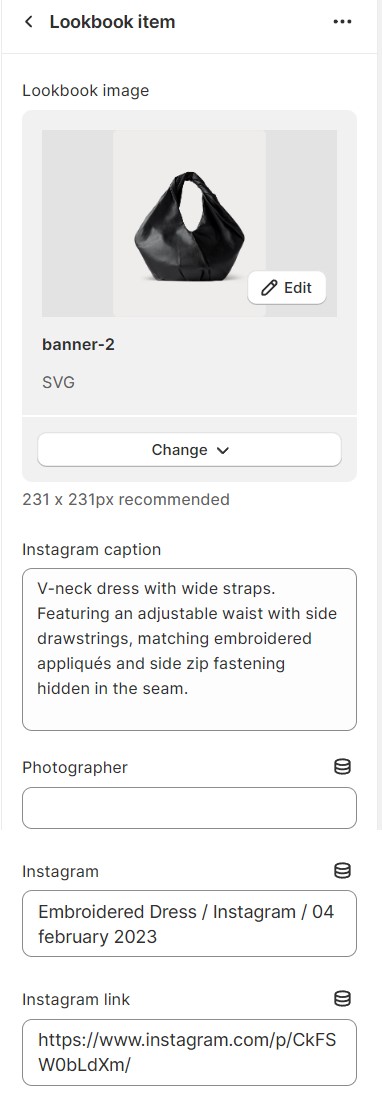
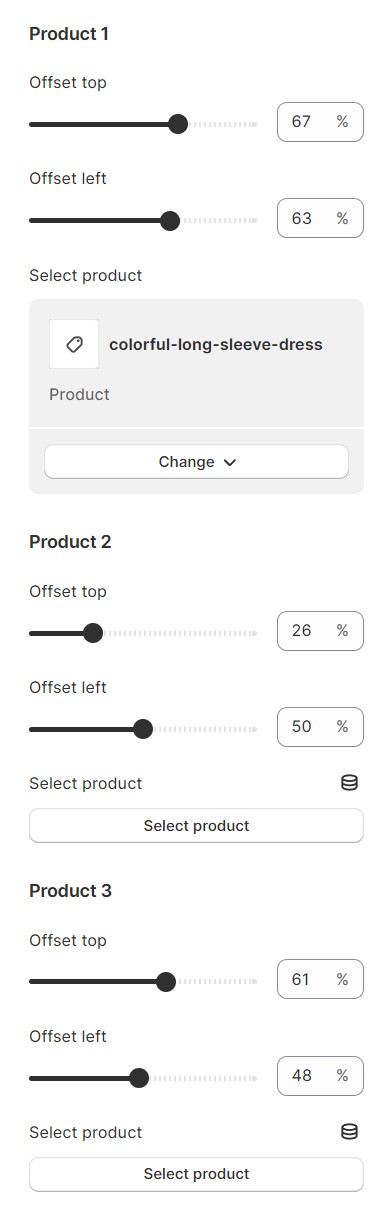
You can fine-tune information about the Instagram Shop, as well as make adjustments to any item within the shop, directly from this location.
No comments yet