

Instagram is one of the most influential social platforms that can attract potential customers. Using it in your store can be a tactic move.
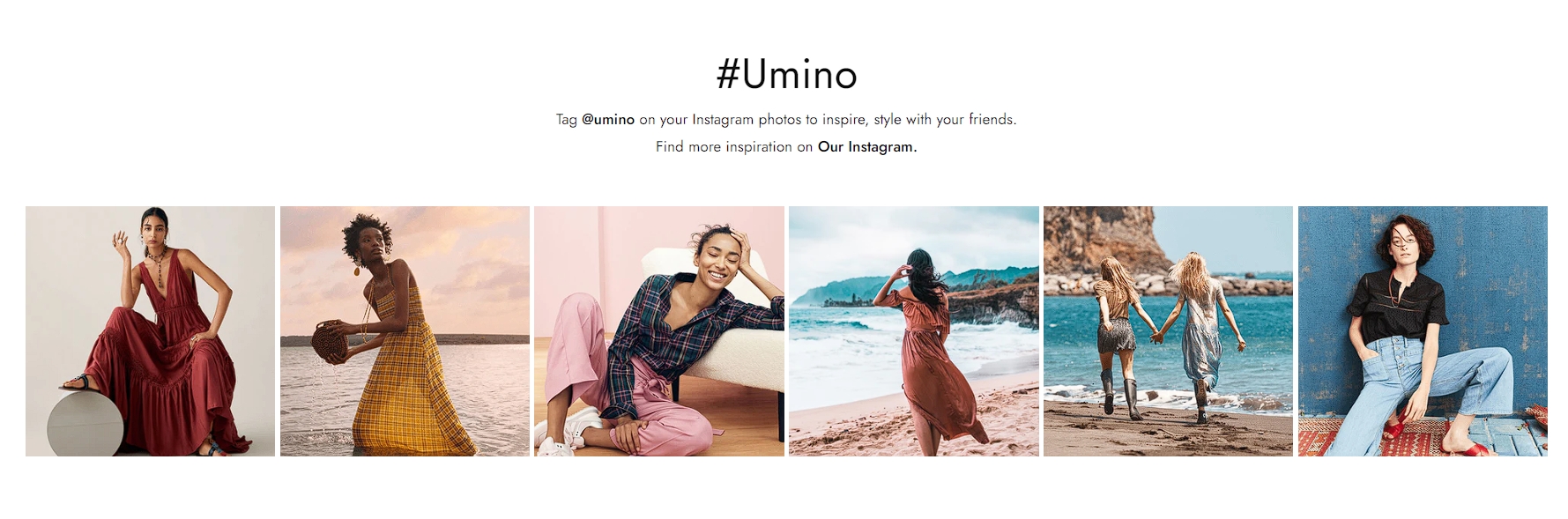
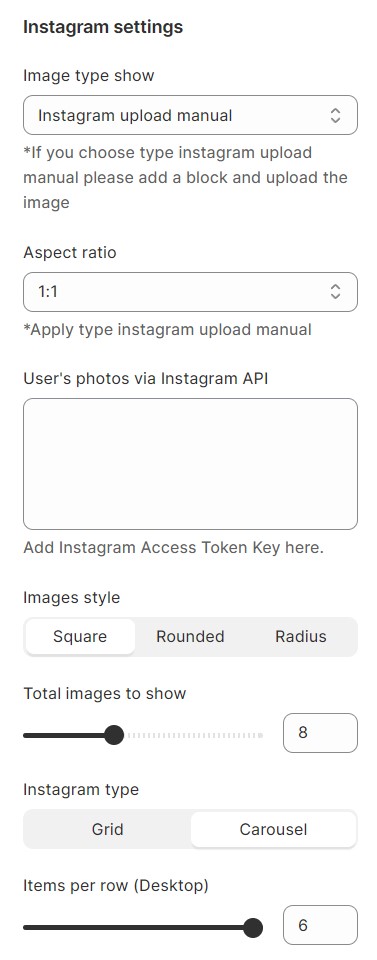
Section settings
1. Section header and General:
Use the provided fields to add a heading/subheading/description for the section. Leave any of the fields blank if you do not want to display them.
.png)
2. Layout settings
Select the behavior of your carousel by choosing from the following options: Autoplay, Infinity, and Show Arrows. Enabling Dot allows you to navigate directly to any existing slide.
Section padding allows you to specify the space between the slideshow and the preceding or following sections, or both.
.png)
Instagram items setting
You can select Image, Video, or Link to Instagram as the content type for display.
.png)
No comments yet