

Loading image
By setting a Loading image, your website can display an alternative image for each product in case of slow internet speeds.
.png)
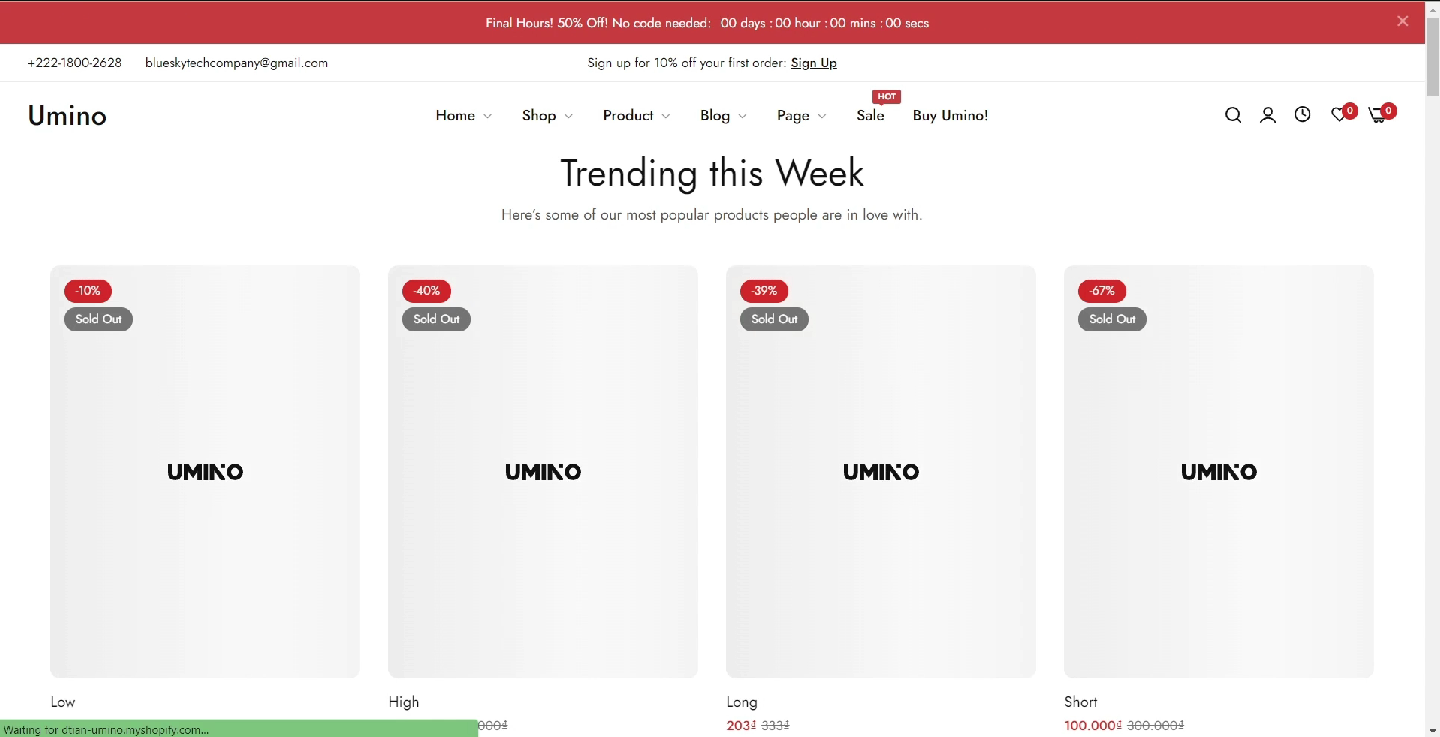
By setting a Loading image, your website can display an alternative image for each product in case of slow internet speeds.
If you can't find the answer you're looking for, our support team is here to help.
Contact Us
Contact NextSky if you need further assistance.
No comments yet