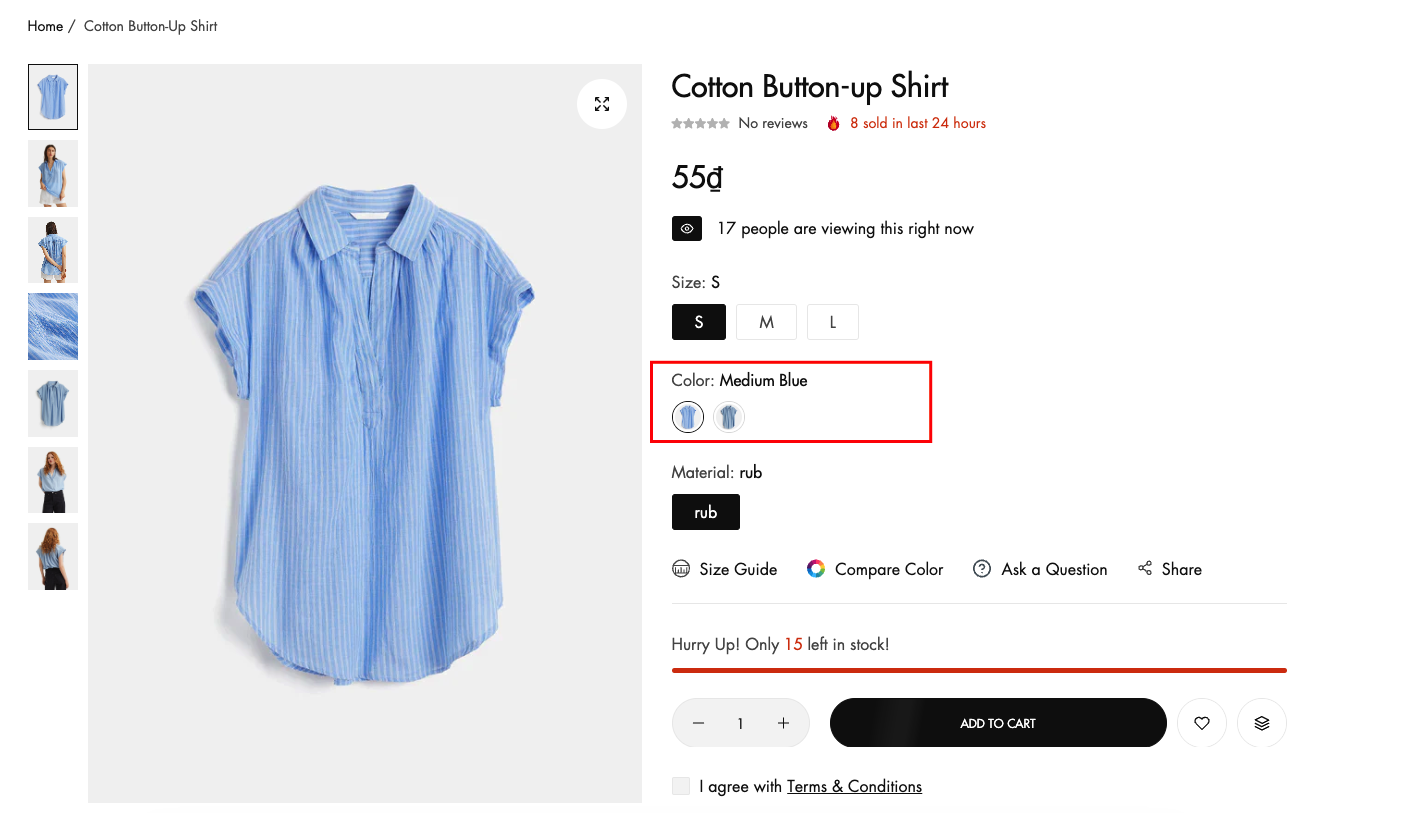
Type image

Written by ThuHuong_FE_NextSky
Last updated
Setting: From your admin, click to Online Store -> Themes -> Product -> Color swatches
Select color swatches type : color
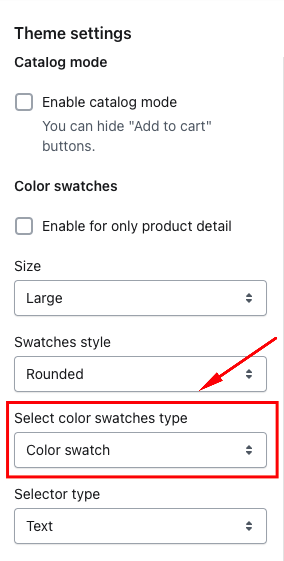
Note: Option image swatches will display automatically based on the variant image you update, as long as the variant color you set has no custom color or unsupported color code in Shopify.