Setup External/Affiliate product

Written by ThuHuong_FE_NextSky
Last updated
External / Affiliate products are not as commonly used as other types of product in Shopify. However, Umino theme supports this special type of product. You may want to redirect customers to other sites that sell the products, and you will need to create external / affiliate products for this purpose. To setup External/Affiliate product, please follow these steps:
Step 1: Create metafields
To create metafields for External/Affiliate product, please follow this article.
Step 2: Setup product
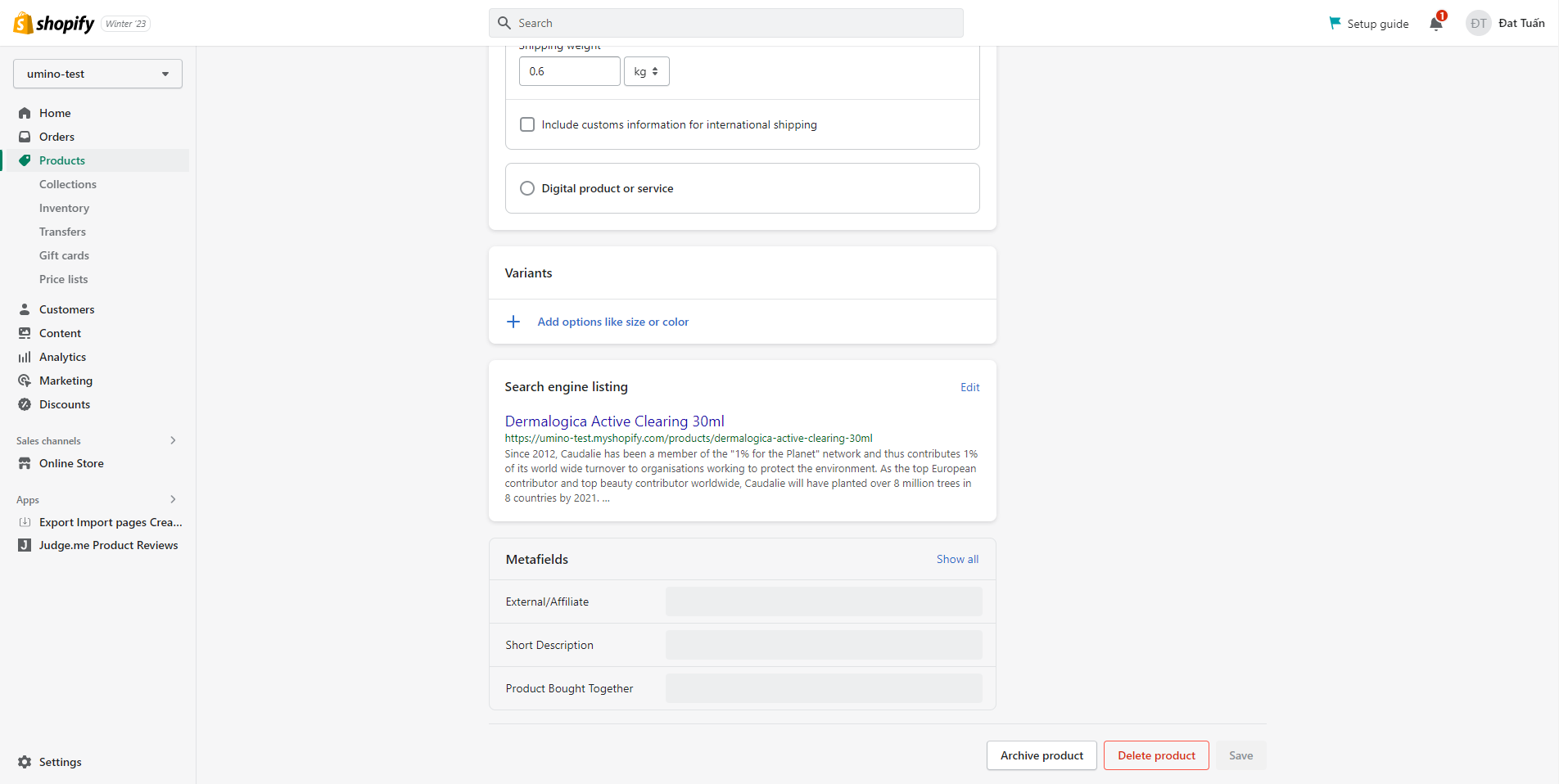
From your admin, go to Products and select the products to setup
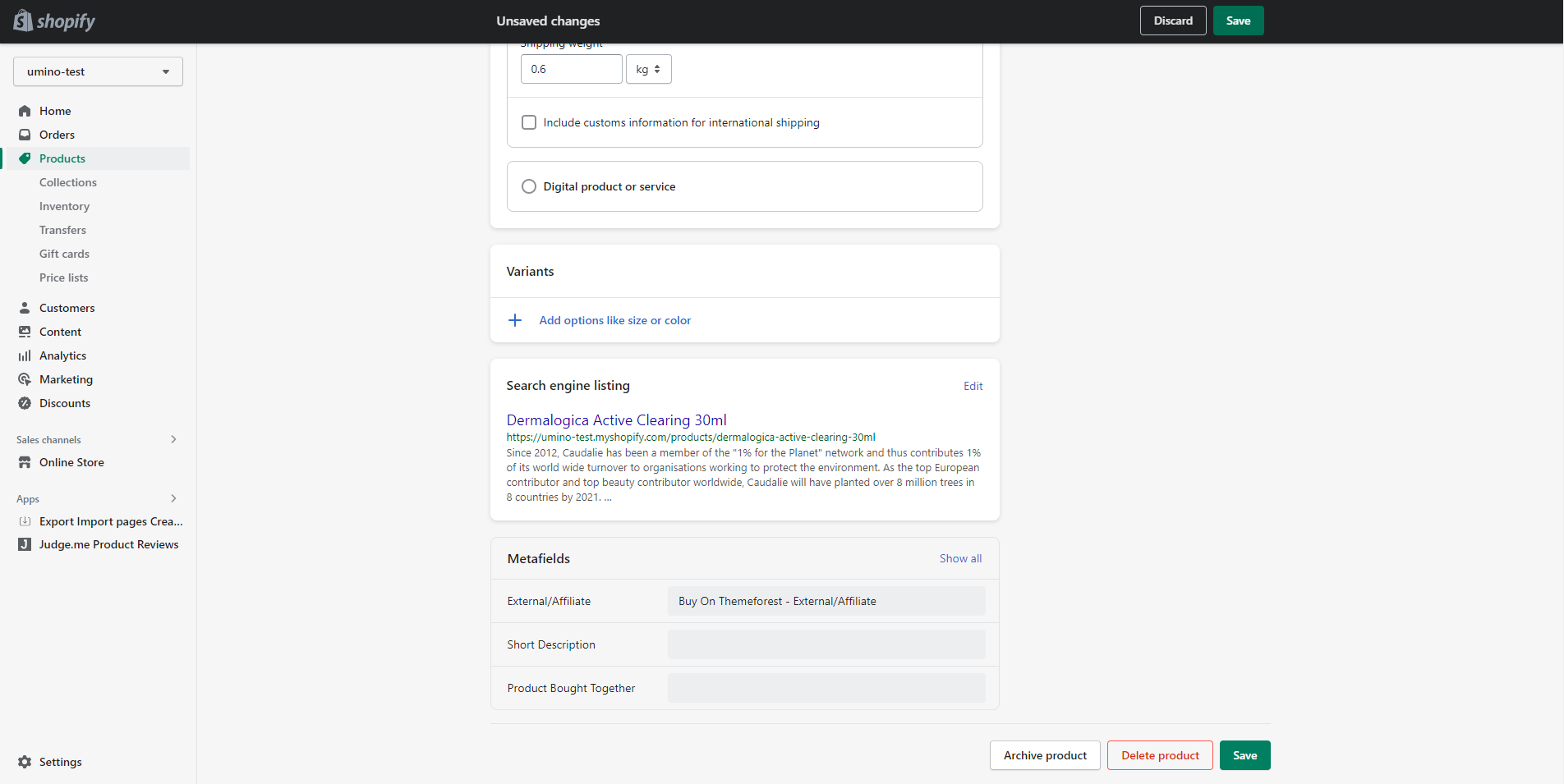
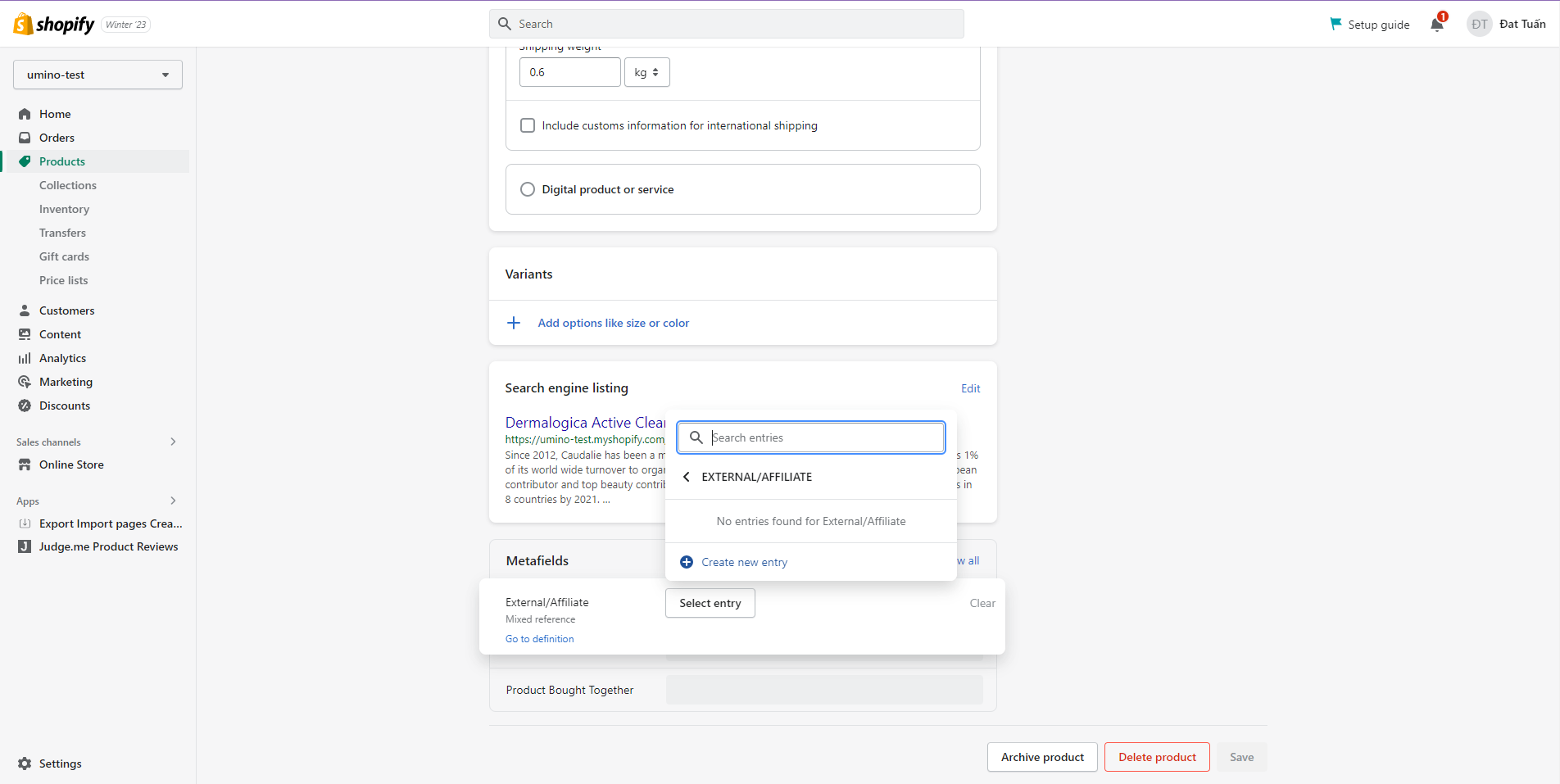
Scroll down to Metafields and click to External/Affiliate
Click to Select entry and Create new entry
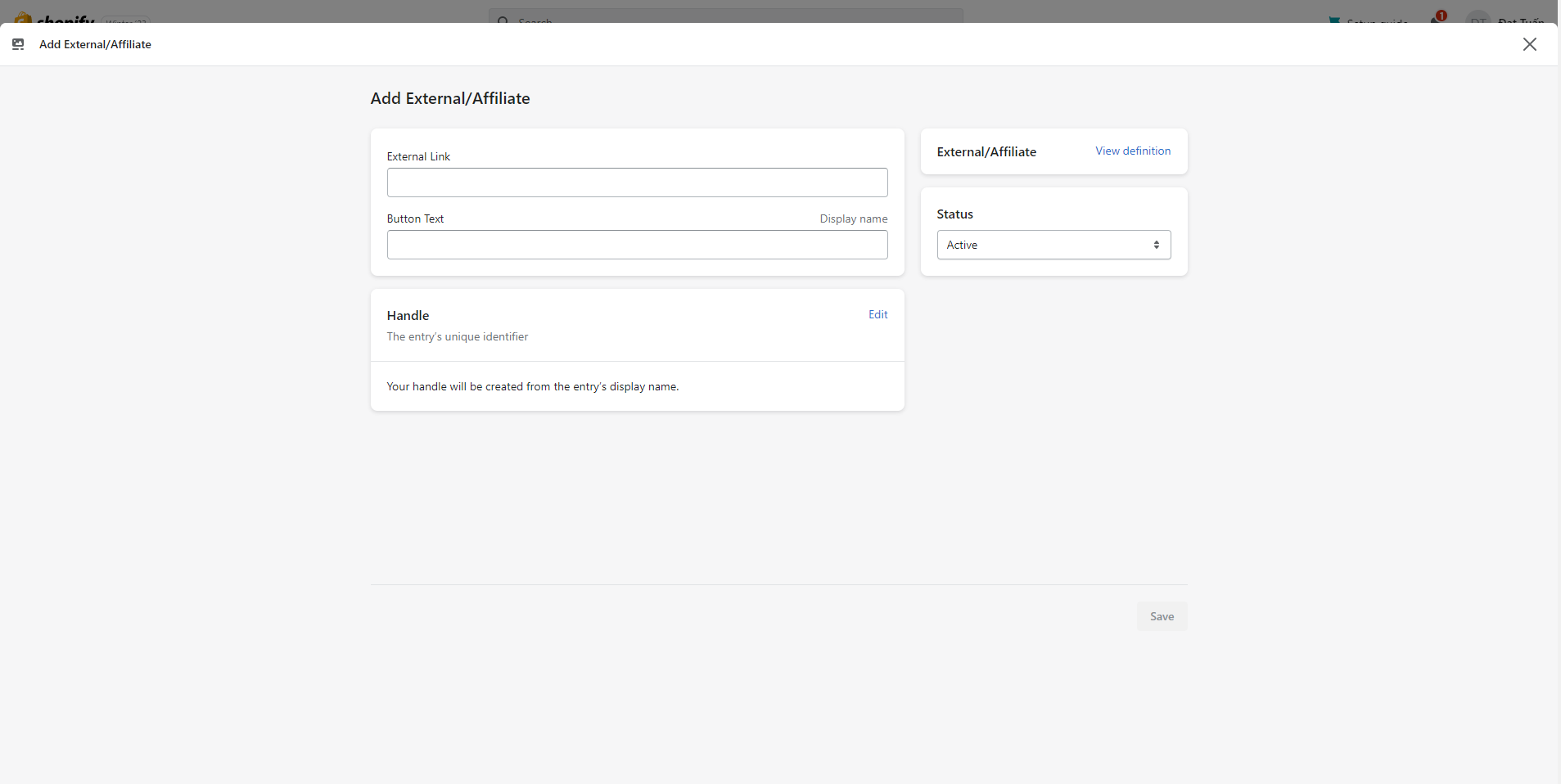
Add link of product to External Link and Add the text of the button in Button Text
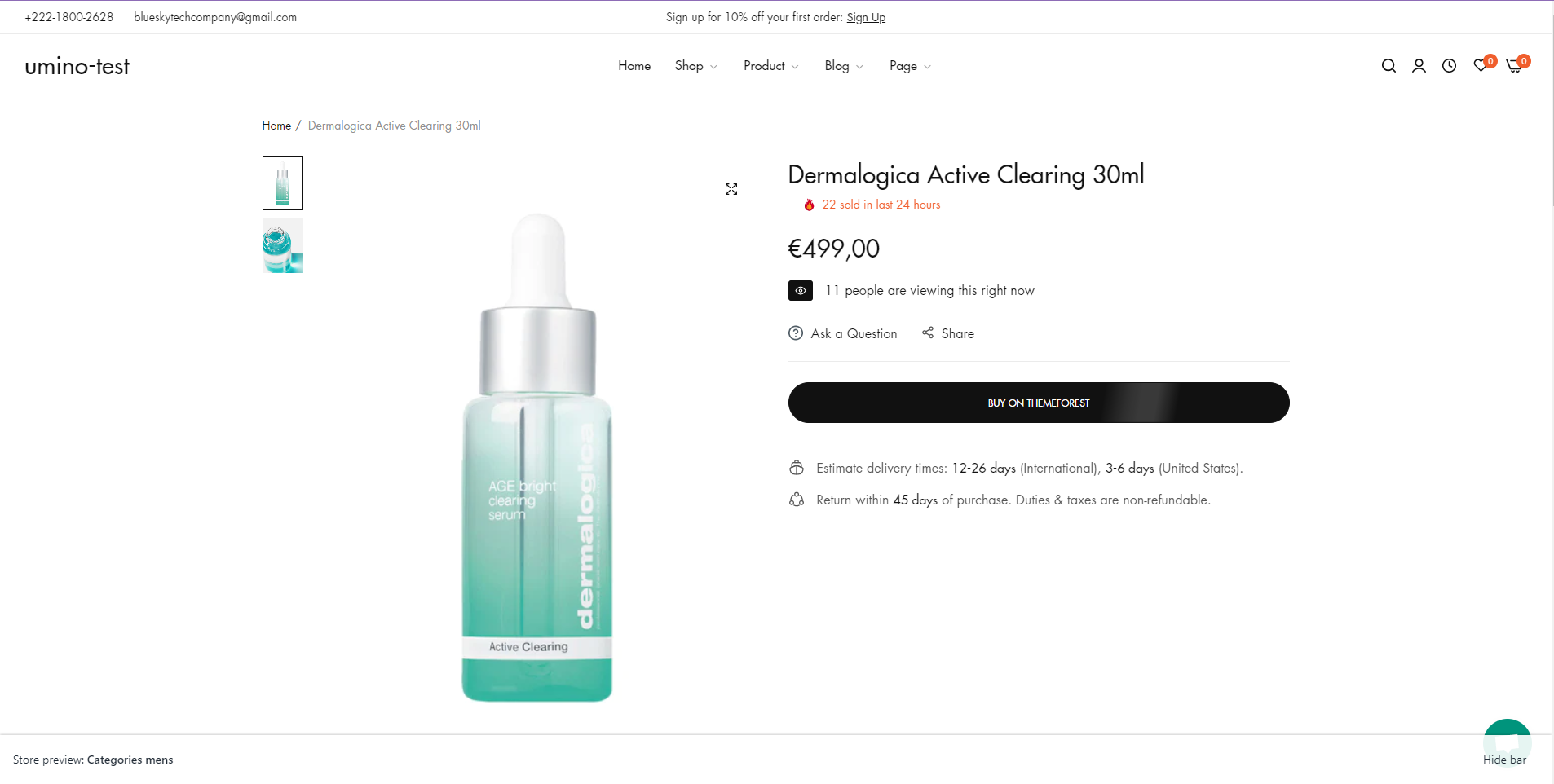
Click Save, Preview this product and you can see the result