Password

Written by ThuHuong_FE_NextSky
Last updated
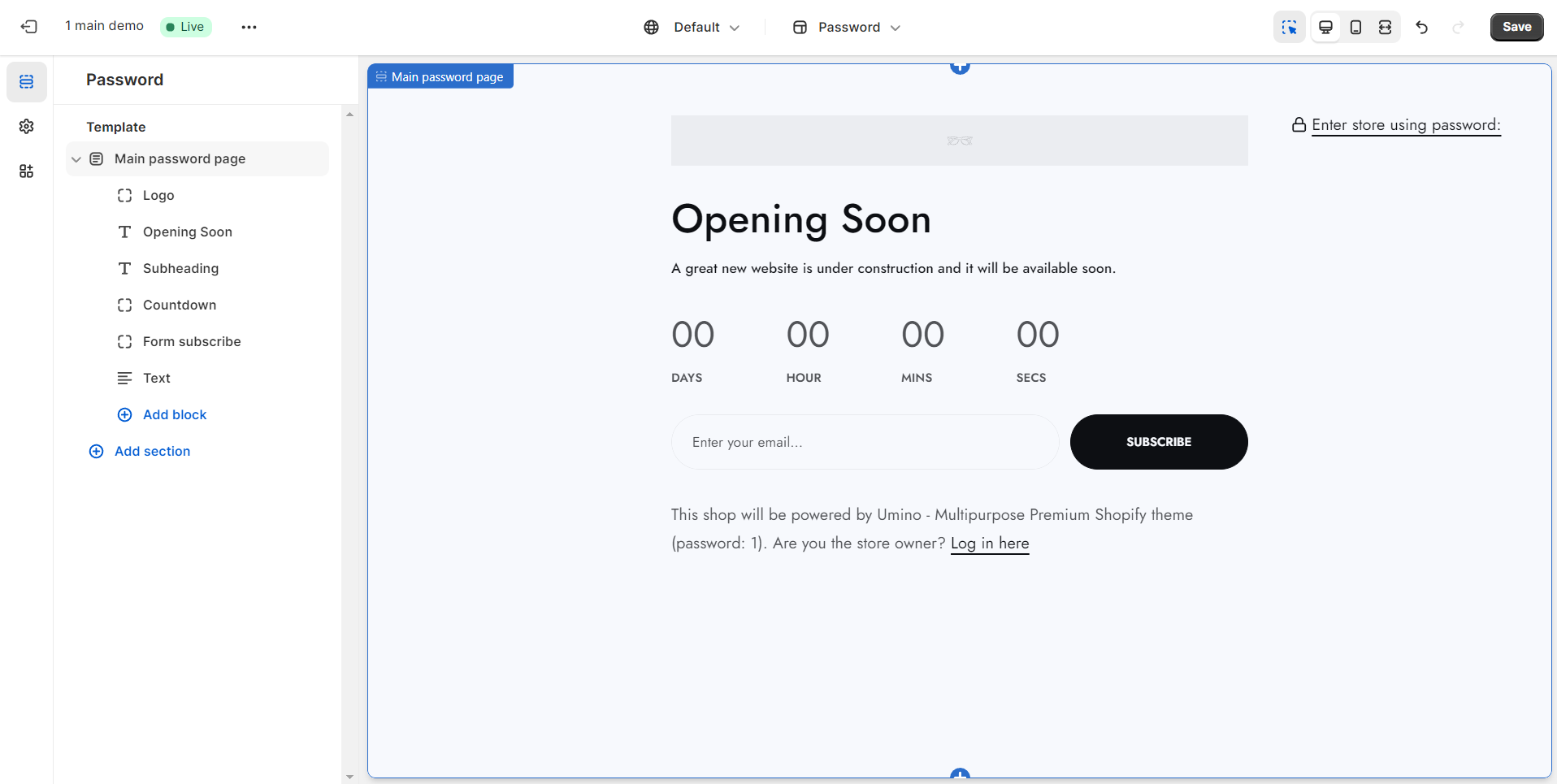
A landing page that adds password protection to merchants' online stores in case they are not yet ready to go live.
Create your online store today with Shopify
Steps
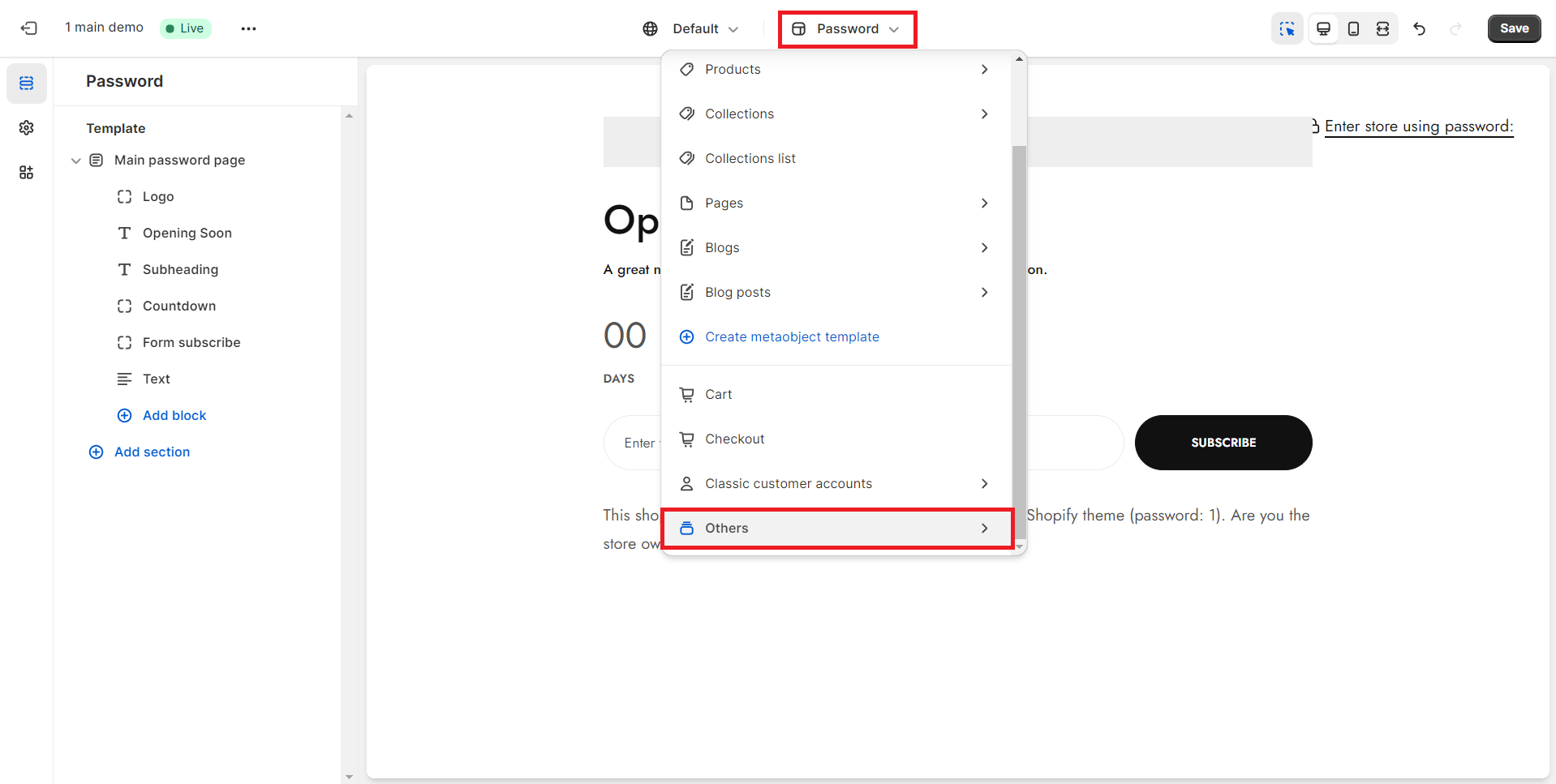
In the theme editor (Customize), open the template selector
Select Others, then Password.
Make necessary changes
Save
1. General settings
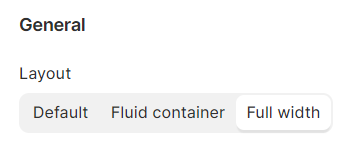
Select from a range of layout options, including Default, Fluid container, and Full width, allowing you to choose the most suitable design configuration for your content.
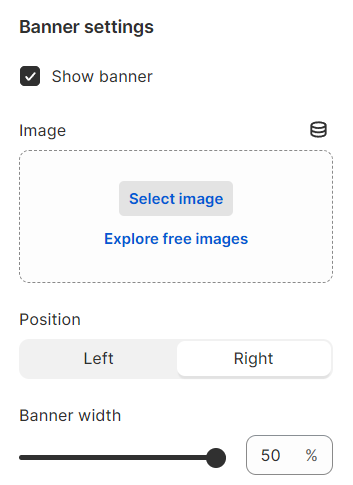
2. Banner settings
Define the position and width of your banner here, offering a straightforward means to customize its placement and dimensions. This allows you to tailor the visual impact of the banner to seamlessly integrate with your layout or design preferences.
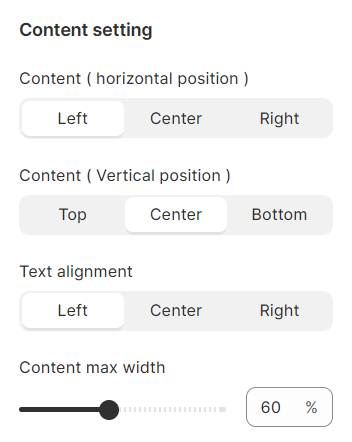
3. Content settings
Configure the alignment for your content here, allowing you to precisely position and arrange elements to achieve a polished and visually harmonious presentation on your platform or design. This feature ensures that your content is displayed with optimal clarity and aesthetic appeal.