

Page
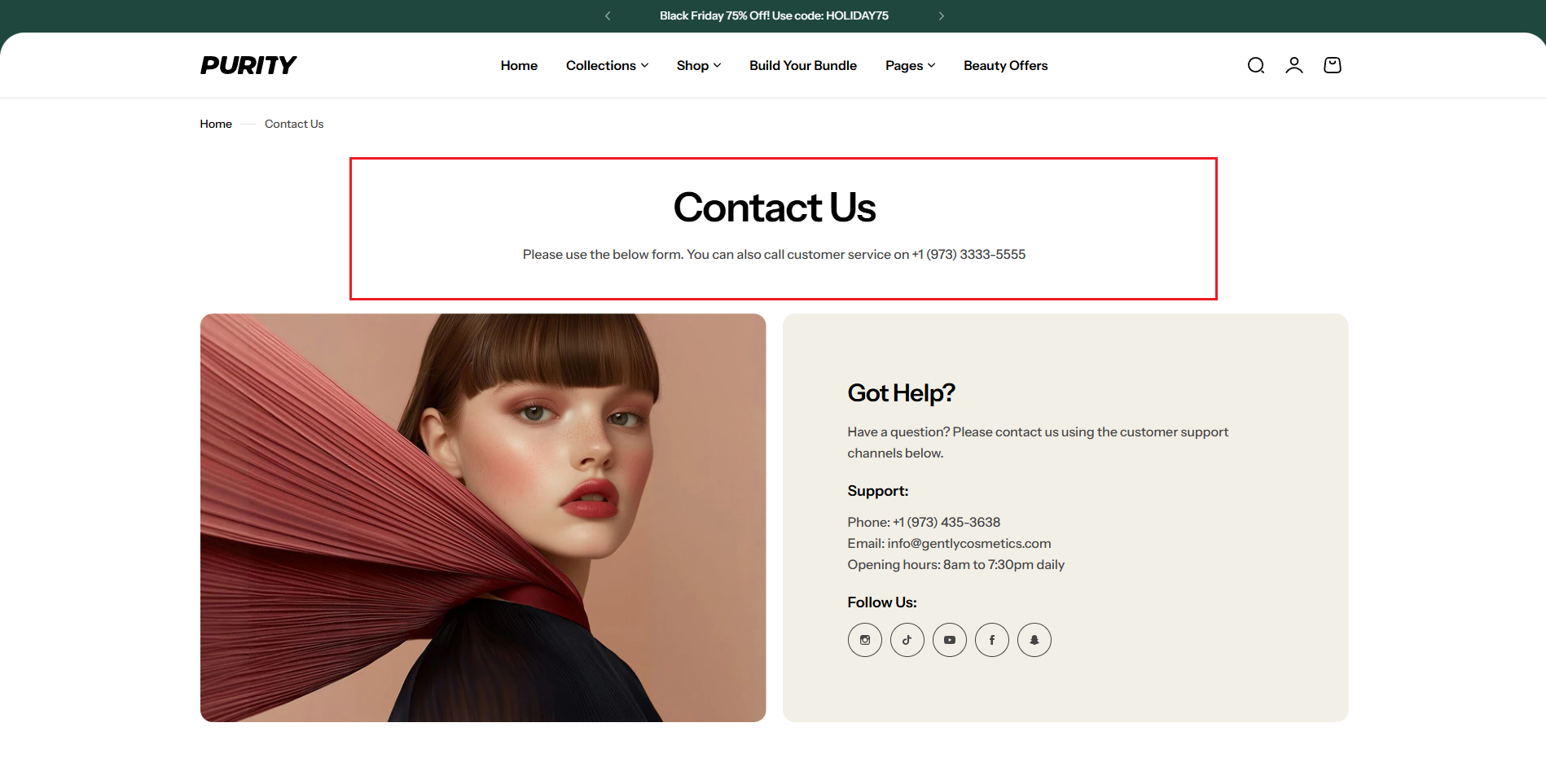
The Page section displays the main title of the page, optionally accompanied by a subheading or short description. It helps orient visitors by clearly indicating the purpose or content of the page—whether it’s a collection, blog, contact, or custom landing page.
Section settings

General settings
| Setting | Description |
|---|---|
| Section width | 3 options for container |
| Color scheme | Select colors from Theme settings -> Colors |
| Content alignment | The position of the text. |
Section padding
| Setting | Description |
|---|---|
| Top | Customize the top margin of the section |
| Bottom | Customize the bottom margin of the section |
Block settings
| Settings | Description |
|---|---|
| Title | The title of a page |
| Content | The description of a page |
No comments yet