

External/Affiliate
Step Create Metaobjects
- Login to your Shopify store, click to Settings
- Click to Custom data --> Metaobjects and Click Add definition
- Add metaobject definition with 2 fields as bellow:
- Name: External/Affiliate
- Field 1:
* Name: Button text
* Type: Single line text - One value
- Field 2:
* Name: External link
* Type: Single line text - One value

Step Create Metafields
-
Back to Custom data -> Metafields -> Products
-
Add a metafield as bellow:
- Name: External/Affiliate
- Type: Mixed reference
- Validation: External/Affiliate
- Namespace and key: custom.external_affiliate
-
Setup metafield for a product and you can see the result.

In product:
- Add new entry:


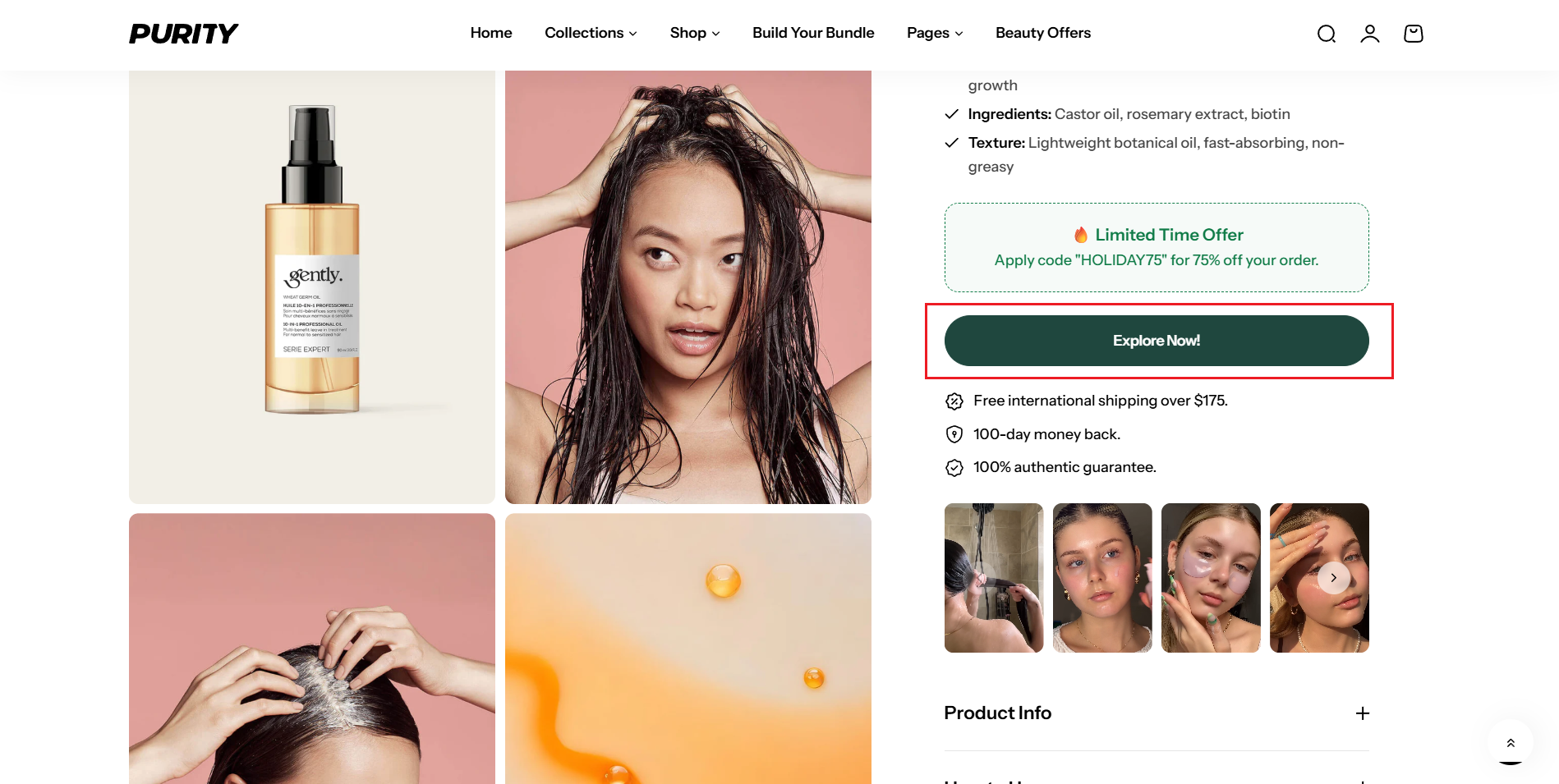
Result: Auto change to External/Affiliate button
No comments yet