- Video
- Slideshow
- Instagram shop
- Banner image
- Banner with text
- Blog posts
- Collection list
- Collection packery
- Custom content
- Scrolling text
- Divider
- Faq
- Gallery
- Google map
- Image box
- Lookbook
- Newsletter
- Product single
- Products carousel
- Collection tab
- Custom HTML
- Products deal
- Products grid
- Products list
- Products list carousel
- Products recently viewed
- Testimonials
- Tiktok video
- Shop the Look
- Spacing
- Age verifier popup
- Animation
- Counter
- Shopable video
Collection Link

Written by ThuHuong_FE_NextSky
Last updated
A guide to set up a collection link
Create your online store today with Shopify
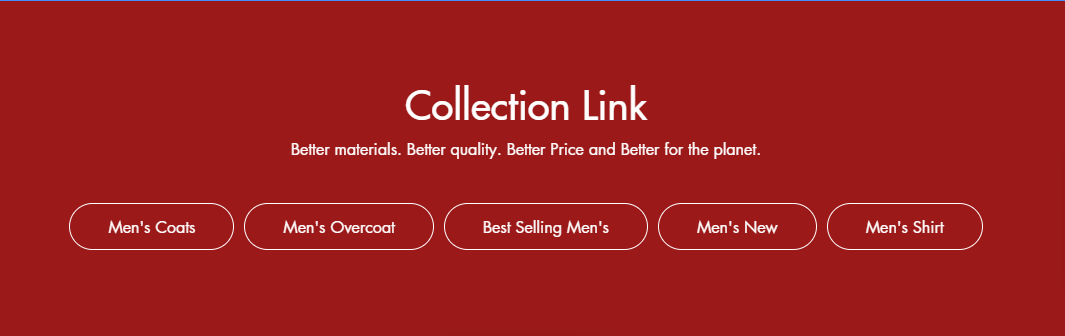
The collection link displays a quick list of desired collections to catch visitors' attention.
Steps
In the theme editor (Customize), click Add section
Locate Collection link
Save
Collection link settings
1. Section header and general:
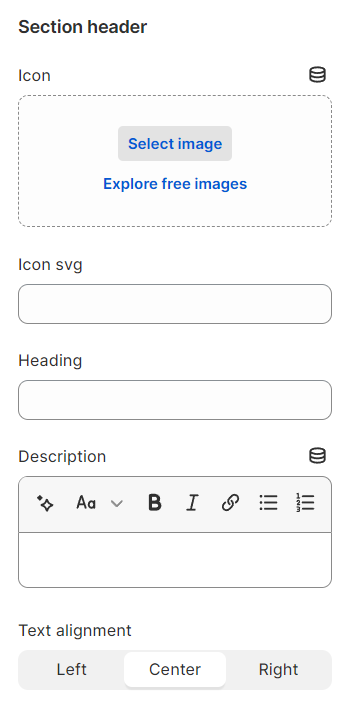
Use the provided text fields to add a suitable heading/subheading/description. Leave any of them blank if you do not want to display them.
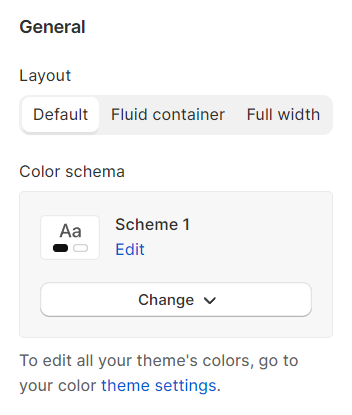
Layout: You can choose between Container, Wrapped container, Full width for the banner layout.
Color schema: You are allowed to change text color, background color with preset color.
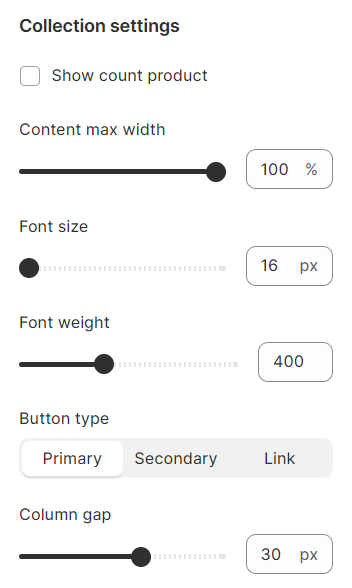
2. Collection settings
Show count product: Show the number of products in each collection
Content max width: Set width for content
Font size, Font weight: Set up for text
Button type: Decide the priority of a button
Column gap: Set up the space between two collections
3. Section padding
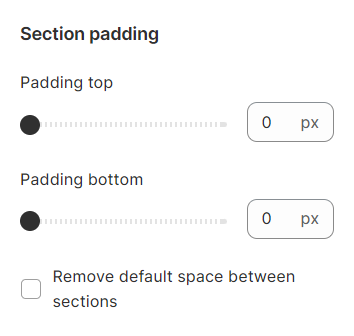
Section padding allows you to specify the space between the slideshow and the preceding or following sections, or both.