- Video
- Slideshow
- Instagram shop
- Banner image
- Banner with text
- Blog posts
- Collection list
- Collection packery
- Custom content
- Collection Link
- Scrolling text
- Divider
- Faq
- Gallery
- Google map
- Image box
- Lookbook
- Newsletter
- Product single
- Products carousel
- Collection tab
- Custom HTML
- Products deal
- Products grid
- Products list
- Products list carousel
- Products recently viewed
- Tiktok video
- Shop the Look
- Spacing
- Age verifier popup
- Animation
- Counter
- Shopable video
Testimonials

Written by ThuHuong_FE_NextSky
Last updated
A guide to provide customers' featured reivews and boost sale in a one section
Create your online store today with Shopify
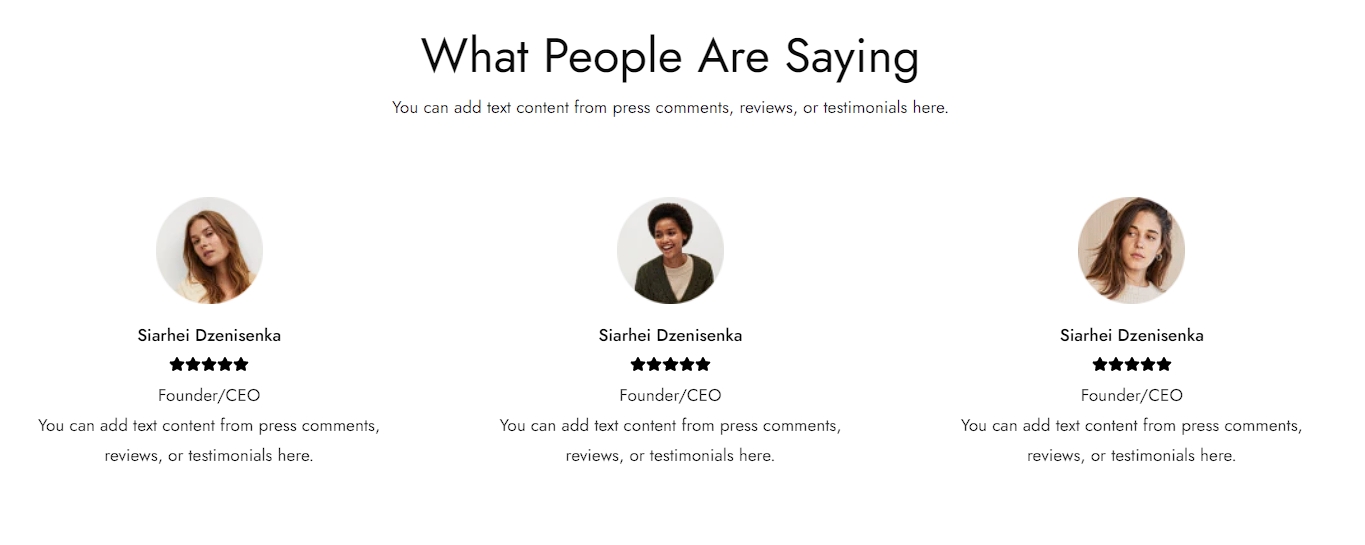
The Testimonials section lets you feature quotes from customers. It's a type of social proof that talks about your brand, service, and overall experience of your existing customers, building confidence and trust in your potential customers.
Layout 1
Layout 2
Layout 3
Layout 4
Steps
In the theme editor (Customize), click Add section
Locate Testimonials
Save
Testimonials
1. Section header and general
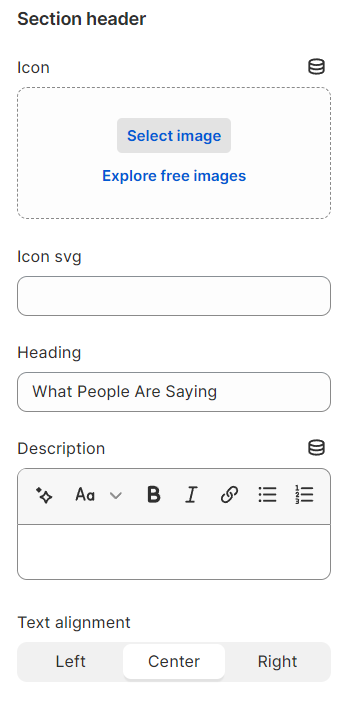
Use the provided text fields to add a suitable heading/subheading/description. Leave any of them blank if you do not want to display them.
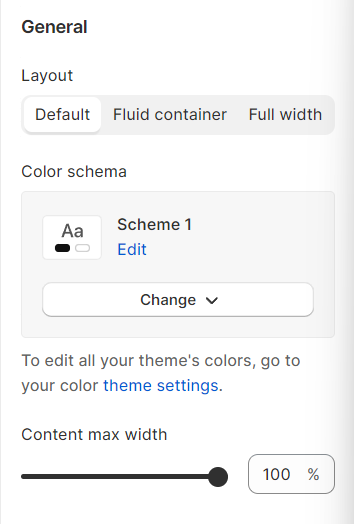
Layout: You can choose between Container, Wrapped container, Full width for the banner layout.
Color schema: You are allowed to change text color, background color with preset color.
2. Testimonials setting
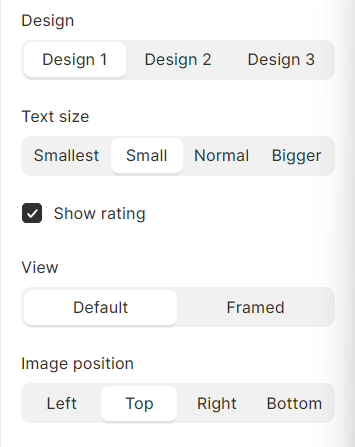
The stars shown in the Testimonials section will be 5 stars by default.
3. Carousel setting
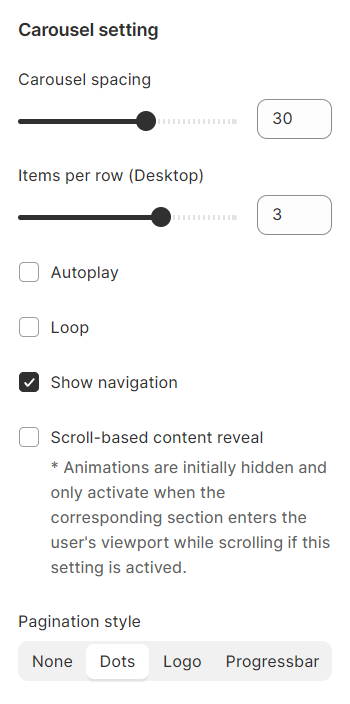
4. Section padding
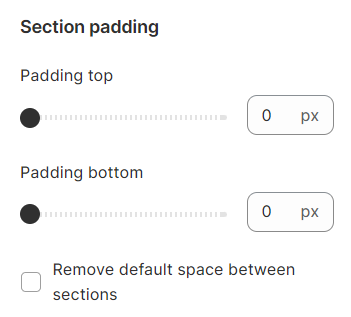
Section padding allows you to specify the space between the slideshow and the preceding or following sections, or both.