- Video
- Slideshow
- Instagram shop
- Banner image
- Banner with text
- Blog posts
- Collection list
- Collection packery
- Custom content
- Collection Link
- Scrolling text
- Divider
- Faq
- Gallery
- Google map
- Image box
- Lookbook
- Newsletter
- Product single
- Products carousel
- Collection tab
- Custom HTML
- Products deal
- Products grid
- Products list carousel
- Products recently viewed
- Testimonials
- Tiktok video
- Shop the Look
- Spacing
- Age verifier popup
- Animation
- Counter
- Shopable video
Products list

Written by ThuHuong_FE_NextSky
Last updated
Displays products from a selected collection in an engaging and attractive section.
Create your online store today with Shopify
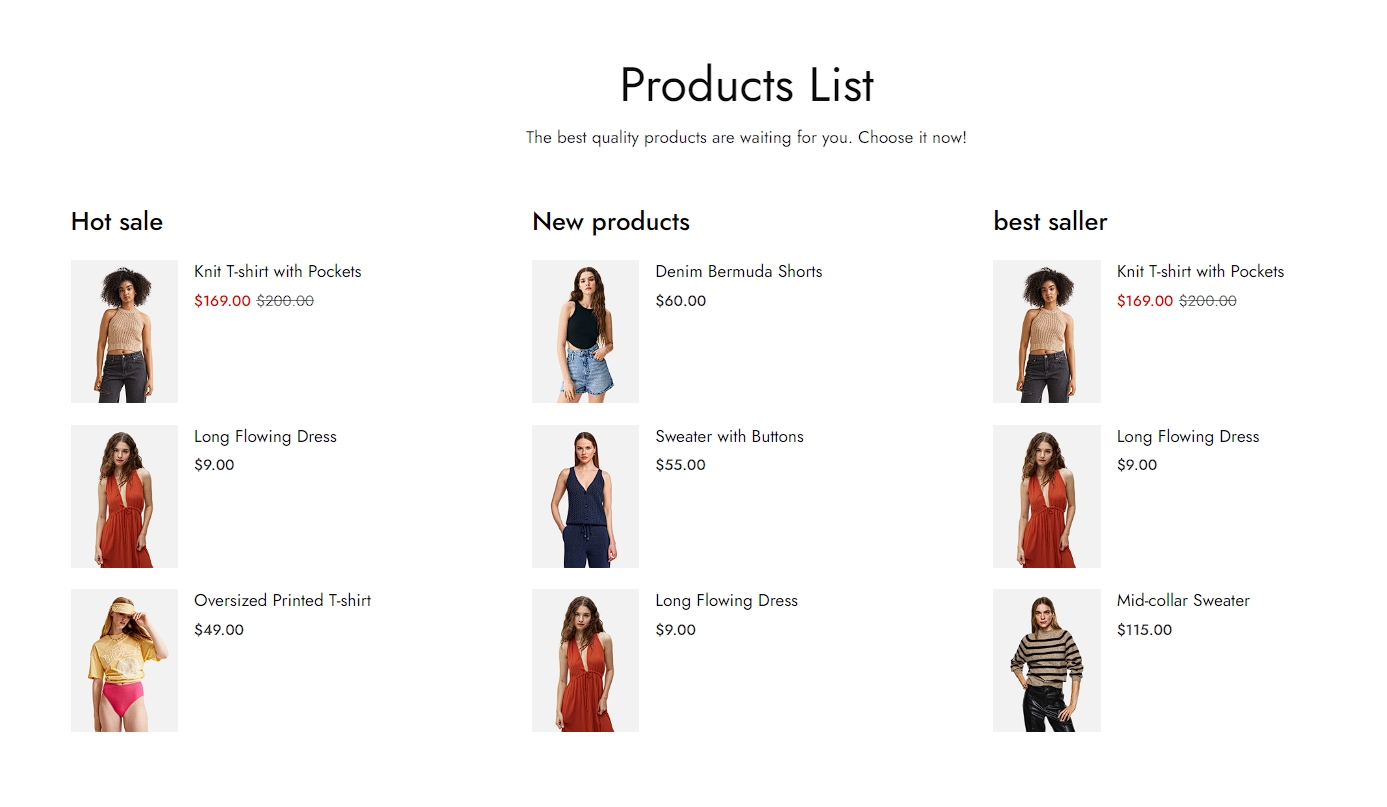
Steps
In the theme editor (Customize), click Add section
Locate Products list
Save
Products list Setting
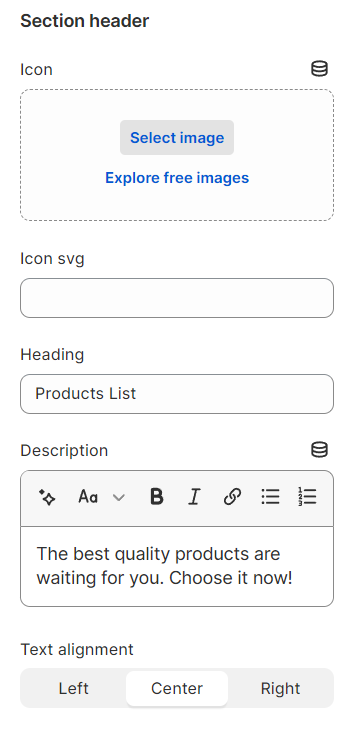
1. Section header and general
Use the provided text fields to add a suitable heading/subheading/description. Leave any of them blank if you do not want to display them.
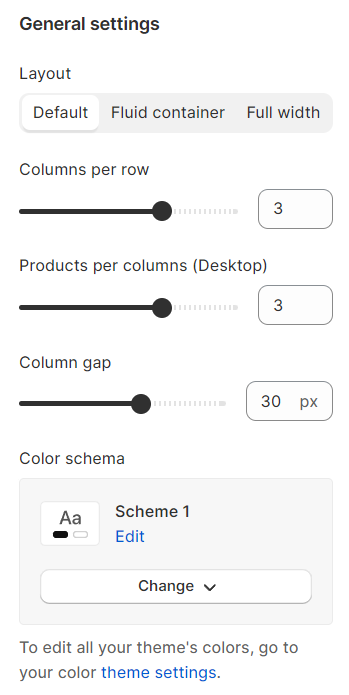
2. General settings
Layout: You can choose between Container, Wrapped container, Full width for the banner layout.
Adjust the number of shown products, columns per row, and the column gap.
Color schema: You are allowed to change text color, background color with preset color.
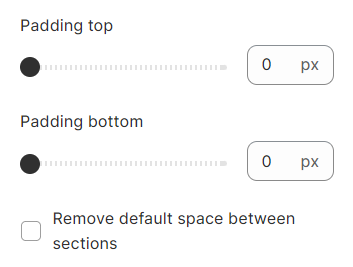
3. Section padding
Section padding allows you to specify the space between the slideshow and the preceding or following sections, or both.