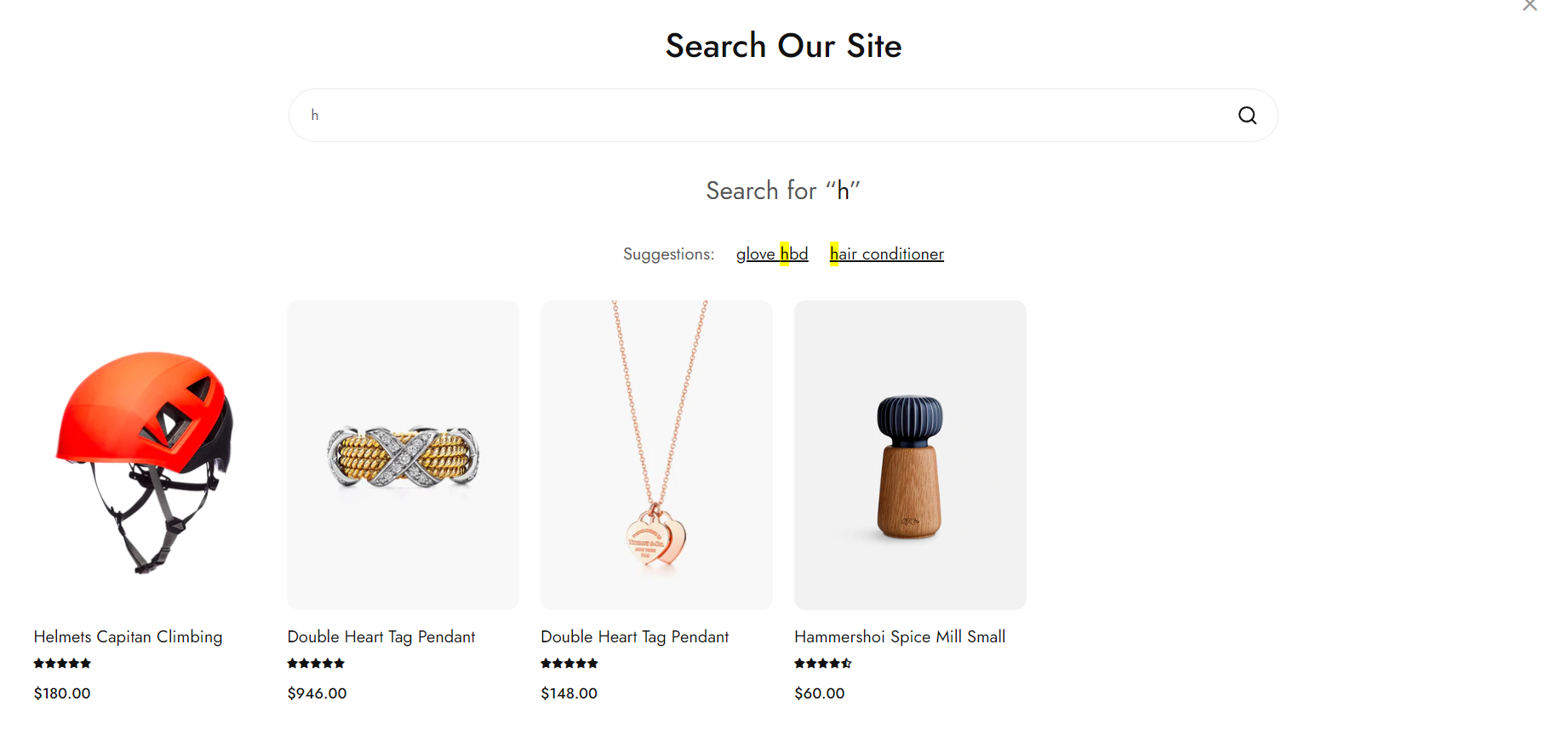
Search

Written by ThuHuong_FE_NextSky
Last updated
Enable auto-suggestion, product attributes that customers can use to search
Create your online store today with Shopify
Provides the capability that lets users quickly and effectively search the content or product catalogs in a store.
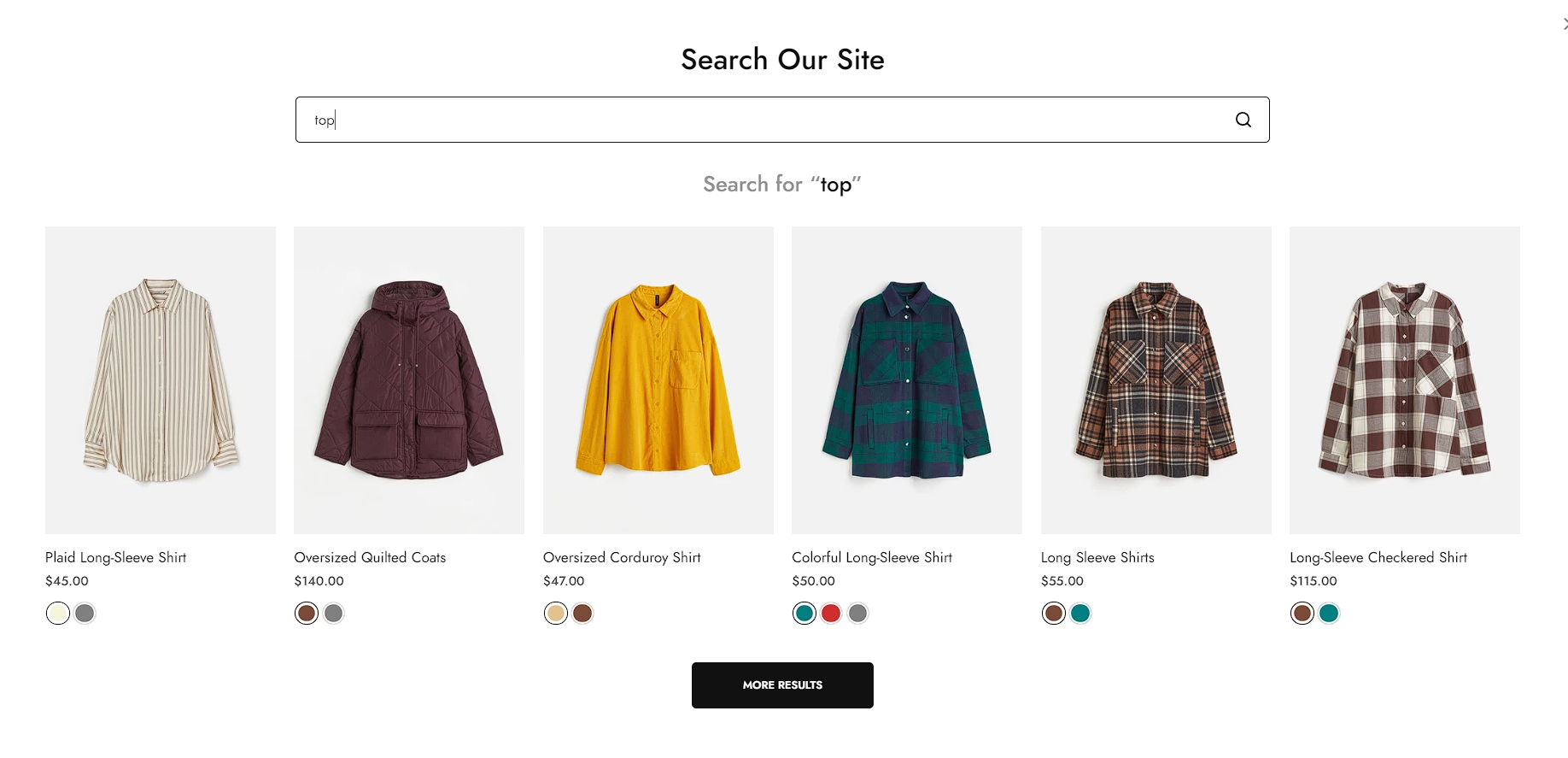
Search type :Popup
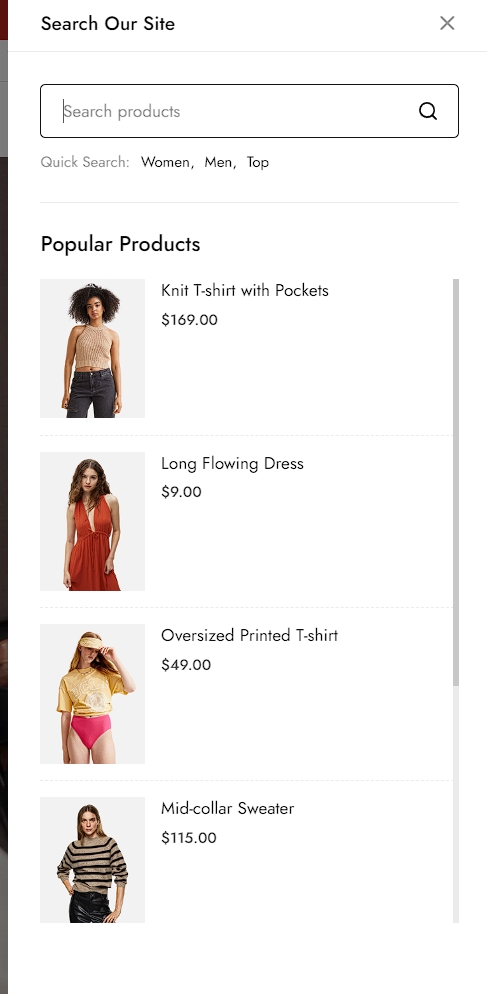
Search type :Canvas
Steps
In the theme editor (Customize), click Search
Locate Search
Make necessary changes
Save.
You can enable one or all of the following features for search.
Search type: Popup, Canvas
Enable predictive search: Implement predictive product recommendations to show customers the products they are might looking for.
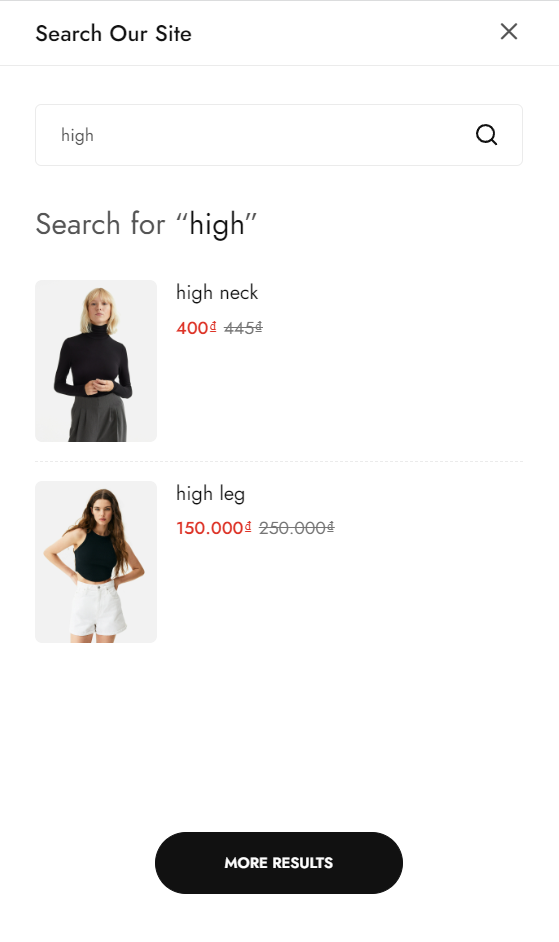
Enable text suggest: Enable a feature that displays recommended search text options as customers type in the search box, assisting them in finding relevant results more efficiently.
Enable text suggest only works with Predictive search suggest selected.
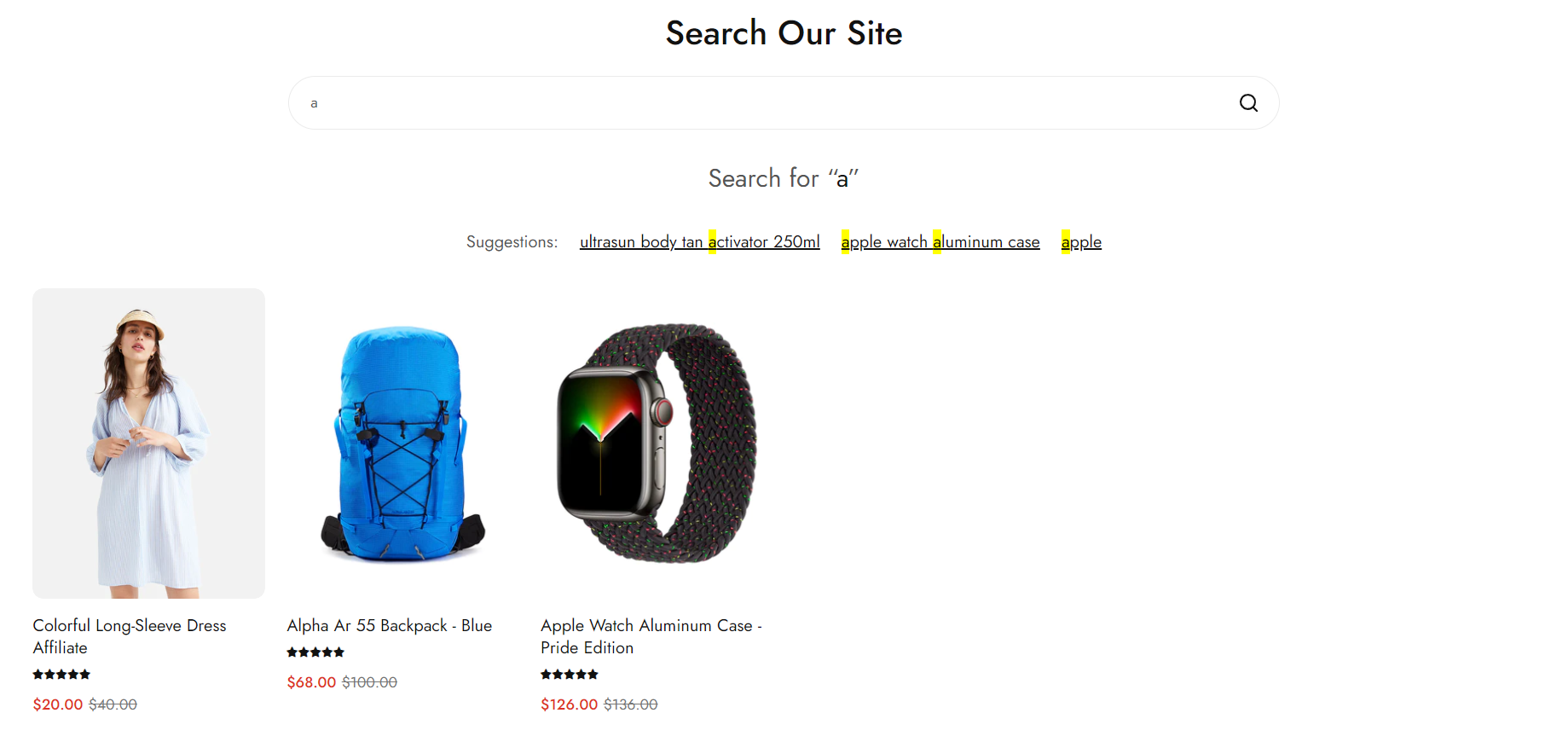
You can set some predefined popular search queries to suggest the search result and choose how out-of-stock products show (hide/show at last).
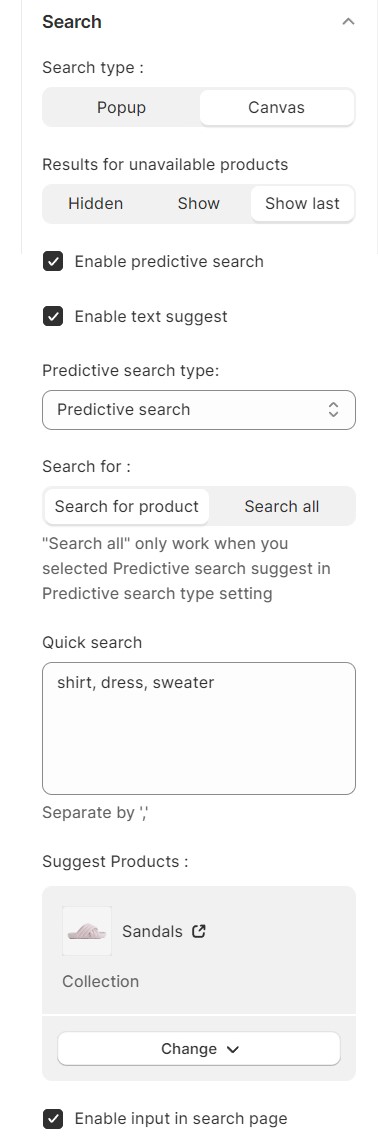
Search for:
Search for product: search for only products in your store.
Search all: only when "Predictive search suggest" is selected in the "Predictive search type" setting, the search and suggest feature will include products, articles, and posts, offering comprehensive and relevant results.