Checkout

Written by ThuHuong_FE_NextSky
Last updated
A page on an e-commerce website where the transaction is carried out.
Create your online store today with Shopify
Steps
In the theme editor (Customize), click Theme settings
Locate Checkout
Make necessary changes
Save
The settings include:
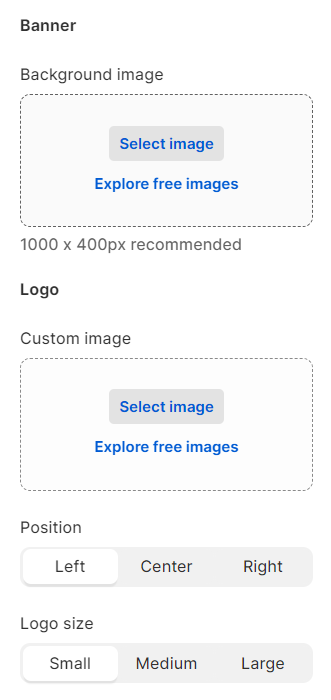
Banner & logo
Merchants can add their background banner or logo. If not, they can leave it blank.
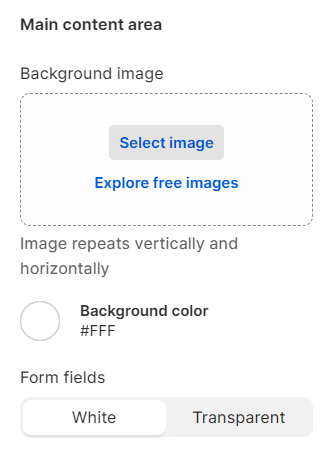
Main content area
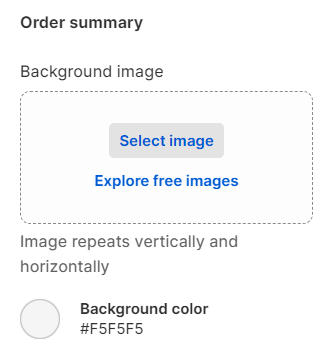
Order summary area
Appear on the right-hand side of the site. The same as the main content area, background image, and color can be added to meet your expectations.
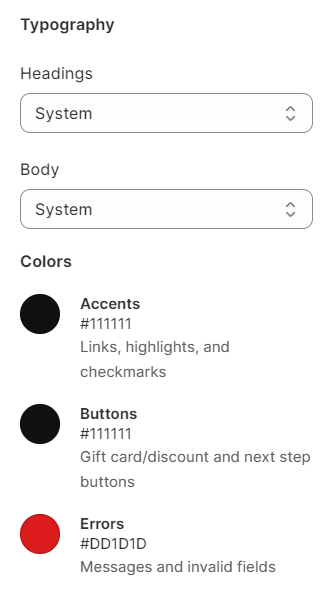
Typography & colors
Use this part to change fonts and colors that match the store' aesthetic look.
Checkout settings
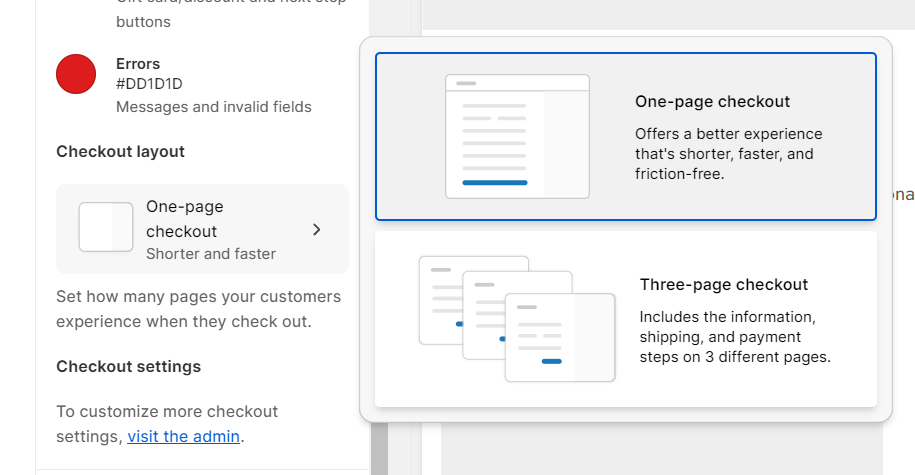
In a One-page checkout, customers will navigate through information, shipping, and payment, all within a single page. Conversely, in a Three-page checkout, these details will be spread across three individual pages.