Footer

Written by ThuHuong_FE_NextSky
Last updated
Appears and features information at the bottom of the page
Create your online store today with Shopify
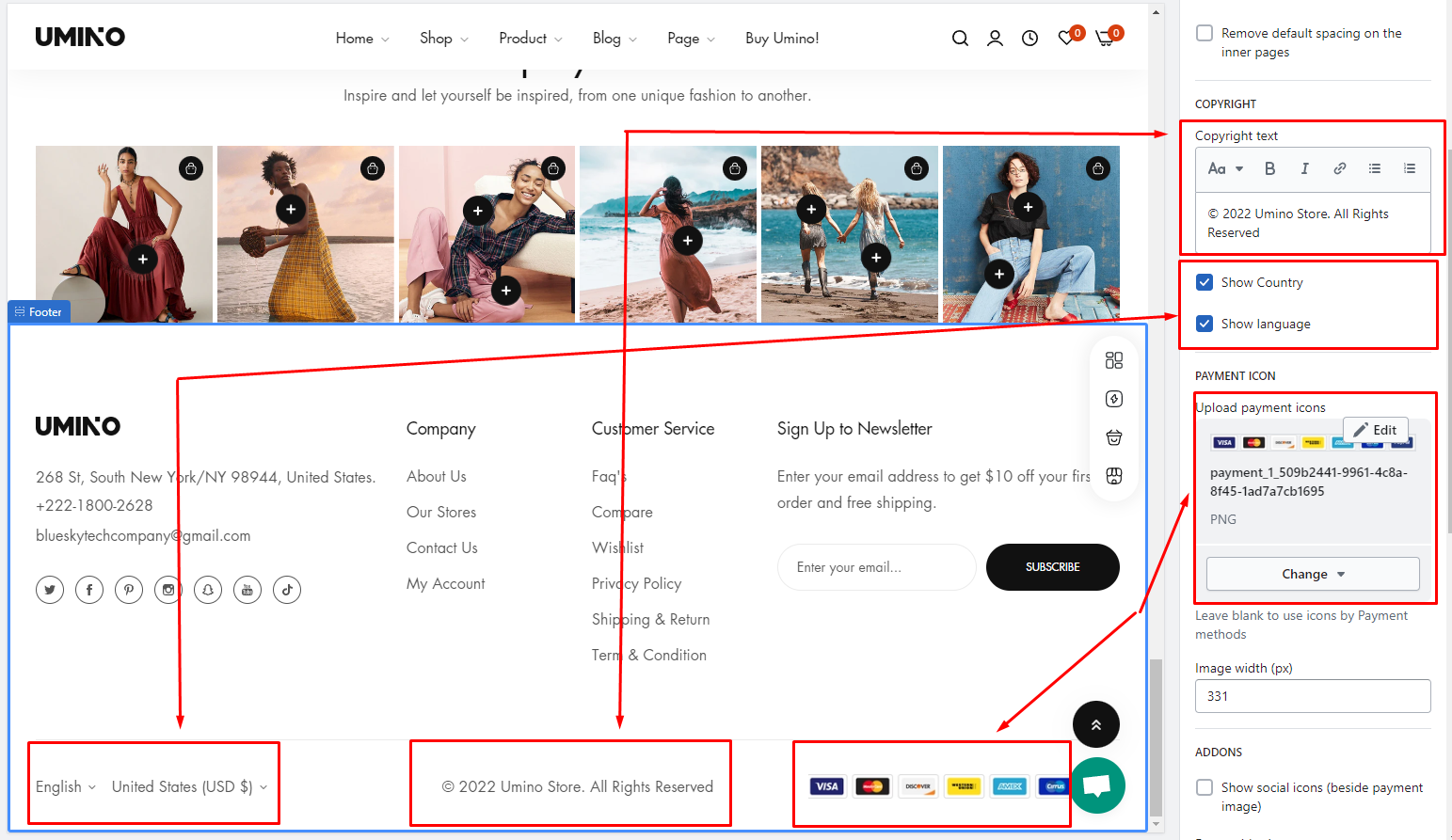
The footer is the section of content at the bottom of a web page. The footer menu typically contains quick links to your homepage, about us page, blogs page, contact page, policy page, etc.
A great website footer will help your visitors navigate your site and will lead to a greater ecommerce experience.
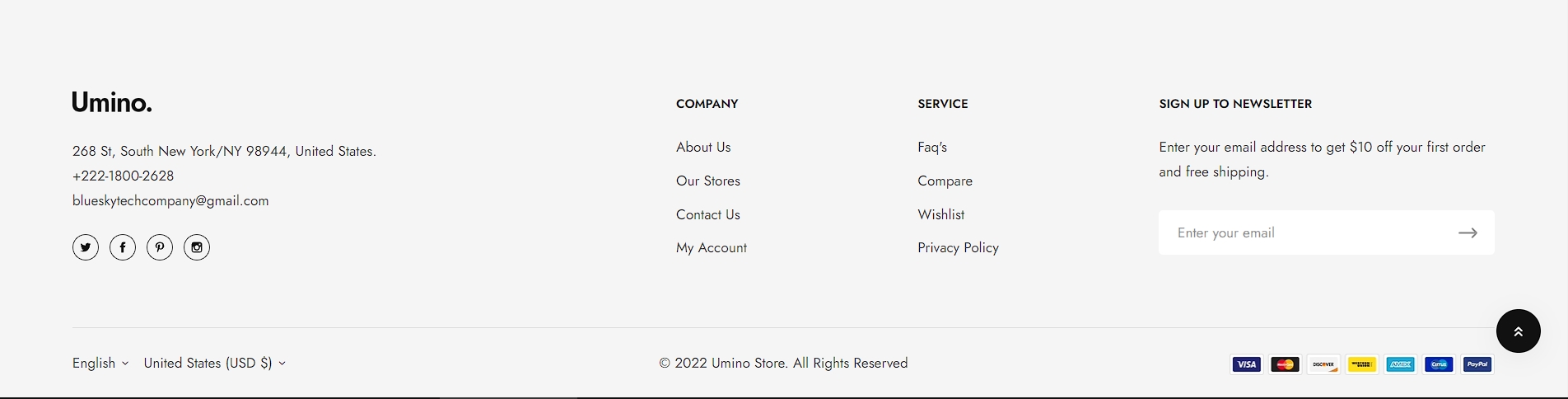
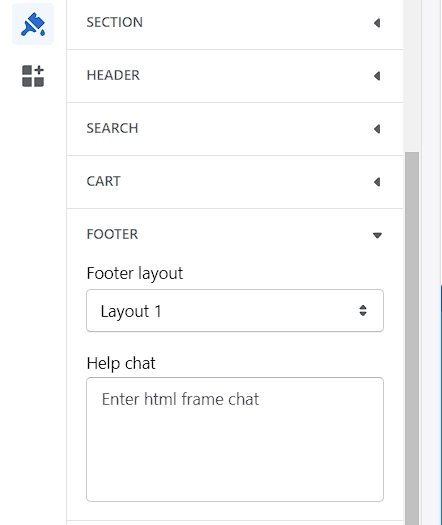
Footer layout
Steps
In the theme editor (Customize), click Theme settings
Locate Footer
Make necessary changes
Save
Block settings
Add suitable blocks to your store footer as per your requirements. You can add up to 5 blocks.
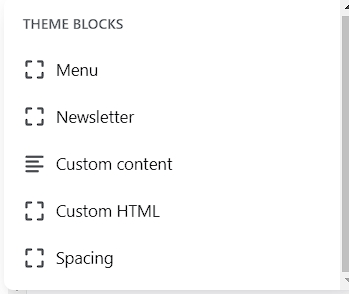
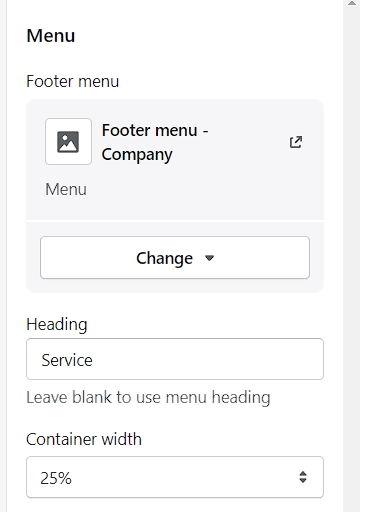
1. Menu
Display the existing menu that you have already created in Shopify admin > Navigation. To create menus
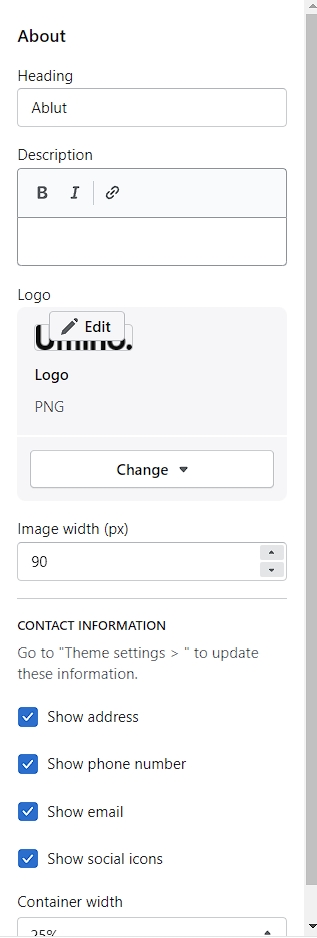
2. About
Use this block to display your store contact, namely store email address, phone number, and social icons. To add or update store contact information, go to Theme settings > Store contact.
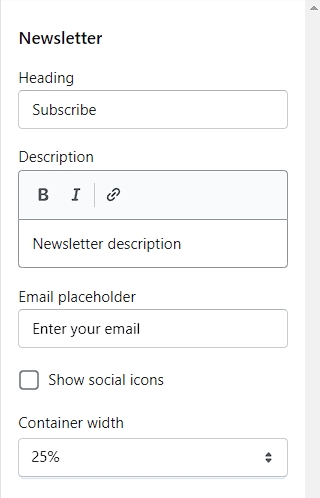
3. Newsletter
Use the newsletter signup form to collect your customers' email addresses for email marketing campaign purposes. Change the title, description, email placeholder, and form style if you wish to.
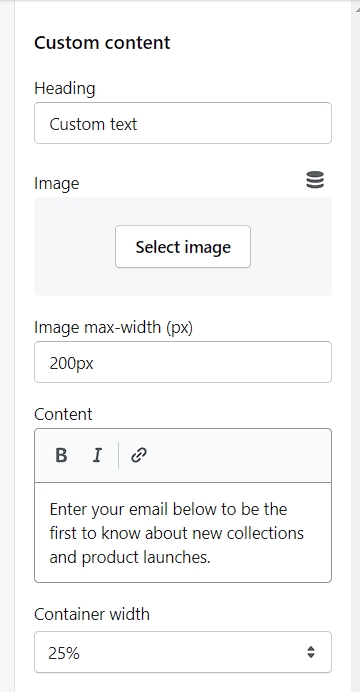
4. Custom content
Display additional info or needed material using the blank fields.
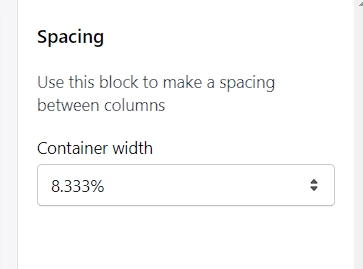
5. Spacing
You can use this block to adjust the space between existing columns
6. Copyright
You can edit the copyright content in Copyright => Copyright text