Loading image

Written by ThuHuong_FE_NextSky
Last updated
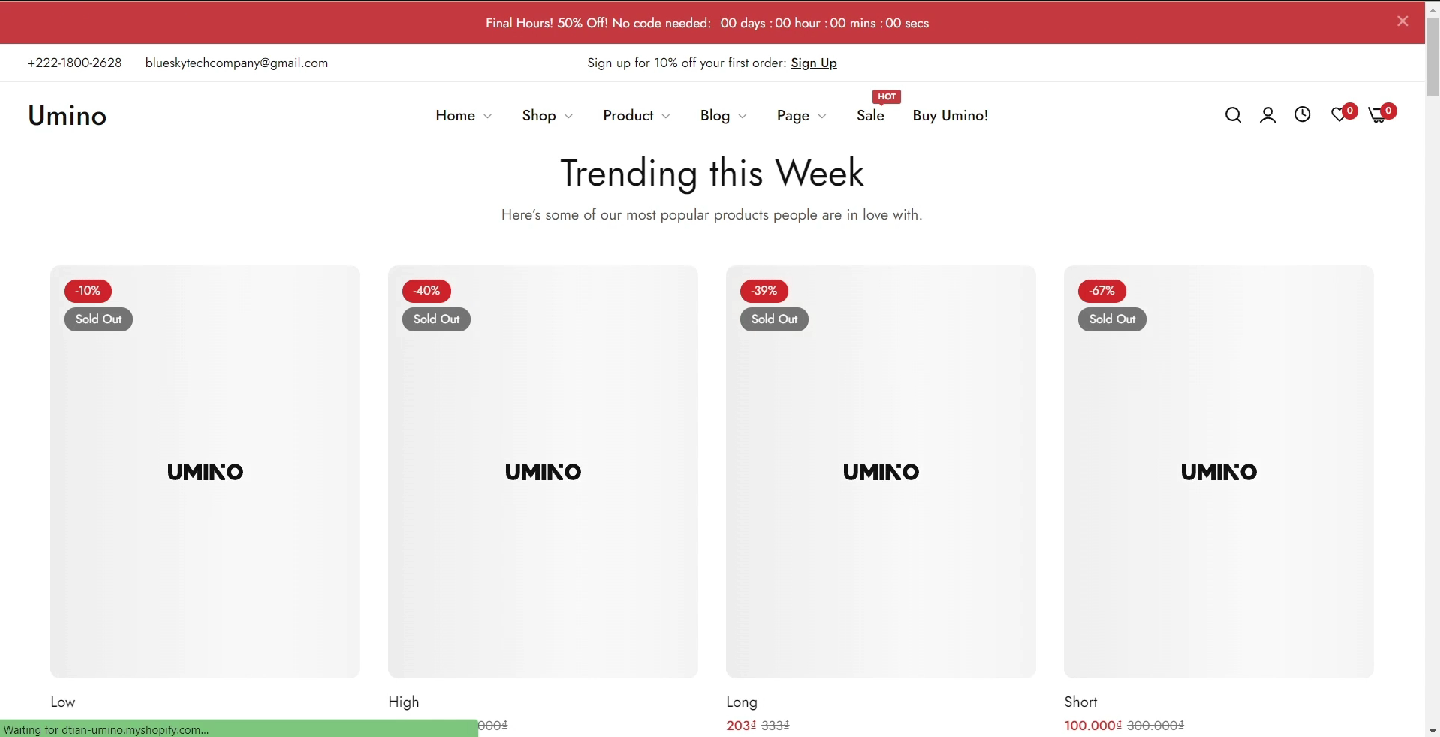
By setting a Loading image, your website can display an alternative image for each product in case of slow internet speeds.
Steps
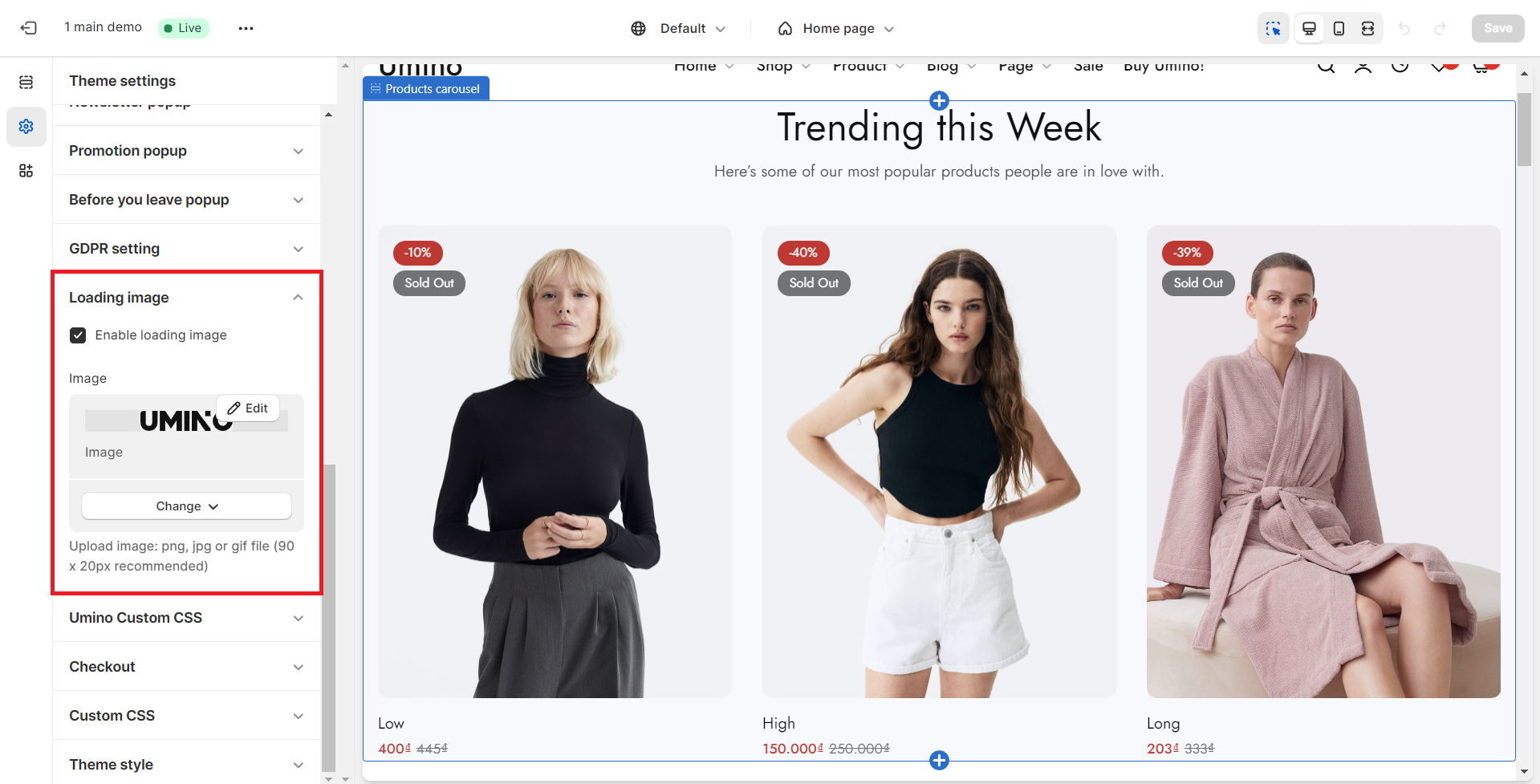
In the theme editor (Customize), click Theme settings
Open Loading image
Choose Image to display and Enable loading image
Save the changes