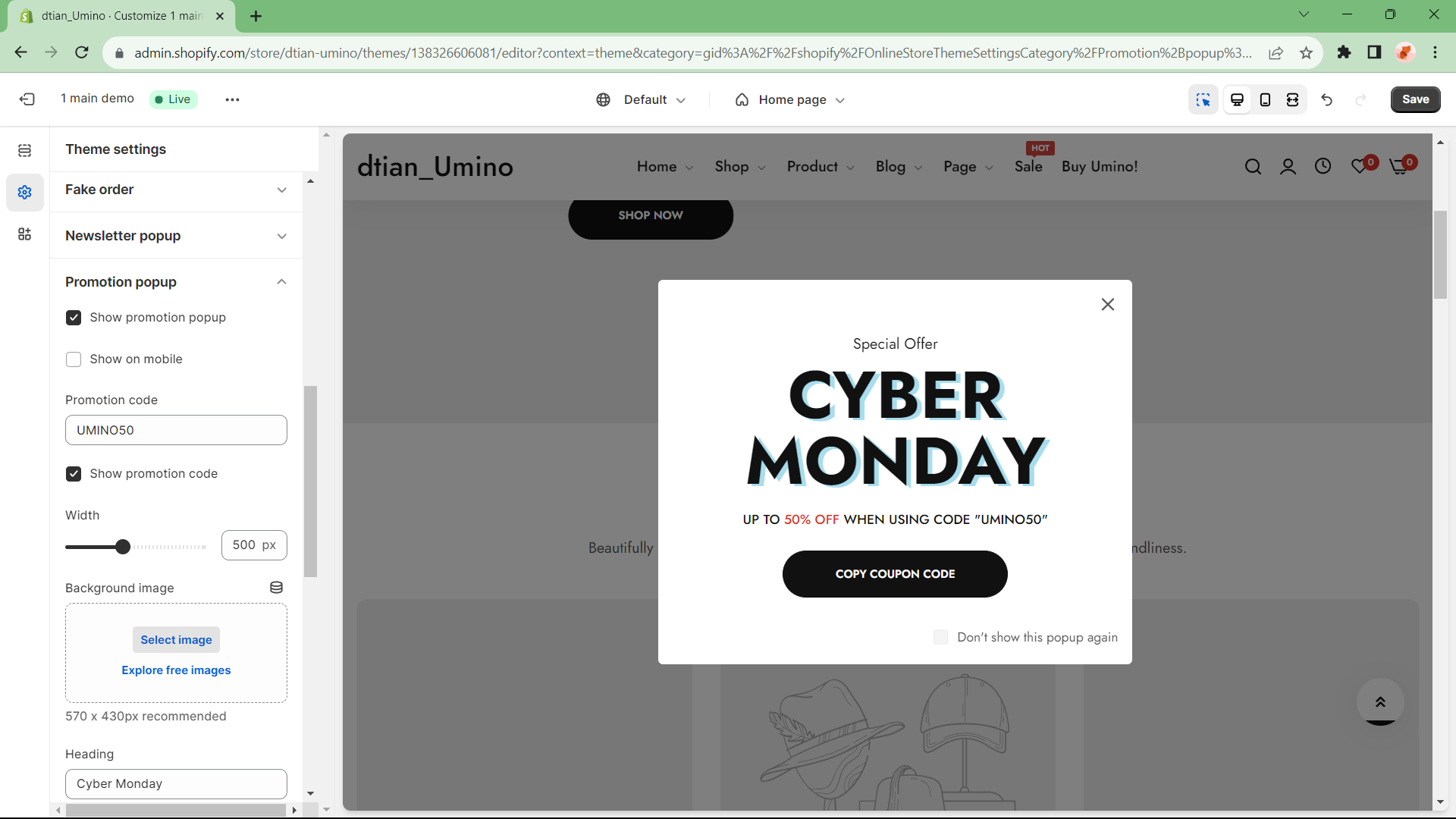
Promotion popup

Written by ThuHuong_FE_NextSky
Last updated
Setup and enable promotion popup
The promotion pop up is an optional section appears when site is loaded to advertise a store promotion.
Step:
From your admin, click to Online store ==> Themes ==> Customize
Click to Theme Setting icon in left menu and select Promotion popup
Adjust setting as you wish and click Save