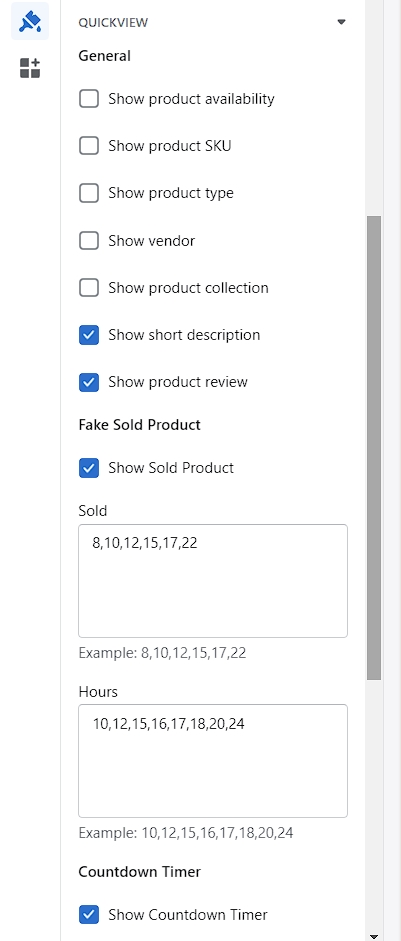
Quickview

Written by ThuHuong_FE_NextSky
Last updated
Create your online store today with Shopify
If you want customers to be able to view your products without having to go to the Product Page, you can enable the Product Quickview option on the Frontpage. This option allows customers to view all of your product details without being redirected to the Product page, reduces time consumption and provides a better shopping experience in your store.
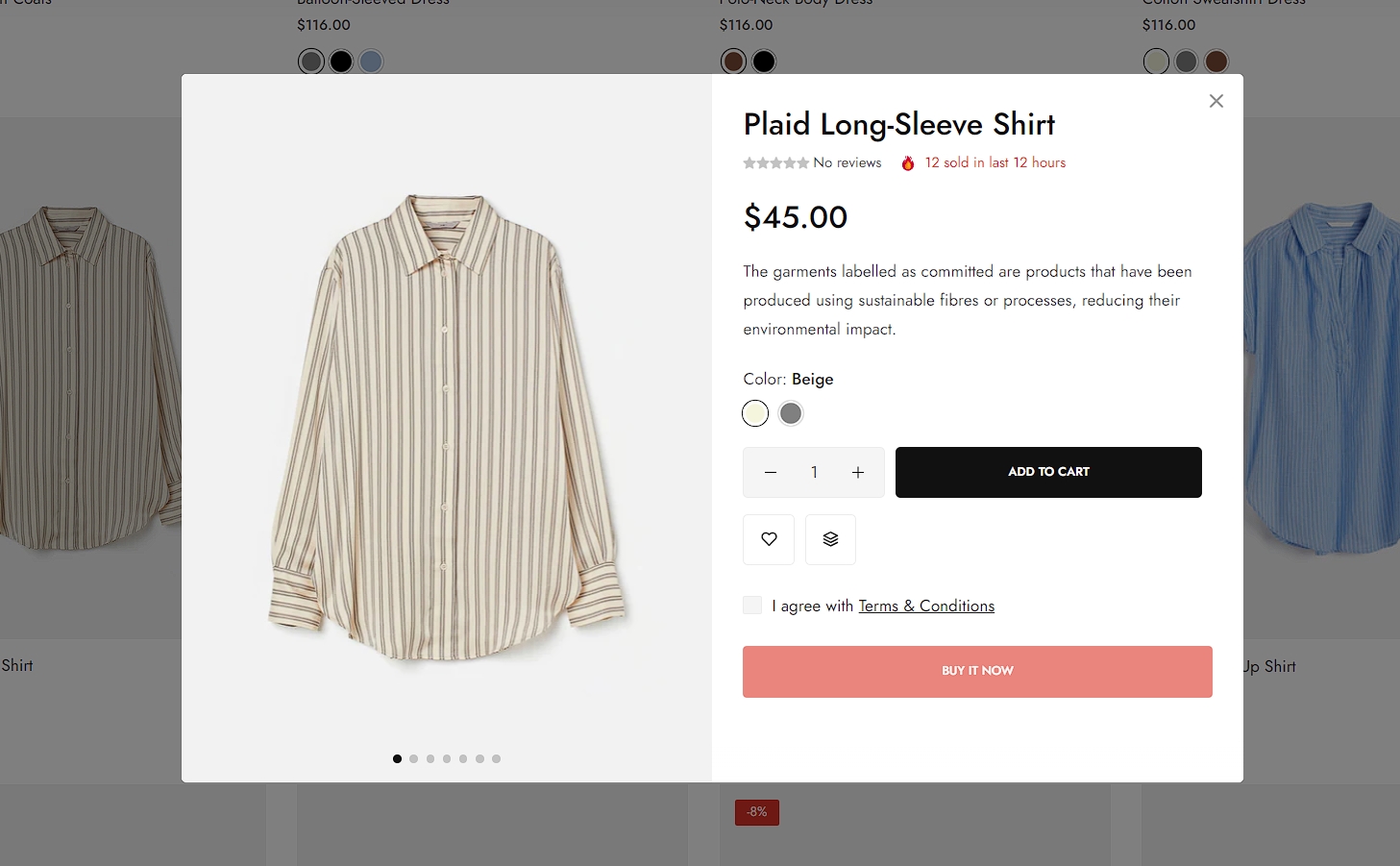
Steps
In the theme editor (Customize), click Theme settings
Locate Quickview
Make necessary changes
Save