- Edit Product Page
- Breadcrumb
- Product Sidebar
- Left Sidebar
- Right sidebar
- Drawer sidebar
- Thumbnails Left
- Thumbnails Right
- Thumbnails bottom
- No Thumbnails
- Grid 1 column
- Grid 2 column
- Inner zoom 1
- Inner zoom 2
- External zoom
- Product summary
- General Option
- Product title
- Short description
- Product Review and Sold
- Product price
- Visitors counter
- Product custom field
- Custom HTML
- Product meta
- Trust badge
- Delivery and Return and Pickup availability
- Product form
- Stock countdown
- Product addons
- Size chart
- Show compare color
- Show Ask a Question
- Show share
- Product swatch
- Product label
- Custom TEXT
- Guarantee safe checkout
- Custom liquid
- More Products Color
- Countdown timer
- Product vendor logo
- Subscriptions
- Tab Review
- Tab Custom
- Setup Frequently Bought Together
- Variant Image Grouped
- Setup Stock notification form
- Setup Product group
- Products recently viewed
- Product recommendations
- Product information tabs
- Tab Description
- Product Description
- Layout 3
- Layout 2
- Layout 1
Product Thumbnails Position

Written by ThuHuong_FE_NextSky
Last updated
In Theme customize, go to the Product page > Default product > Product summary, you guys will see the Product Thumbnails Position option here:
Create your online store today with Shopify
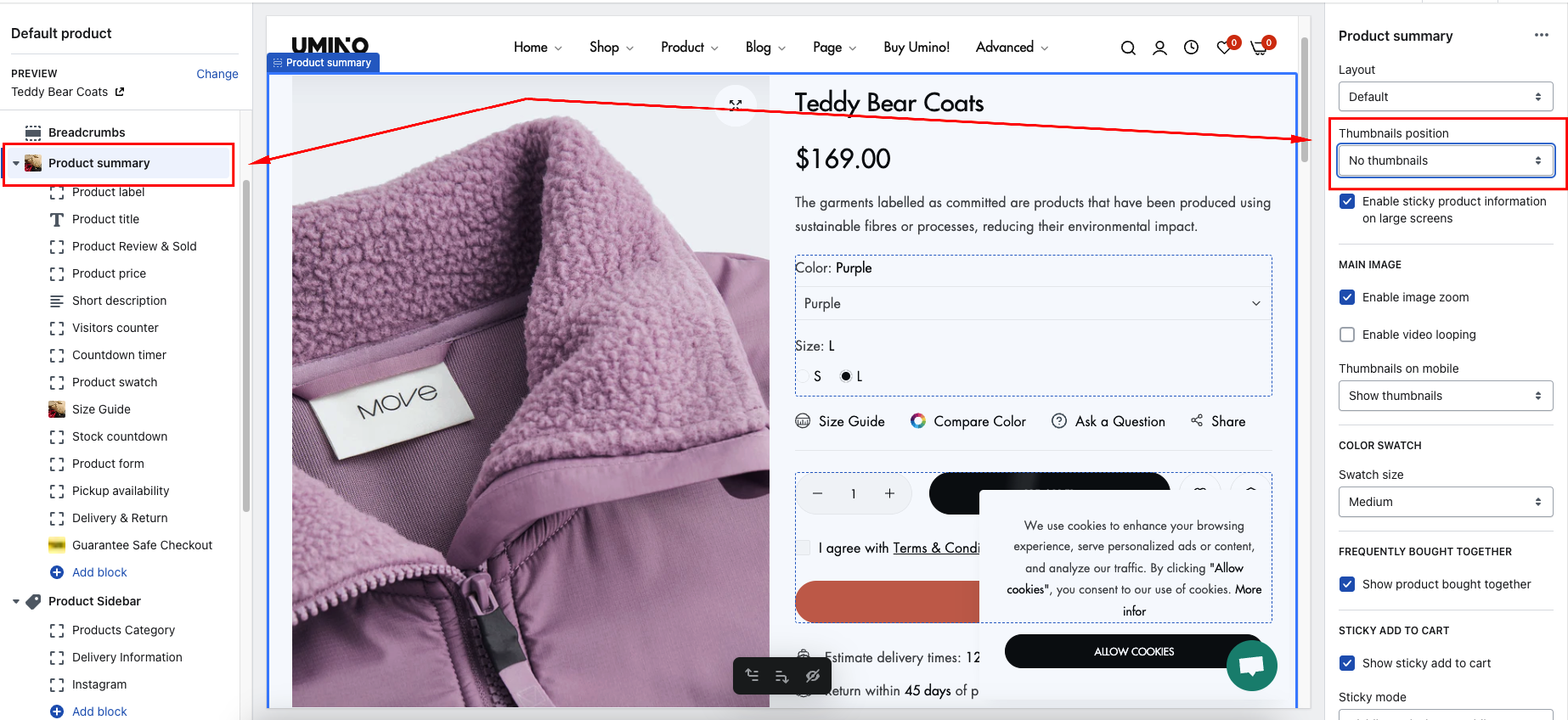
Thumbnails position option
Thumbnails zoom option
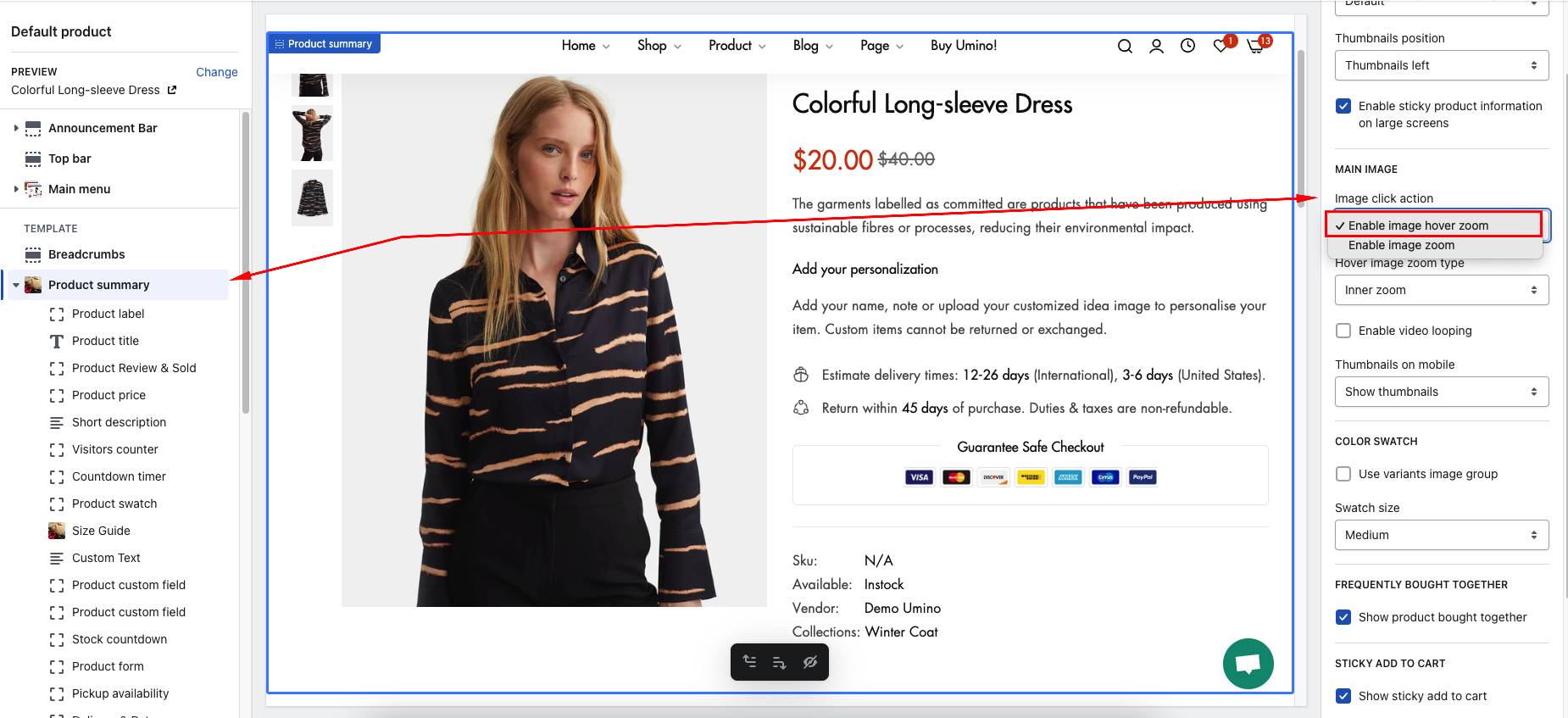
Step 1: Go to the Product page > Default product > Product summary > Image click action > Select Enable image hover zoom
Step 2: In Product Summary > Hover image zoom type > Select option zoom
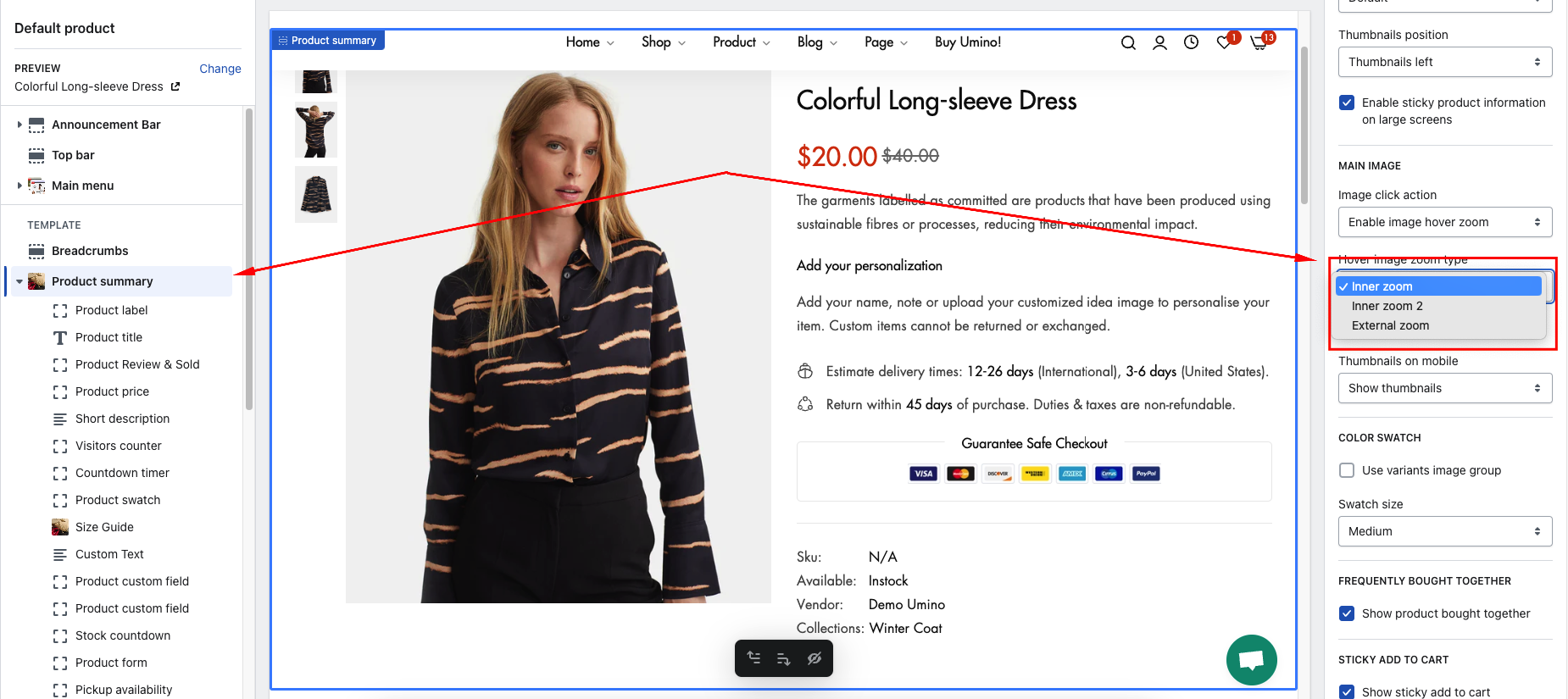
Options zoom:
Thumbnails option mobile
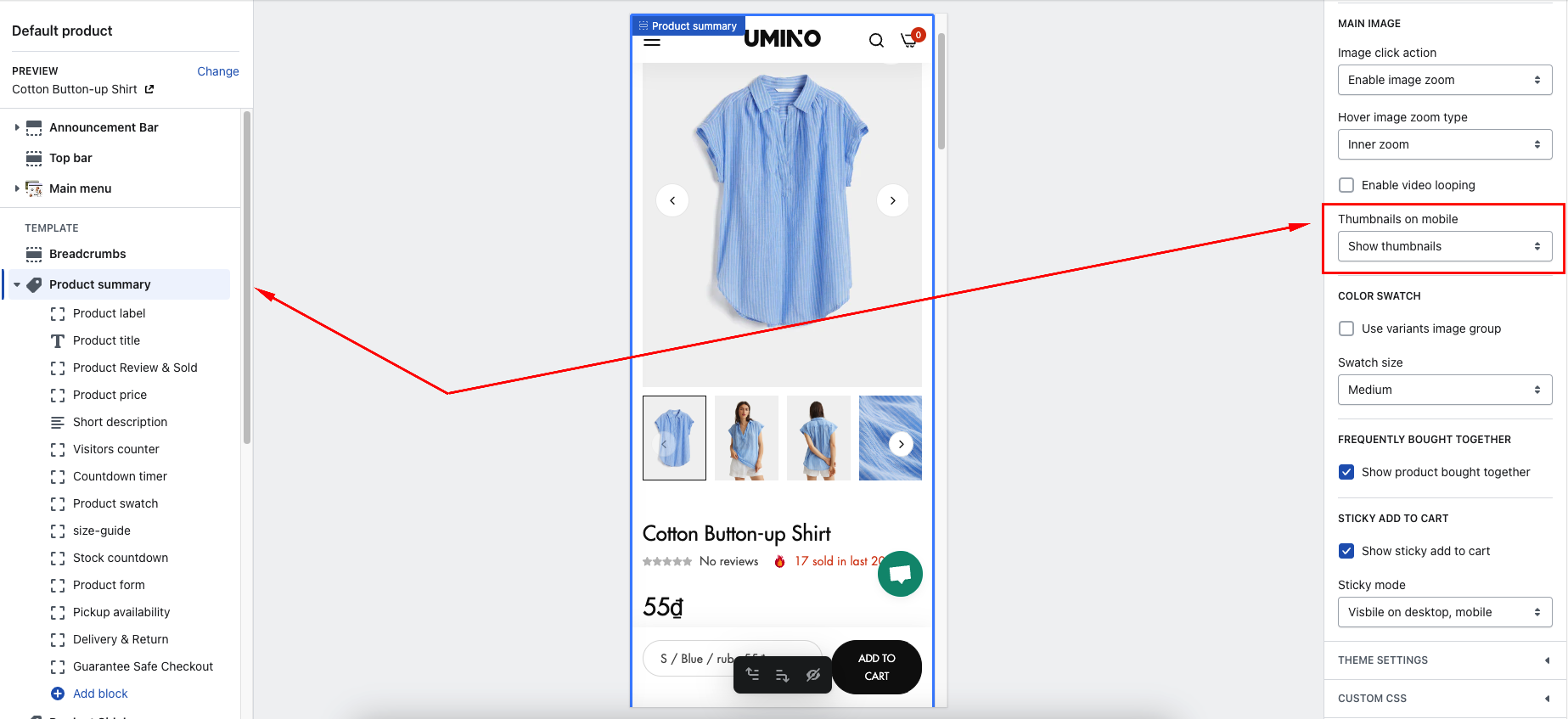
Step : Go to the Product page > Default product > Product summary > Thumbnails on mobile -> Select option show thumbnail or show navigation