- Edit Product Page
- Breadcrumb
- Product Sidebar
- Left Sidebar
- Right sidebar
- Drawer sidebar
- Product Thumbnails Position
- Thumbnails Left
- Thumbnails Right
- Thumbnails bottom
- No Thumbnails
- Grid 1 column
- Grid 2 column
- Inner zoom 1
- Inner zoom 2
- External zoom
- Product summary
- General Option
- Product title
- Short description
- Product Review and Sold
- Product price
- Visitors counter
- Product custom field
- Custom HTML
- Product meta
- Trust badge
- Delivery and Return and Pickup availability
- Product form
- Stock countdown
- Product addons
- Size chart
- Show compare color
- Show Ask a Question
- Show share
- Product swatch
- Product label
- Custom TEXT
- Guarantee safe checkout
- Custom liquid
- More Products Color
- Countdown timer
- Product vendor logo
- Subscriptions
- Tab Review
- Tab Custom
- Setup Frequently Bought Together
- Variant Image Grouped
- Setup Stock notification form
- Setup Product group
- Products recently viewed
- Product information tabs
- Tab Description
- Product Description
- Layout 3
- Layout 2
- Layout 1
Product recommendations

Written by ThuHuong_FE_NextSky
Last updated
Display related products of the current product page
Create your online store today with Shopify
Steps
In the theme editor (Customize), open the template selector
Select Products, then Default product.
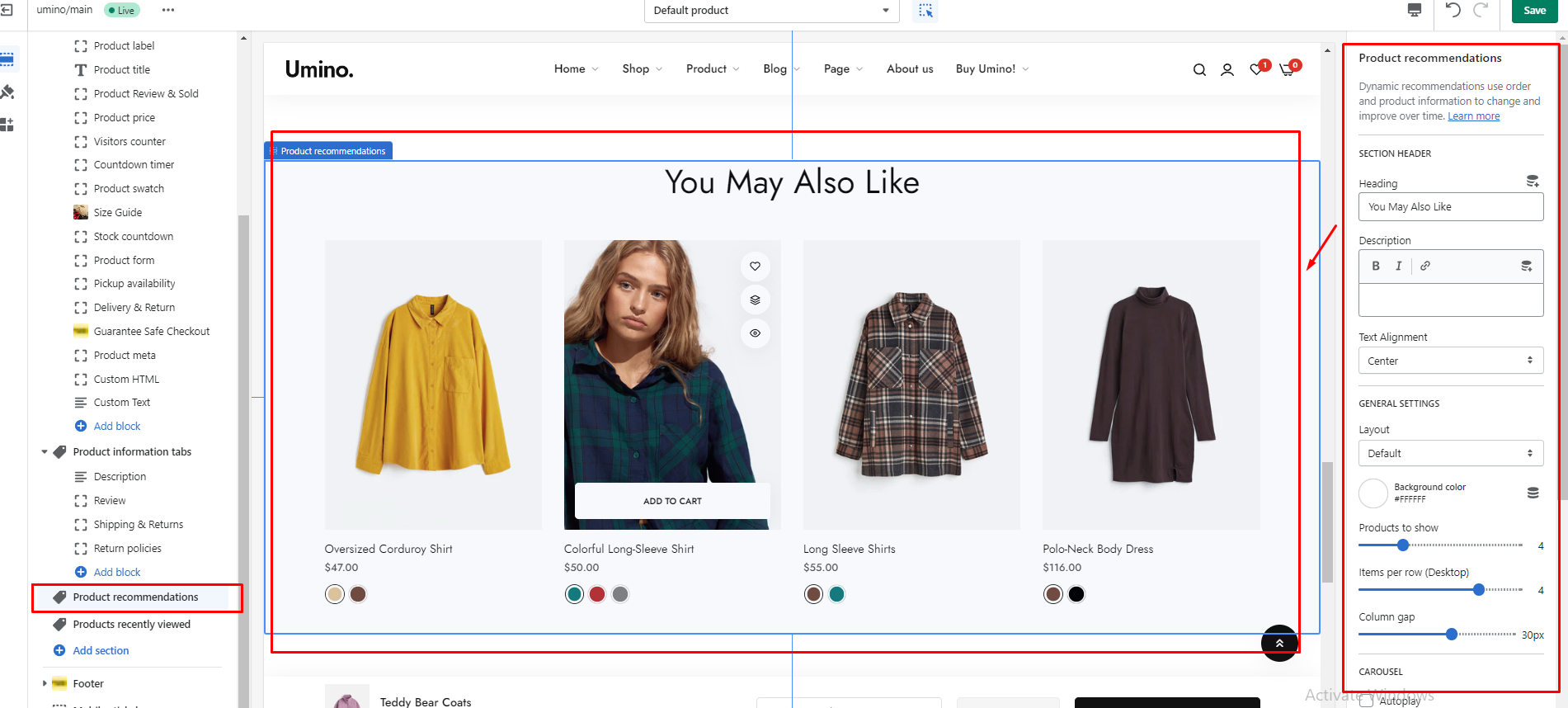
On the left-sidebar, add Product recommendations.
Make necessary changes > Save.
1. Section header and general
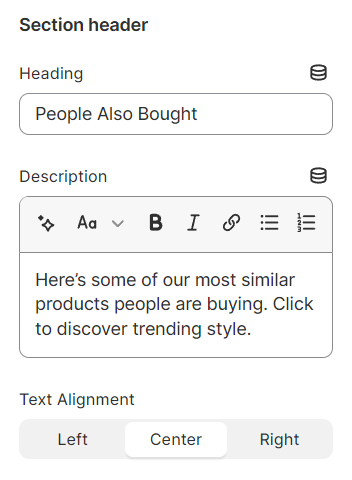
Use the provided text fields to add a suitable heading/subheading/description. Leave any of them blank if you do not want to display them.
Adjust the text alignment (left/center) along with the background color and container type.
2. General settings
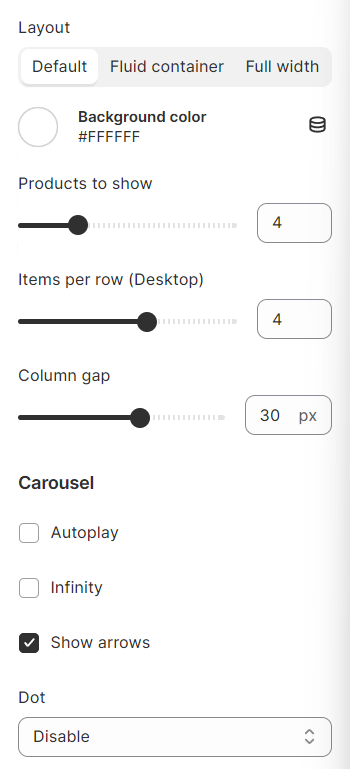
You can choose a Layout among Default, Fluid container, Full width for the banner layout.
Products per row (between 1 and 4), and the column gap (between 0 and 50).
You can also use pagination or navigation.
3. Section padding
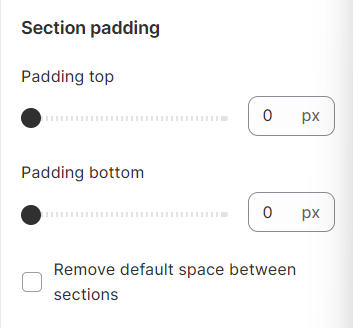
Section padding allows you to specify the space between the slideshow and the preceding or following sections, or both.