

- Edit Product Page
- Breadcrumb
- Product Sidebar
- Left Sidebar
- Right sidebar
- Drawer sidebar
- Product Thumbnails Position
- Thumbnails Left
- Thumbnails Right
- Thumbnails bottom
- No Thumbnails
- Grid 1 column
- Grid 2 column
- Inner zoom 1
- Inner zoom 2
- External zoom
- Product summary
- Product title
- Short description
- Product Review and Sold
- Product price
- Visitors counter
- Product custom field
- Custom HTML
- Product meta
- Trust badge
- Delivery and Return and Pickup availability
- Product form
- Stock countdown
- Product addons
- Size chart
- Show compare color
- Show Ask a Question
- Show share
- Product swatch
- Product label
- Custom TEXT
- Guarantee safe checkout
- Custom liquid
- More Products Color
- Countdown timer
- Product vendor logo
- Subscriptions
- Tab Review
- Tab Custom
- Setup Frequently Bought Together
- Variant Image Grouped
- Setup Stock notification form
- Setup Product group
- Products recently viewed
- Product recommendations
- Product information tabs
- Tab Description
- Product Description
- Layout 3
- Layout 2
- Layout 1
General Option

Written by ThuHuong_FE_NextSky
Last updated
Create your online store today with Shopify
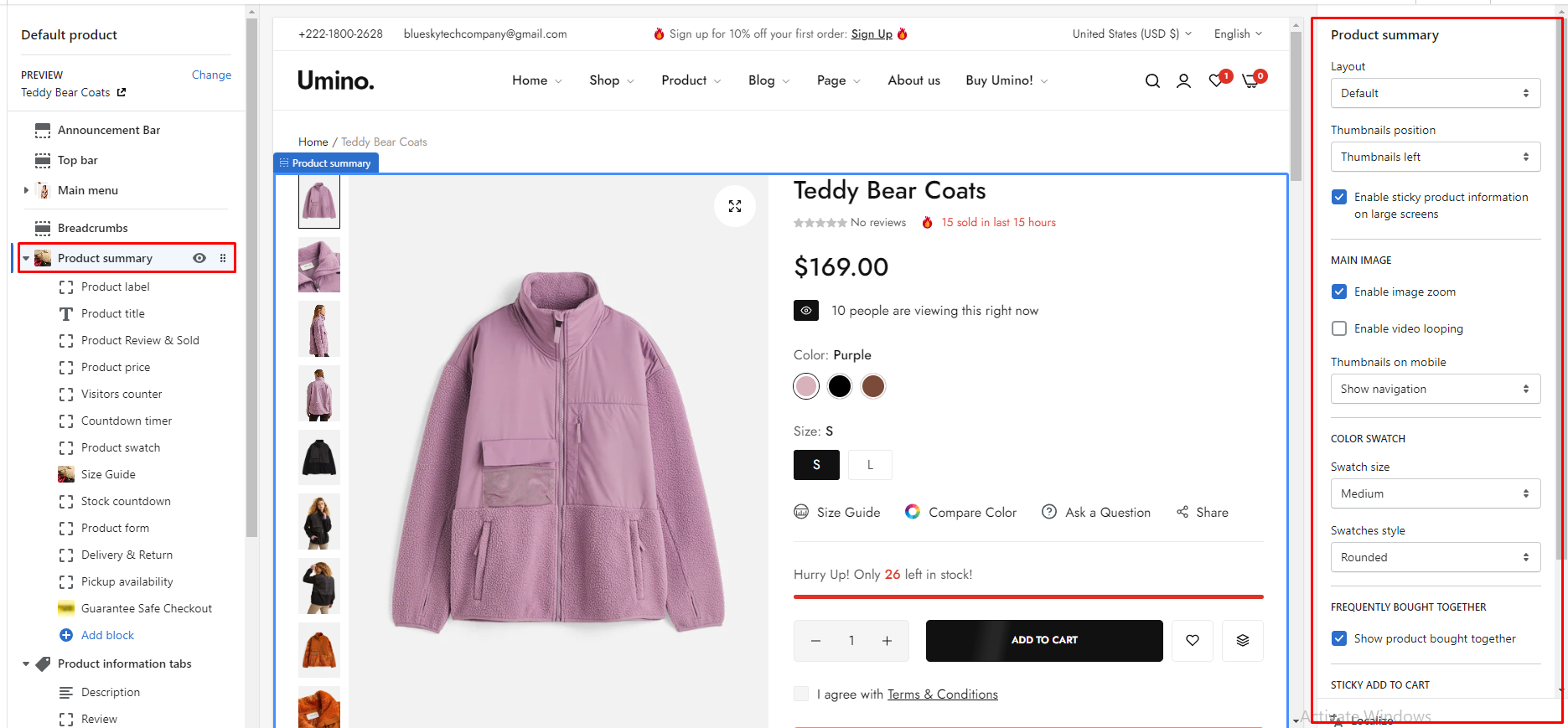
Layout: You can choose your container type for the product list as:
Default
Fluid container
Full width
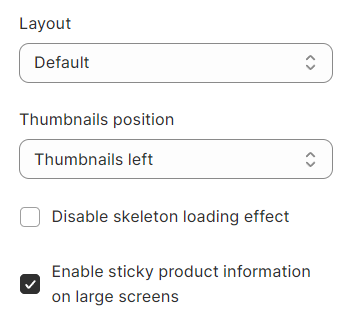
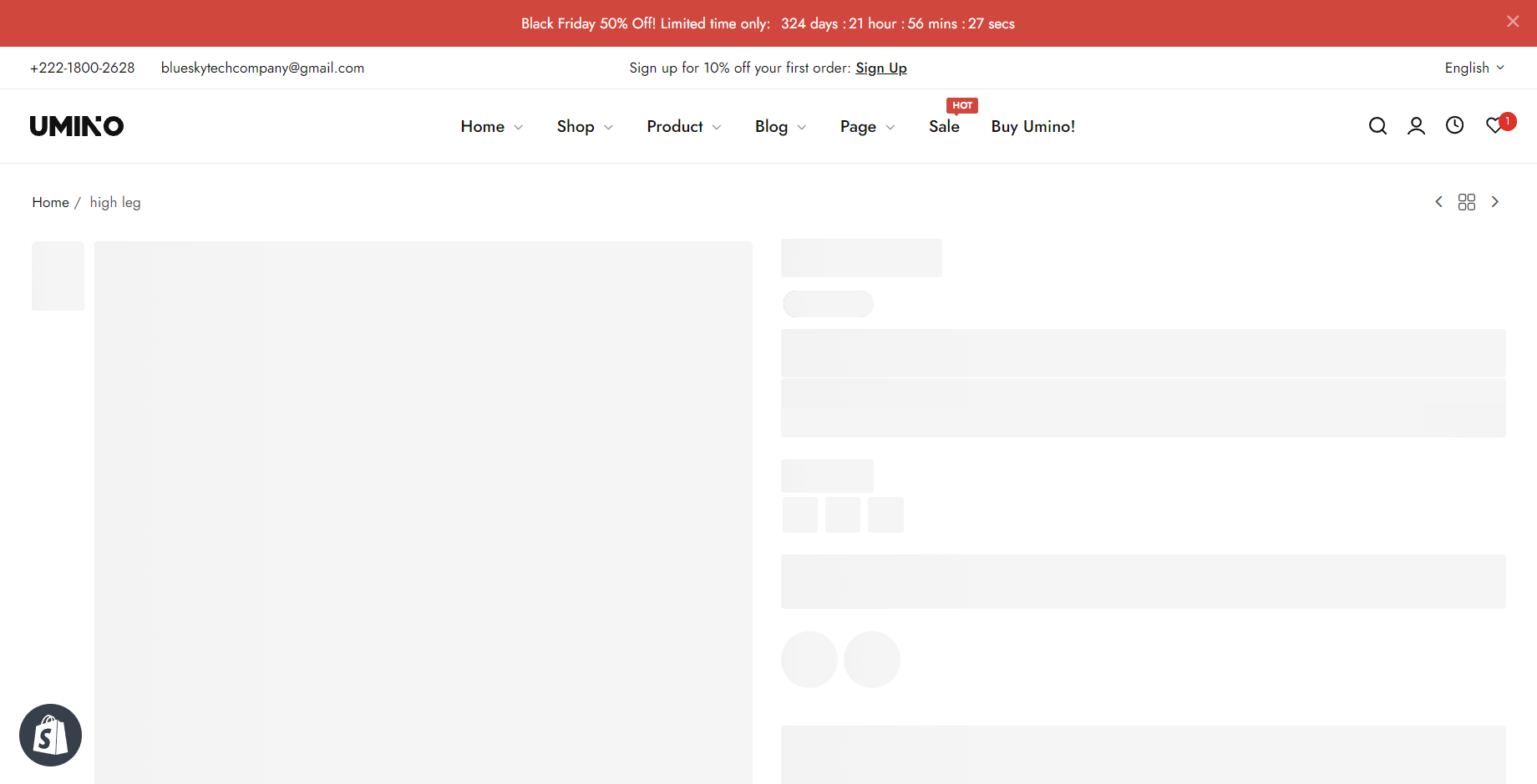
Disable skeleton loading effect: Tick on this checkbox to disable skeleton loading effect.
Enable sticky product information on large screens: Tick on this checkbox to enable sticky product information on large screens.
Thumbnails position: you can choose one of the configs
Thumbnails left
Thumbnails right
Thumbnails bottom
No thumbnails
Grid (1 column)
Grid (2 column)
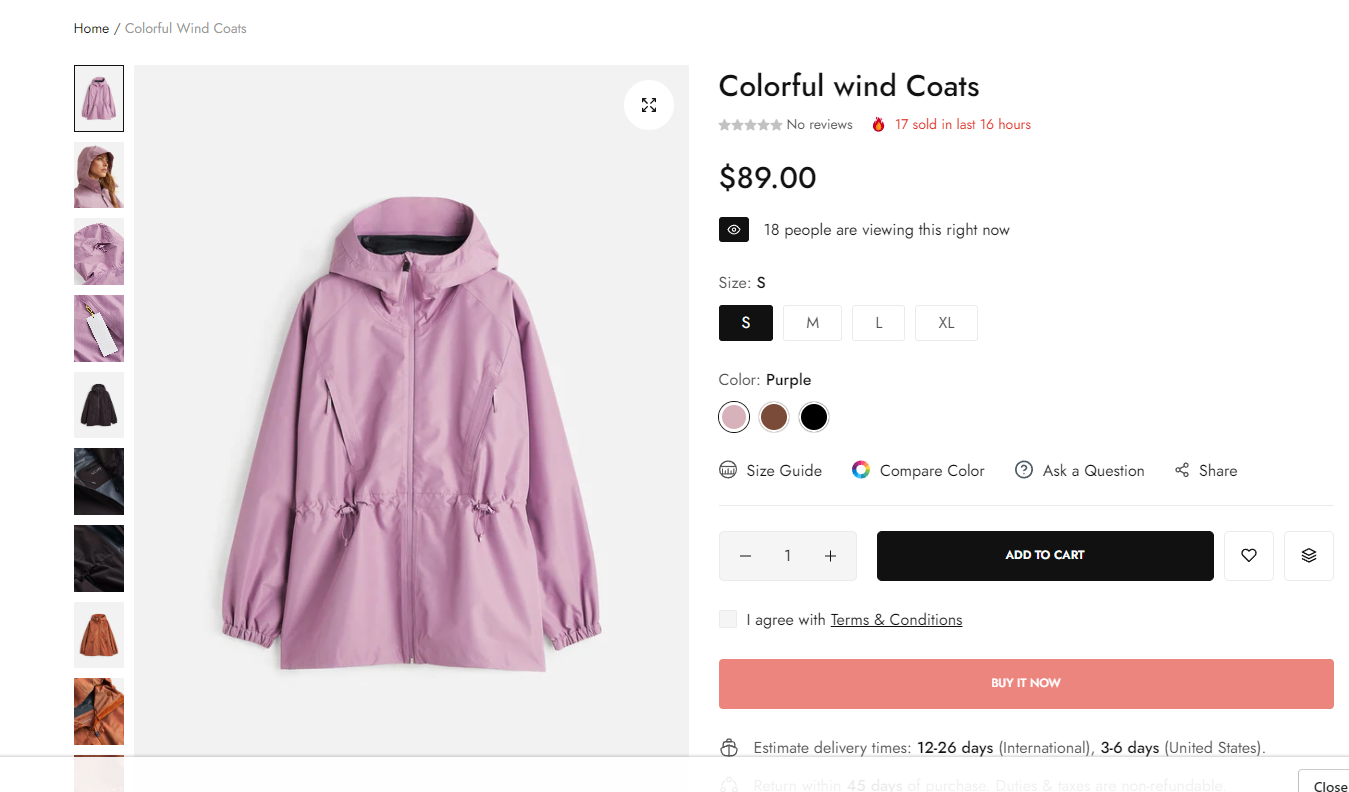
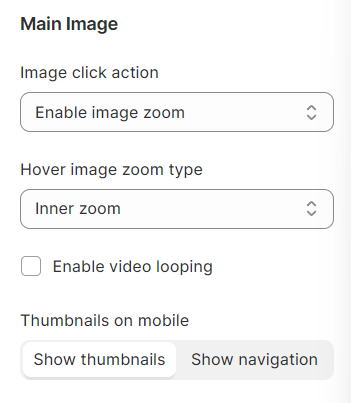
Enable image zoom: Tick on this checkbox to enable show a popup when clicking on the image.
Enable video looping: Tick on this checkbox to enable video looping (when your product media has a video).
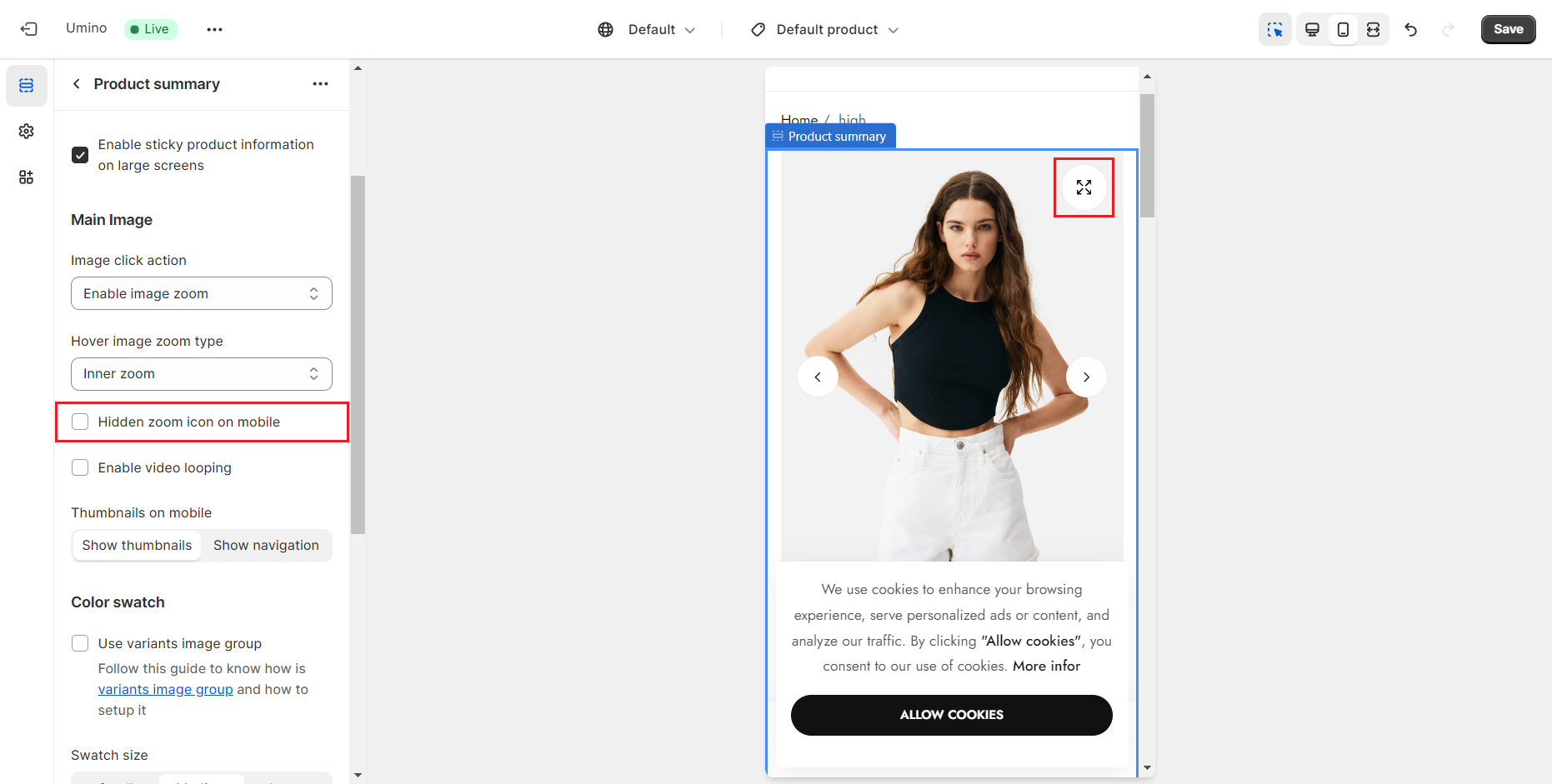
Hidden zoom icon on mobile: enable this to hide the zoom icon on mobile devices.
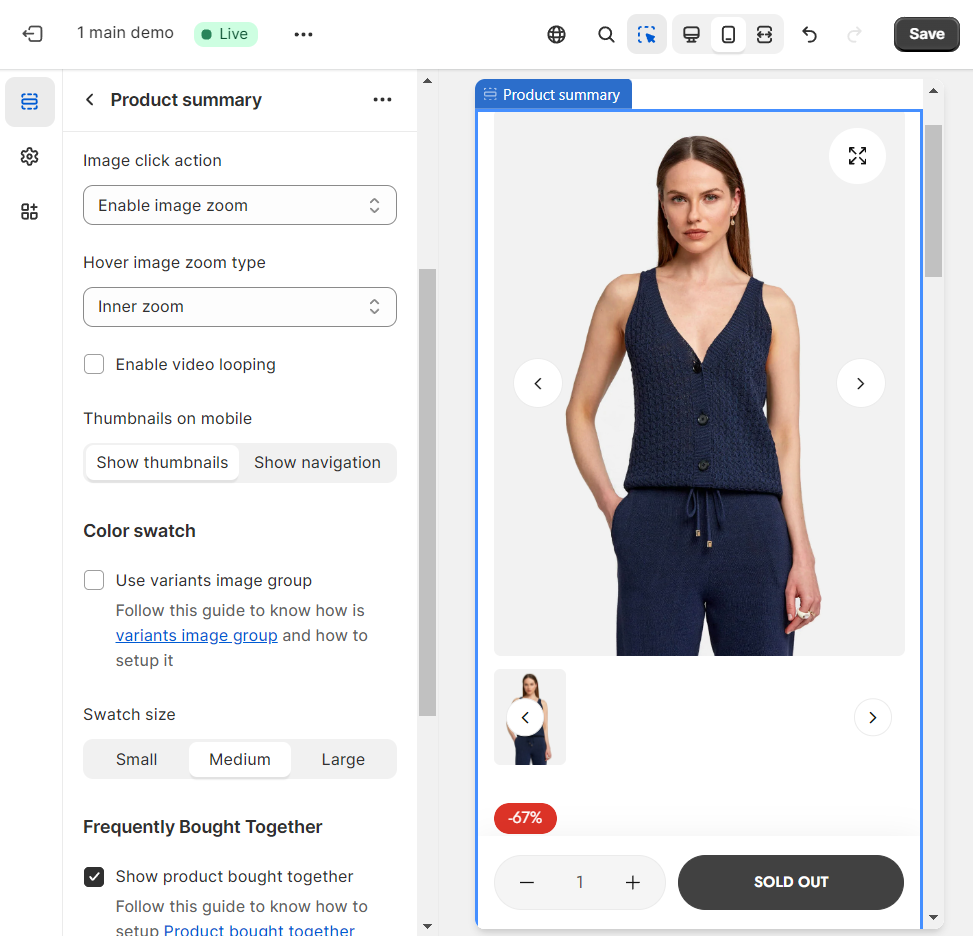
Thumbnails on mobile: Tick this checkbox to choose how to display thumbnails on mobile devices.
Show thumbnails
Show navigation
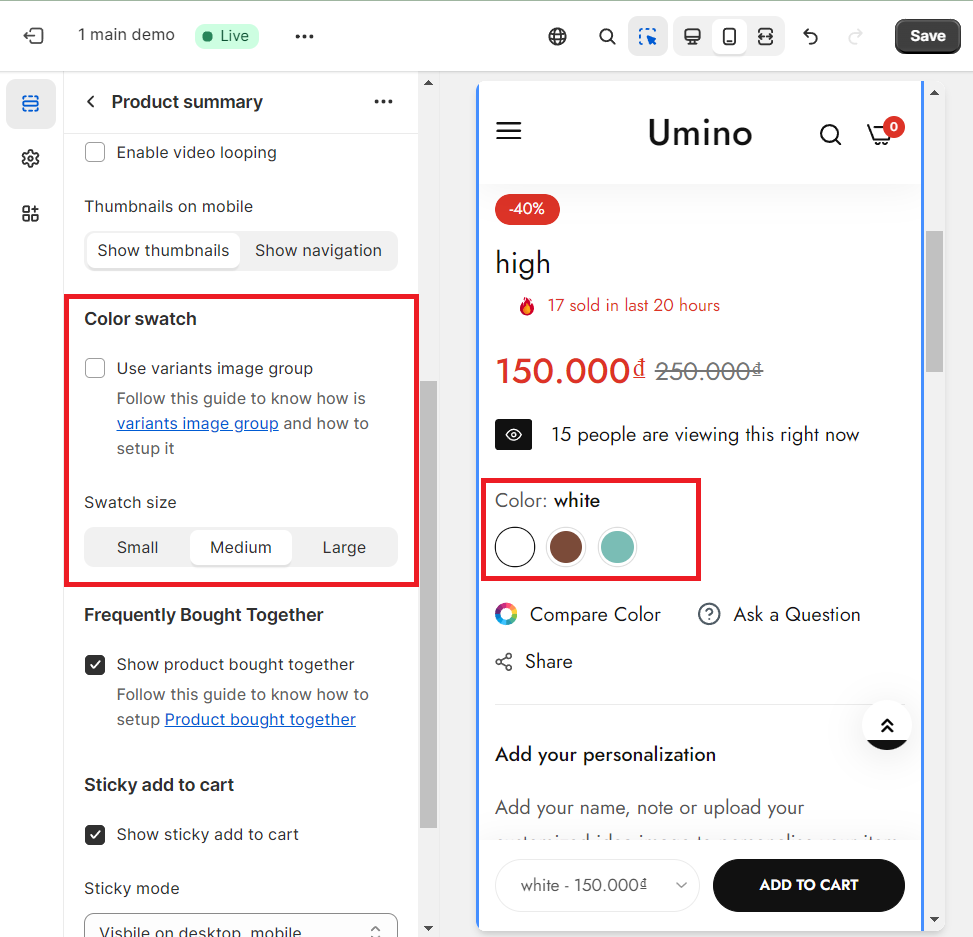
Color swatch: This option allows you to choose the display style, the size
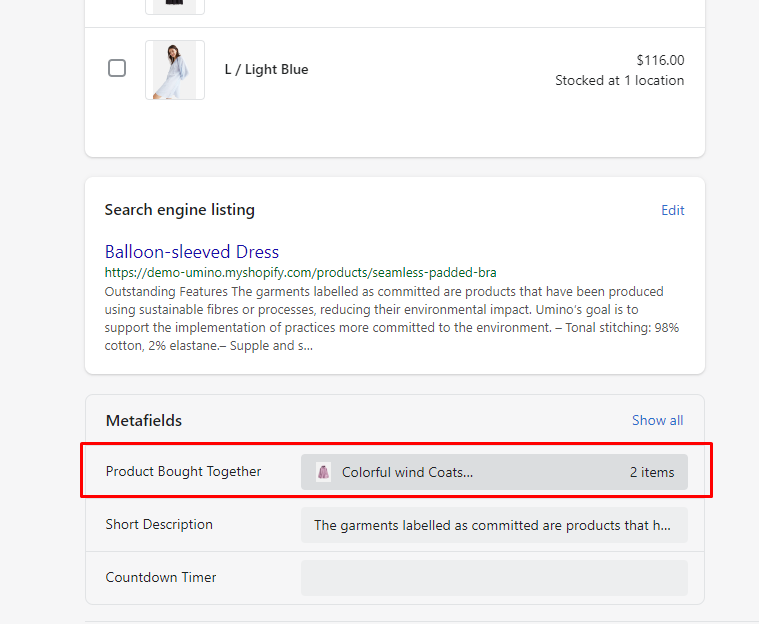
Show product bought together: This option will show product bought together. You can change it please click Products -> Select product that you want to change -> Metafields -> select Product Bought Together
Sticky add to cart: This option allows you to display the sticky add to cart
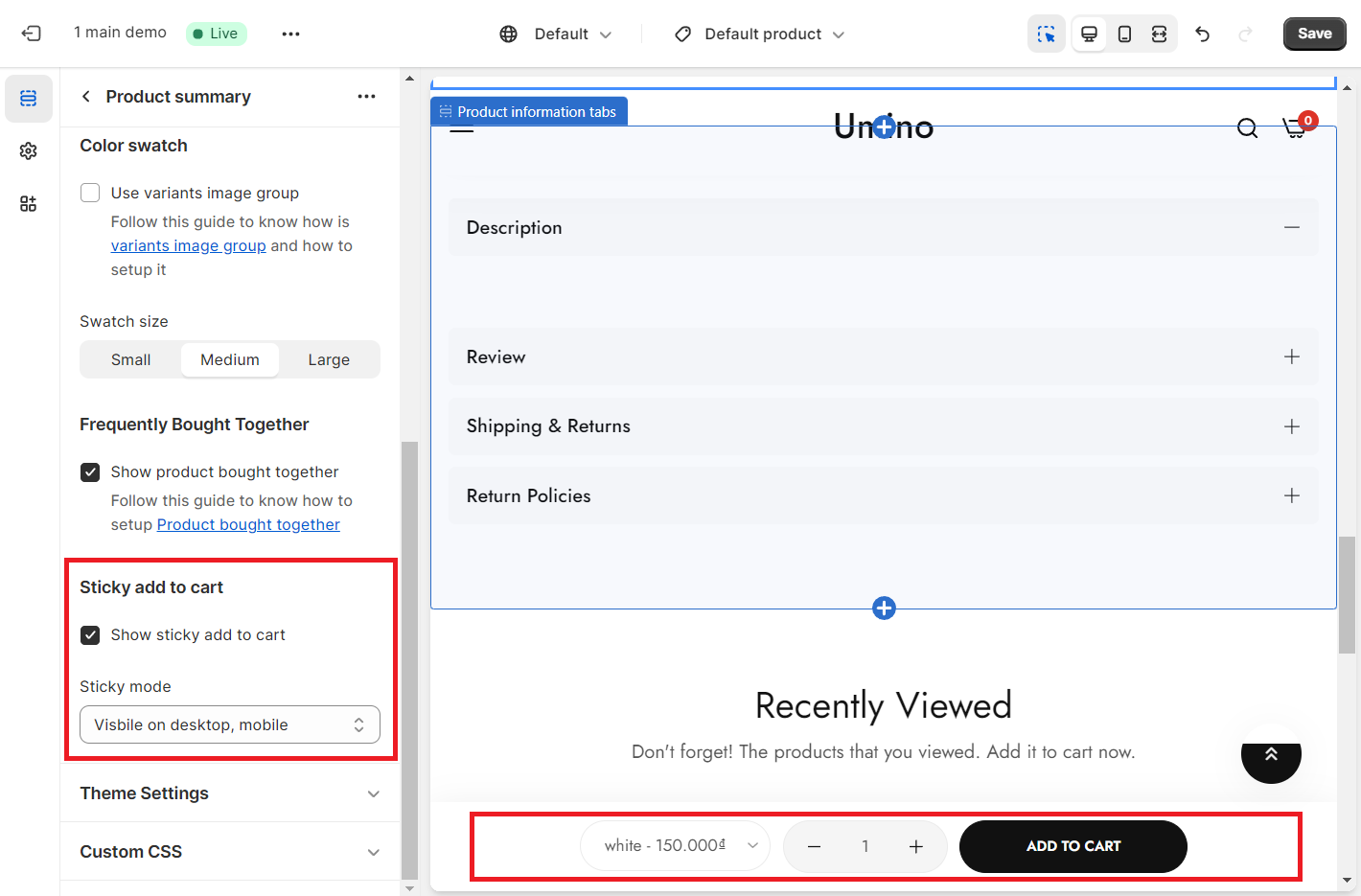
Sticky mode: You can choose a mode for the Sticky Add To Cart button here. We have 2 modes: Only visible desktop and Visible on desktop, mobile